If you have tried dozens of ChatGPT prompts and found that most of them produce vague, generic output, you are not alone. I tested over 300 prompts across real business workflows, client projects, content pipelines, and daily-life tasks — then cut the list to the 150 that consistently pulled their weight.
This article is a hands-on review, not a generic roundup. Every prompt here was evaluated on five criteria — clarity, usefulness, speed, adaptability, and repeatability — using GPT-4o as the primary model, with spot-checks on Claude, Gemini, and Microsoft Copilot.
What you get: 150 copy-and-paste prompt templates organized by real outcomes (operations, marketing, sales, productivity, life admin, learning, editing), plus customization notes, honest watch-outs, and a section on prompts that failed.
Who this is for: US-based small business owners, founders, freelancers, consultants, marketers, creators, and busy professionals.
What makes this different: A review angle. Not just which prompts exist, but which ones actually worked, why they worked, and where they fell short.
TL;DR — Quick Answer
This collection of 150 tested prompt templates is organized by business outcome and reviewed from firsthand use — not scraped from a prompt database.
You will find ready-to-use prompts for business operations (SOPs, meeting notes, delegation), marketing (content briefs, email sequences, social repurposing), sales and research (personas, objections, competitive analysis), productivity (weekly planning, overwhelm reduction, decision support), life admin (meal planning, difficult conversations, personal routines), learning (explain simply, teach-back, first principles), and editing (clarity, tone, structure).
Each prompt includes a “best for” note, customization guidance, and where relevant, a watch-out for common pitfalls including hallucination risk and privacy considerations.
Quick Picks — Best Prompts by Outcome
Before diving into all 150, here are the prompts readers come back to most:
| Use Case | Top Prompt | Section |
|---|---|---|
| Work operations | SOP Generator (#1) | Business Operations |
| Marketing | Social Repurposing Engine (#32) | Marketing & Content |
| Sales & research | Buyer Persona Builder (#61) | Sales & Research |
| Productivity | Weekly Planning Reset (#81) | Productivity |
| Life admin | Difficult Conversation Prep (#102) | Life Admin |
| Learning | Teach-Back Verifier (#122) | Learning |
| Editing | Clarity Sharpener (#136) | Editing |
Why Most ChatGPT Prompt Lists Don’t Actually Help
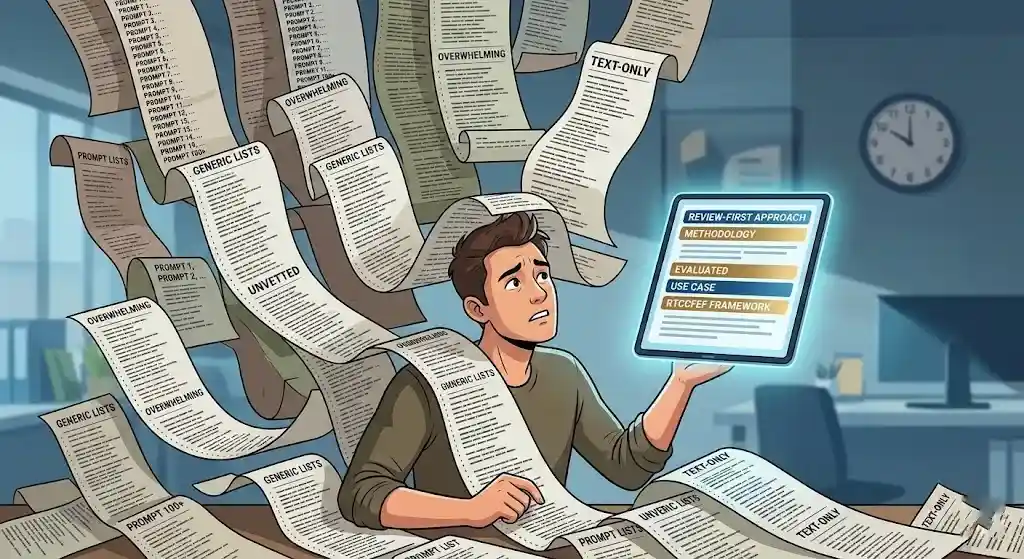
The internet does not lack prompts. It lacks evaluated prompts.
A flat list of 100 prompts with no context, no judgment, and no annotation is a wall of text, not a resource. The most common problems:
- Too vague. “Write a marketing plan” gives ChatGPT nothing to anchor on — and it shows in the output.
- No context. A prompt that works for a SaaS company does not transfer cleanly to a local services business.
- No review. Nobody tells you which prompts actually cut time, which ones needed three drafts to become usable, and which ones quietly failed.
- Flat structure. Prompts for generating a meal plan and prompts for rewriting a sales page need different levels of explanation. Treating them identically wastes the reader’s attention.
The difference between a generic prompt and a strong one is specificity. Role, context, constraints, and format turn a generative AI input from “whatever ChatGPT guesses” into “what you actually need.”
This article takes a review-first approach because that is the gap. You do not need more prompts. You need fewer, better-evaluated prompts with the context to put them to work.
How I Tested These Prompts — Methodology
Testing summary: 300+ prompts tested → 150 selected. Primary model: GPT-4o. Cross-checked on Claude, Gemini, and Microsoft Copilot. Evaluated across real business workflows, content projects, and daily-life tasks. Scored on 5 criteria. Prompts that scored ≥ 4/5 made the final list. Prompts that scored lower are included in the
underperformed section with honest notes.
Workflows tested:
- SOP drafting, meeting summaries, and vendor evaluations for a 12-person services team
- Blog briefs, email campaigns, and social repurposing for B2B and B2C content
- Weekly planning, priority sorting, and calendar audits for personal productivity
- Meal planning, travel itineraries, and conversation prep for daily life
- Editing and rewriting across blog posts, client reports, and internal documentation
Scoring criteria:
| Criterion | What It Measures |
|---|---|
| Clarity | Did the output make sense on the first read? |
| Usefulness | Could it be used as-is or with only light editing? |
| Speed | Did it save meaningful time vs. doing the task manually? |
| Adaptability | Could the prompt be reused with small tweaks? |
| Repeatability | Did it produce consistent quality across multiple uses? |
What I did not measure: I did not run formal time-tracking experiments. When I say a prompt is “fast” or “saves time,” that reflects practical experience, not a controlled study. I also did not measure revenue impact — any financial framing in this article is qualitative.
Privacy note: Several prompts reference pasting internal data (meeting notes, customer feedback, financial information). Before using any prompt with sensitive business data, review OpenAI’s data handling policies and your organization’s AI-use guidelines.
What Makes a Good ChatGPT Prompt?
Most prompting advice stops at “be specific.” That is true but unhelpful. Here is a practical framework you can apply to every prompt in this article — and to any prompt you write yourself.
The RTCCFEF Framework
| Component | Role | Example |
|---|---|---|
| R — Role | Sets the expertise level | “Act as a senior operations manager” |
| T — Task | States the specific output you need | “Create a standard operating procedure” |
| C — Context | Gives background the AI needs | “For a 10-person agency that uses Asana” |
| C — Constraints | Sets limits and quality bars | “Under 500 words. Bullet points.” |
| F — Format | Specifies structure | “Numbered checklist with headers” |
| E — Examples | Shows what good looks like | “Here is a sample SOP: [paste]” |
| F — Follow-up | Builds in iteration | “After generating, ask me 3 clarifying questions” |
Not every prompt needs all seven. But the prompts that scored highest in my testing almost always used at least three or four.
Before vs. After — A Real Example
This is the single biggest information gain I can share: the difference a well-structured prompt makes on the same task.
Before (vague prompt):
“Write a marketing email.”
Output: A 250-word block of generic copy. No brand, no audience, no offer. Would require a full rewrite.
After (structured prompt):
“Act as a direct-response copywriter. Write a 150-word email promoting a 20% off spring sale for an online pet supply store. Target audience: dog owners aged 30–50. Tone: warm, slightly playful. Include one clear CTA. Subject line options: give me 3.”
Output: Three subject lines, a tight 140-word body with a clear CTA and brand-appropriate tone. Only needed a minor tweak to the closing line. Ready to test in under 5 minutes.
The second prompt took 30 seconds longer to write than the first. The output was ten times more usable.
Another Before vs. After — Meeting Notes
Before:
“Summarize my meeting notes.”
Output: A three-paragraph Wall of Text™. No action items. No owners. No structure.
After:
“Summarize these meeting notes into: (1) Key decisions made, (2) Action items with owners and deadlines, (3) Open questions, (4) Parking lot items. Flag anything that sounds like a commitment.”
Output: Four clean sections. Action items mapped to names. Missed one deadline reference because the original notes were ambiguous — but flagged it as “unclear deadline.”
Takeaway: The framework is more important than any individual prompt. Once you understand role + task + context + constraints, you can write effective prompts for anything.
30 ChatGPT Prompts for Business Operations
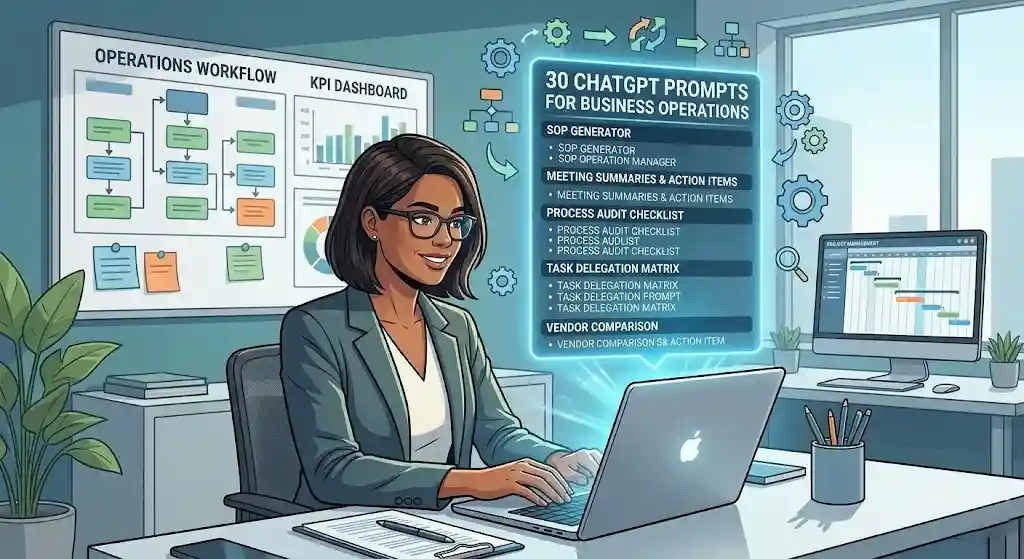
These prompts cover the operational backbone of running a business — SOPs, meeting summaries, delegation, decision memos, process audits, and task triage. Built for founders, operators, and team leads who need faster structured output.
Hero Prompt 1: SOP Generator
Best for: Small business owners and team leads who need to document repeatable processes.
Copy-paste prompt:
Act as a senior operations consultant. Create a detailed standard operating procedure (SOP) for [process name] at [company type]. Include: purpose, scope, roles involved, step-by-step instructions, tools used, common mistakes, and a quality checklist. Format with headers, numbered steps, and a summary box at the top. Keep the language clear enough for a new hire to follow without additional training.
Why it works: The role (operations consultant) sets expertise level. The detailed inclusion list prevents a skeleton output. “New hire clarity” forces plain language.
Customize this: Replace [process name] and [company type]. Add your actual tools. Paste an existing SOP as an example for format calibration.
Watch-outs: ChatGPT may invent steps that do not match your real workflow. Review with the person who actually does the process. Avoid pasting proprietary operational data without reviewing your organization’s data policies.
Still in weekly use: Yes. This is one of the prompts I return to most often — roughly once a week for a new or updated process doc.
Hero Prompt 2: Meeting Summary with Action Items
Best for: Managers and consultants who sit in 4+ meetings per day.
Copy-paste prompt:
I am going to paste the transcript (or my raw notes) from a meeting. Summarize it in this format: (1) Key decisions made, (2) Action items with owners and deadlines, (3) Open questions, (4) Parking lot items. Keep bullet points concise. Flag anything that sounds like a commitment or a deadline. Here are my notes: [paste notes]
Why it works: The four-part structure forces organized output. “Flag commitments” catches things you might miss in a manual scan.
Customize this: Adjust sections for your meeting culture. Add “tone: professional, suitable for email distribution” if you share summaries.
Watch-outs: Garbage in, garbage out — messy notes produce messy summaries. ChatGPT may assign tasks to the wrong person if names are ambiguous. The tool Loom can be useful for recording async video updates that reduce meeting load.
Hero Prompt 3: Decision Memo Drafter
Best for: Founders and executives documenting decisions for stakeholders or future reference.
Copy-paste prompt:
Act as a chief of staff. Draft a one-page decision memo for the following decision: [describe the decision]. Include: background context, options considered (at least 3), pros and cons of each, recommended option with rationale, risks, and next steps. Format with clear headers. Tone: professional, concise, suitable for a board or leadership audience.
Why it works: “At least 3 options” prevents one-sided output. The “chief of staff” role targets executive-level framing.
Customize this: Add budget ranges, timelines, or team constraints to get more grounded options.
Watch-outs: ChatGPT will fabricate plausible-sounding data for pros and cons. Fact-check any financial projections, market data, or legal claims independently.
Hero Prompt 4: Process Audit Checklist
Best for: Operations managers identifying bottlenecks in an existing workflow.
Copy-paste prompt:
Act as a process improvement consultant. I am going to describe a business process. Audit it and produce: (1) A step-by-step map of the current process, (2) Identified bottlenecks or redundancies, (3) Suggested improvements with estimated impact (low/medium/high), (4) A prioritized action list. Here is the process: [describe your workflow].
Why it works: Four-part output gives structured analysis, not vague advice. Impact levels force ranking.
Customize this: Include headcount, tools used, and typical timeline.
Watch-outs: “Estimated impact” is qualitative — ChatGPT is not measuring your actual throughput. Use its suggestions as discussion starters.
Hero Prompt 5: Task Triage and Delegation Matrix
Best for: Founders overwhelmed by a long task list who need to quickly sort priorities.
Copy-paste prompt:
Act as a productivity consultant. I am going to give you my current task list. Sort each task into one of four categories: (1) Do Now — high urgency + high importance, (2) Delegate — important but someone else can handle it, (3) Schedule — important but not urgent, (4) Drop or Defer — low impact. For each task, give a one-sentence rationale. Here is my list: [paste tasks].
Why it works: Eisenhower-style matrix plus rationale forces justified placement, which makes you more likely to trust or adjust the output.
Customize this: Add “I am a solopreneur with no team” (changes delegation advice) or “My biggest priority this quarter is revenue growth” (changes urgency).
Watch-outs: ChatGPT does not know your actual deadlines or stakeholder expectations. Its triage is a draft, not a final plan.
Remaining 25 Business Operations Prompts (Compact Format):
- Vendor Comparison Table — Best for: Procurement decisions. Prompt: “Create a comparison table for [3 vendors] across: price, features, support, integration options, contract terms. Add a ‘best for’ recommendation.” Quick note: Paste actual vendor details for accuracy.
- Client Onboarding Checklist — Best for: Service businesses. Prompt: “Create a client onboarding checklist for [business type]. Include pre-kickoff tasks, first-week deliverables, communication setup, and a 30-day check-in plan.” Quick note: Customize timeline for your industry.
- Weekly Team Update Email — Best for: Managers. Prompt: “Draft a weekly team update: wins this week, priorities next week, blockers, one team shoutout. Tone: positive but direct. Under 200 words.” Quick note: Paste raw bullets for best results.
- Risk Assessment Brief — Best for: Project managers. Prompt: “Identify the top 5 risks for [project]. For each: risk, likelihood (low/med/high), potential impact, mitigation strategy.” Quick note: Validate likelihood with domain data.
- Job Description Writer — Best for: Hiring managers. Prompt: “Write a job description for [role] at [company type]. Include responsibilities, required skills, nice-to-haves, compensation placeholder, culture summary. Tone: professional, welcoming.” Quick note: Remove placeholders before posting.
- Performance Review Draft — Best for: Managers writing reviews. Prompt: “Draft a performance review for [role]. Strengths: [list]. Areas for growth: [list]. Include specific language and 2–3 development goals.” Quick note: Never use AI output as-is for HR docs — personalize.
- Internal FAQ Generator — Best for: Reducing recurring questions. Prompt: “Based on these common questions: [paste], create an internal FAQ with clear answers. Group by topic.” Quick note: Review for policy accuracy.
- Project Brief Template — Best for: Agencies, internal teams. Prompt: “Create a project brief for [project type]. Include: objective, scope, stakeholders, timeline, deliverables, budget placeholder, success metrics, risks.” Quick note: Adapt fields to your PM tool.
- Quarterly Planning Facilitator — Best for: Small teams planning the next 90 days. Prompt: “Act as a strategic planning facilitator. Based on these goals: [paste], create a 90-day plan with 3 priorities, supporting initiatives, milestones, and owners.” Quick note: Best when you include last quarter’s results.
- Contract Review Checklist — Best for: Non-lawyers reviewing agreements. Prompt: “Create a 15-point checklist for reviewing a [type] contract. Cover payment terms, termination, liability, IP, confidentiality, auto-renewal.” Quick note: Not legal advice — always consult an attorney.
- Expense Policy Draft — Best for: Growing teams. Prompt: “Draft an expense report policy for [company size]. Cover eligible expenses, approval workflow, receipts, reimbursement timeline, exceptions.” Quick note: Customize thresholds.
- Change Management Communication — Best for: Rolling out new tools or processes. Prompt: “Draft an internal announcement for [change]. Cover what, why, impact, timeline, contact for questions. Tone: transparent, empathetic.” Quick note: Have a team lead review tone.
- Board Update Summary — Best for: Startup founders. Prompt: “Draft a board update: key metrics, wins, challenges, cash position placeholder, hiring, strategic priorities. Executive summary style, under 500 words.” Quick note: Never put real financials into ChatGPT without data policy review.
- Workflow Automation Finder — Best for: Ops managers looking for automation opportunities. Prompt: “Review these recurring tasks: [paste]. Identify which could be automated with tools like Zapier, Make, or AI. Suggest a specific approach for each.” Quick note: Validate tool compatibility.
- Customer Complaint Response — Best for: Support teams, small business owners. Prompt: “Write 3 response templates for [list complaints]. Tone: empathetic, solution-oriented. Include apology, explanation, next-step offer.” Quick note: Personalize before sending.
- Retrospective Facilitator — Best for: Agile teams. Prompt: “Based on these retro notes: [paste], summarize what went well, what didn’t, 3 actionable improvements with owners.” Quick note: Works for async retros too.
- Partnership Evaluation Framework — Best for: Business development. Prompt: “Create a partnership evaluation framework. Criteria: strategic fit, revenue potential, risk, resources, cultural alignment. Format as scoring rubric.” Quick note: Customize weights.
- KPI Dashboard Summary — Best for: Weekly/monthly reports. Prompt: “Based on these KPIs: [paste data], write a narrative highlighting trends, anomalies, wins, areas needing attention. Audience: leadership.” Quick note: Add benchmarks for richer analysis.
- Offboarding Checklist — Best for: HR. Prompt: “Create an employee offboarding checklist for [company type]. IT access removal, knowledge transfer, exit interview, final payroll, equipment return.” Quick note: Cross-reference with legal requirements.
- Escalation Procedure — Best for: Customer support. Prompt: “Write an escalation procedure for [issue type]. Trigger criteria, escalation levels, response timeframes, responsible parties, communication templates.” Quick note: Align with your SLAs.
- Reorder Point Calculator — Best for: E-commerce. Prompt: “Create a reorder point template for [product type]. Safety stock formula, lead time variables, seasonal adjustment decision table.” Quick note: Verify formulas with supply chain data.
- Daily Standup Template — Best for: Remote teams. Prompt: “Create a standup template: done yesterday, doing today, blockers. Add a team health quick-check. Format for Slack or Teams.” Quick note: Rotate health questions weekly.
- Knowledge Base Article — Best for: Self-serve documentation. Prompt: “Write an internal KB article on [topic]. Summary, step-by-step, screenshot placeholders, troubleshooting, related articles. Audience: non-technical.” Quick note: Add real screenshots after generating.
- Budget Proposal Outline — Best for: Department heads requesting funding. Prompt: “Create a budget proposal for [initiative]. Executive summary, itemized costs, expected ROI, timeline, risks, alternative scenarios (low/mid/high).” Quick note: Populate with real numbers — using QuickBooks or your accounting tool as source.
- Cross-Department Handoff Protocol — Best for: Teams with recurring handoff friction. Prompt: “Design a handoff protocol between [dept A] and [dept B] for [process]. Trigger points, required info, responsible parties, SLAs, feedback loop.” Quick note: Co-create with both departments.
30 Best ChatGPT Prompts for Marketing and Content
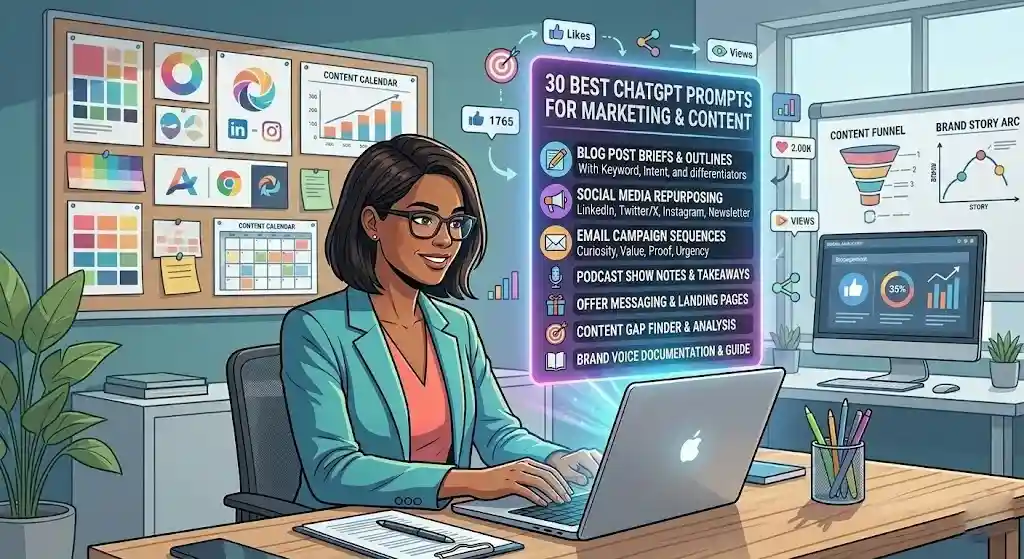
These prompts cover content briefs, social repurposing, email campaigns, offer messaging, brand voice, and content research. Tested across B2B and B2C contexts for founders, marketers, and content creators who need production-quality drafts faster.
Hero Prompt 1: Blog Post Brief Generator
Best for: Content marketers who need clear, detailed briefs before writing or assigning an article.
Copy-paste prompt:
Act as a senior content strategist. Create a detailed blog post brief for an article titled “[title]” targeting the keyword “[keyword].” Include: target audience, search intent, angle/hook, H2 and H3 outline, key points to cover, internal link suggestions (placeholders), CTA recommendation, tone guidance, word count target, and 3 competitive differentiators. Format with headers.
Why it works: The strategist role elevates output past a skeleton outline. Requesting “competitive differentiators” pushes the brief beyond what typical AI-generated outlines include.
Customize this: Add brand voice notes, existing content URLs, and specific subtopics.
Watch-outs: ChatGPT cannot analyze live SERP data. Use keyword research tools alongside this prompt.
Hero Prompt 2: Social Media Repurposing Engine
Best for: Creators and marketers who publish long-form and need platform-specific social posts without writing each from scratch.
Copy-paste prompt:
I am going to paste a blog post. Repurpose it into: (1) a LinkedIn post (hook + insight + CTA, under 250 words), (2) a Twitter/X thread (5–7 tweets, punchy opener), (3) two Instagram caption options (casual, relatable), (4) one email newsletter intro paragraph. Adapt tone for each platform. Here is the post: [paste content]
Why it works: Platform-specific constraints eliminate generic cross-posting. Four distinct content types from one input.
Customize this: Add or remove platforms. Include “brand voice: [describe]” for consistency.
Watch-outs: LinkedIn output may default to generic thought-leader voice — edit the hook to sound like you.
Still in weekly use: Yes. I run this on every blog post I publish. It saves roughly 45 minutes per piece compared to writing each social version manually.
Hero Prompt 3: Email Campaign Sequence
Best for: Small business owners and course creators building launch, onboarding, or nurture email sequences.
Copy-paste prompt:
Act as a direct-response email copywriter. Write a 5-email sequence for [goal, e.g., “launching a new online course on productivity”]. Target audience: [describe]. For each email: subject line (2 options), preview text, body copy (under 200 words), CTA, send timing. Tone: [specify]. Sequence arc: curiosity → value → social proof → urgency → last chance.
Why it works: The “sequence arc” gives a narrative structure preventing five emails that sound identical. Dual subject lines increase A/B testing potential.
Customize this: Adjust email count, arc, and tone. Add a product URL or specific offer.
Watch-outs: AI email copy often lacks authentic voice. Read each email aloud — rewrite anything that does not sound like you.
Hero Prompt 4: Brand Voice Documentation
Best for: Teams who want to codify their voice so AI outputs (and team writing) stay consistent.
Copy-paste prompt:
Act as a brand strategist. Based on the following sample content from our brand: [paste 3–5 samples], create a brand voice guide. Include: voice attributes (3–5 adjectives with definitions), tone variations by context (website, email, social, support), do’s and don’ts with examples, sentence structure preferences, vocabulary to use/avoid, and a “sounds like us / doesn’t” comparison.
Why it works: Using your own writing as input means the output reflects your actual voice. The comparison section is especially useful for onboarding writers.
Customize this: Include different content types in samples for a more complete profile.
Watch-outs: Quality depends on sample quality. Inconsistent existing content produces an inconsistent guide.
Hero Prompt 5: Content Gap Finder
Best for: SEO-focused founders and content strategists looking for topics their competitors cover that they haven’t.
Copy-paste prompt:
Act as an SEO content analyst. My niche: [describe]. Topics I cover: [paste or list]. Based on common subtopics and search intent patterns, identify 15 content gaps — topics my audience searches for that I haven’t addressed. For each: title, probable intent, estimated difficulty (easy/medium/hard).
Why it works: Draws on broad training data about common subtopics. Difficulty estimates are directional but useful for prioritization.
Customize this: List actual published articles.
Watch-outs: No real-time search data — cross-reference with Ahrefs, Semrush, or similar tools. Some gaps may not have meaningful volume.
Remaining 25 Marketing Prompts (Compact Format):
- Offer Messaging Framework — Best for: Clarifying value proposition. Prompt: “Write 3 offer messages for [product/service]. Each leads with a different angle: pain point, outcome, comparison. Under 50 words each.” Quick note: A/B test all three.
- Landing Page Headlines — Best for: A/B testing. Prompt: “Give me 10 headline options for [product]. Formulas: benefit, curiosity, social proof, urgency. Audience: [describe].” Quick note: Pick top 3, test with real traffic.
- Case Study Outline — Best for: B2B marketers. Prompt: “Case study outline for [client result]. Structure: challenge, solution, implementation, results, testimonial placeholder, CTA.” Quick note: Fill in real data after generating.
- Content Calendar — Best for: Solo marketers. Prompt: “4-week content calendar for [brand/niche]. Blog, social (LinkedIn, Instagram), email, one video idea per week. Theme each week.” Quick note: Adjust platforms to your channels.
- Meta Description Writer — Best for: SEO managers. Prompt: “3 meta descriptions for ‘[title]’ targeting ‘[keyword].’ Under 155 characters each, include keyword naturally, entice a click.” Quick note: A/B test.
- Blog Intro Rewriter — Best for: Strong content with weak openings. Prompt: “Rewrite this intro to hook the reader: [paste]. Strong opening — observation, stat, or question. Under 80 words.” Quick note: Try 2–3 variations.
- Social Proof Compiler — Best for: Testimonial pages. Prompt: “Organize these customer feedback snippets into themed groups: [paste]. Suggest headlines, pick strongest quotes per group.” Quick note: Always get permission before publishing.
- Product Description — Best for: E-commerce, SaaS. Prompt: “Product description for [product]. Lead with primary benefit, 3 features with benefit explanations, CTA. Tone: [specify]. Under 150 words.” Quick note: Add specs separately.
- Newsletter Ideas — Best for: Creators building email audiences. Prompt: “12 newsletter topics for [niche]. Specific angles, not broad categories. One-sentence hook for each.” Quick note: Align with upcoming promotions.
- Ad Copy Variants — Best for: PPC and social advertising. Prompt: “5 ad copy variants for [product/offer]. Platform: [specify]. Under [character limit]. Hook, value prop, CTA. Tones: direct, playful, urgent.” Quick note: Match ad copy to landing page.
- Webinar Promo Email — Best for: Event promotion. Prompt: “Promo email for free webinar on [topic]. Subject line, 3 takeaways, speaker credibility, CTA, urgency. Under 200 words.” Quick note: Send reminder sequence.
- Podcast Show Notes — Best for: Podcasters. Prompt: “Show notes for ‘[title].’ 2–3 sentence summary, topics with timestamp placeholders, guest bio placeholder, links.” Quick note: Add real timestamps.
- Win-Back Email Sequence — Best for: E-commerce, subscriptions. Prompt: “3-email win-back for customers inactive 90 days. Friendly, not desperate. Special offer in email 2, ‘last chance’ in email 3.” Quick note: Segment by purchase history.
- Pricing Page Copy — Best for: SaaS, services. Prompt: “Pricing page for [product] with [2–4 tiers]. Each: name, tagline, feature list (5–7), ideal user, CTA text. Add FAQ addressing pricing objections.” Quick note: Test layouts.
- Press Release — Best for: Launches, milestones. Prompt: “Press release for [announcement]. Headline, subheadline, dateline, lead (5Ws), 2 body paragraphs, quote from [name, title], boilerplate.” Quick note: Customize the quote heavily.
- Brand Story Framework — Best for: About pages. Prompt: “Brand story for [company]. Structure: origin, problem witnessed, mission, how we solve, vision. Tone: authentic, not salesy.” Quick note: Start with personal truth.
- Competitor Content Analysis — Best for: Content strategy. Prompt: “Analyze this competitor’s content: [paste/describe]. Topics covered, angle, misses, how I could write something more useful.” Quick note: Summarize, don’t paste full competitor articles.
- Video Script — Best for: Short-form creators. Prompt: “60-second video script on [topic]. Hook (3s), problem, solution, proof, CTA. Platform: [specify].” Quick note: Adjust for your delivery pace.
- Affiliate Review Framework — Best for: Affiliate marketers. Prompt: “Review outline for [product]. Intro+verdict, who it’s for, features, pros/cons, pricing, alternatives, recommendation.” Quick note: Only review products you’ve genuinely used.
- Thought Leadership Post — Best for: LinkedIn. Prompt: “LinkedIn post with contrarian insight on [topic]. Bold opener, observation, personal experience, takeaway. Confident, not arrogant. Under 200 words.” Quick note: Add your real experience.
- Infographic Content — Best for: Visual content marketing. Prompt: “Text for infographic on [topic]. Headline, 5–7 data points with labels, key takeaway, sources.” Quick note: Verify all stats — ChatGPT may fabricate data.
- SEO FAQ Section — Best for: Bloggers. Prompt: “6-question FAQ for an article about [topic]. Concise answers (2–3 sentences), natural language, relevant terms.” Quick note: Align with PAA data.
- Seasonal Campaign Brainstorm — Best for: Retail, e-commerce. Prompt: “8 campaign ideas for [brand type] for [season]. Theme, tagline, channel, secondary format, differentiator.” Quick note: Plan 6–8 weeks out.
- Testimonial Request Email — Best for: Service businesses. Prompt: “Short email asking a client for a testimonial. 3 guiding questions. Tone: grateful, low-pressure.” Quick note: Send within 2 weeks of project completion.
- Content Audit Summary — Best for: Content managers. Prompt: “Based on this post list with traffic notes: [paste], categorize each as update, keep, consolidate, or retire. One-line recommendation each.” Quick note: Add actual traffic data.
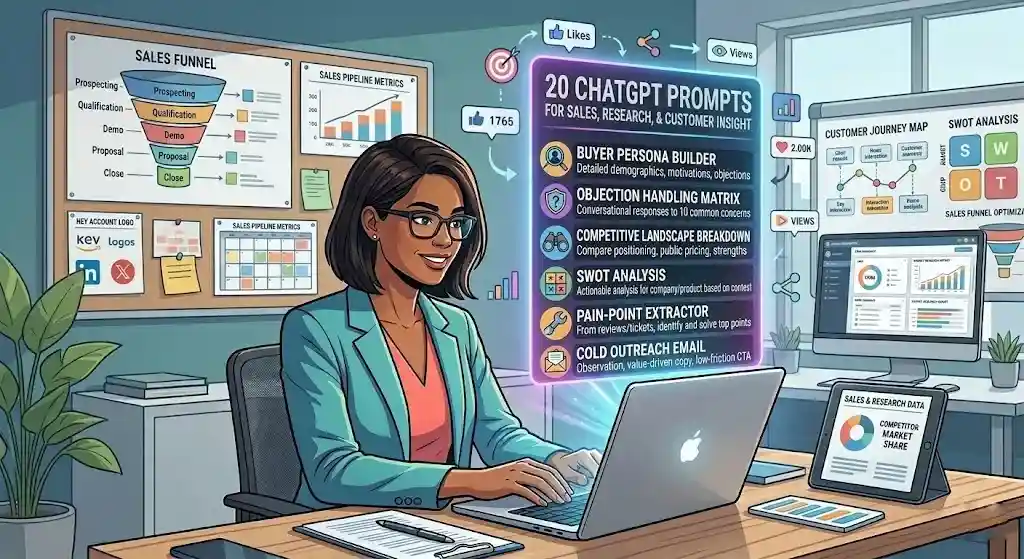
20 ChatGPT Prompts for Sales, Research, and Customer Insight
These prompts cover buyer personas, objection handling, competitive analysis, SWOT, pain-point extraction, and sales email framing. Designed for sales teams, founders, and anyone who needs sharper market understanding. If you also use AI for research tasks, consider pairing these with a dedicated research tool — our Perplexity review covers its strengths for real-time sourced research.
Hero Prompt 1: Buyer Persona Builder
Best for: Founders and marketers who need actionable personas, not vague demographic snapshots.
Copy-paste prompt:
Act as a market research analyst. Create a detailed buyer persona for [product/service]. Include: demographics, psychographics, daily frustrations, goals, objections to buying, preferred content formats, where they spend time online, decision triggers, and a “day in the life” narrative. Base on typical patterns for [industry]. Name the persona.
Why it works: The “day in the life” narrative creates empathy. “Decision triggers” directly connects persona work to sales messaging.
Customize this: Feed real customer data — survey responses, support tickets, or sales call notes.
Watch-outs: This is a hypothesis, not data. Validate with real customer interviews.
Hero Prompt 2: Objection Handling Matrix
Best for: Sales teams preparing for common buyer pushback.
Copy-paste prompt:
Act as a sales enablement expert. For [product/service], list 10 common objections. For each: the objection, underlying concern, recommended response (conversational, not scripted), and a follow-up question to advance the conversation.
Why it works: “Underlying concern” prevents surface-level rebuttals. “Follow-up question” teaches redirection, not just overcoming.
Customize this: Paste real objection data from CRM notes. If you use a CRM platform like HubSpot or Pipedrive, export common lost-deal reasons as input.
Watch-outs: Real conversations need empathy. Never read AI rebuttals verbatim.
Hero Prompt 3: Competitive Landscape Breakdown
Best for: Founders and strategists evaluating positioning against competitors.
Copy-paste prompt:
Act as a competitive intelligence analyst. Create a landscape summary for [product] in [industry]. Top 5 competitors, positioning, pricing (if public), strengths, weaknesses, how [my product] differentiates. Comparison table plus narrative summary.
Why it works: Dual format — table for scanning, narrative for strategy context. “How my product differentiates” anchors the analysis.
Customize this: Name specific competitors. Provide your positioning for a tighter comparison.
Watch-outs: Competitor data may be outdated. Verify all pricing, features, and claims independently.
Remaining 17 Sales and Research Prompts (Compact Format):
- SWOT Analysis — Best for: Strategic planning. Prompt: “SWOT for [company/product]. Be specific — avoid generic items. Base on [context]. 2×2 grid with bullets.” Quick note: More context = less generic output.
- Customer Pain-Point Extractor — Best for: Product teams. Prompt: “From these reviews / tickets / survey responses: [paste], identify top 10 pain points. Rank by frequency + severity. Suggest solutions.” Quick note: Feed real customer language.
- Cold Outreach Email — Best for: Founders, SDRs. Prompt: “Cold email for [product] targeting [persona]. Lead with an observation, not a pitch. One-line value prop, social proof, low-friction CTA. Under 100 words.” Quick note: Personalize the first line.
- Sales Follow-Up Sequence — Best for: Post-demo follow-up. Prompt: “3-email sequence after a demo of [product]. Recap + thanks. Address hesitation. Gentle close with deadline. Professional, not pushy.” Quick note: Adjust timing for sales cycle.
- Market Sizing Estimate — Best for: Founders, strategists. Prompt: “Estimate TAM, SAM, SOM for [product] in [market]. Explain reasoning using publicly known data.” Quick note: Directional only — validate with industry reports.
- Customer Interview Questions — Best for: Discovery calls. Prompt: “12 interview questions for [product] focused on buying behavior, pain points, decision criteria. No leading questions.” Quick note: Start broad, narrow as interview progresses.
- Value Proposition Variants — Best for: Product marketers. Prompt: “5 value prop statements for [product]. Angles: time saved, cost reduced, risk removed, simplicity, competitive edge. Under 25 words each.” Quick note: Test with audience segments.
- ICP Refiner — Best for: Sales/marketing alignment. Prompt: “Based on these customer characteristics: [paste], refine our ideal customer profile. Patterns for industry, size, buyer role, budget, triggers.” Quick note: Update quarterly.
- Proposal Executive Summary — Best for: Consultants, agencies. Prompt: “Executive summary for proposal to [client] for [project]. Problem, solution, outcomes, timeline, investment range. Confident, professional. Under 250 words.” Quick note: Add project-specific details.
- Feature-Benefit Translator — Best for: PMs, product marketers. Prompt: “For each feature: [list], write a benefit statement for [target user]. Format: Feature → Benefit.” Quick note: Benefits should answer “so what?”
- Win/Loss Analysis Template — Best for: Sales managers. Prompt: “Win/loss analysis template. Sections: deal context, decision factors, competitor involvement, our strengths/weaknesses, buyer feedback, improvements.” Quick note: Fill in after every closed-lost deal.
- Customer Journey Map — Best for: CX teams. Prompt: “Journey map for [product]. Stages: awareness, consideration, decision, onboarding, retention, advocacy. Actions, emotions, touchpoints, pain points, opportunities per stage.” Quick note: Validate with analytics.
- Sales Deck Outline — Best for: Pitching. Prompt: “10-slide sales deck for [product]. Each: title, key message, visual suggestion, 3 talking points. Audience: [describe].” Quick note: Customize narrative arc.
- Pricing Strategy Options — Best for: Setting or adjusting prices. Prompt: “3 pricing strategies for [product] based on [context]. Name, structure, pros, cons, best use case. Include recommendation.” Quick note: Pricing needs market data, not just AI.
- Industry Trend Summary — Best for: Strategists. Prompt: “Top 7 trends in [industry] for [year]. What’s happening, why it matters, who it impacts, one actionable takeaway per trend.” Quick note: Verify against recent reporting.
- Referral Program Design — Best for: Growth marketers. Prompt: “Referral program for [product]. Incentive structure, messaging for referrers and referred, tracking suggestion, launch timeline.” Quick note: Benchmark against unit economics.
- Post-Purchase Survey — Best for: E-commerce, SaaS. Prompt: “8 post-purchase questions for [product]. Satisfaction, purchase blockers, how found us, NPS, one open-ended. Completable in under 2 min.” Quick note: Limit to 8 questions max.
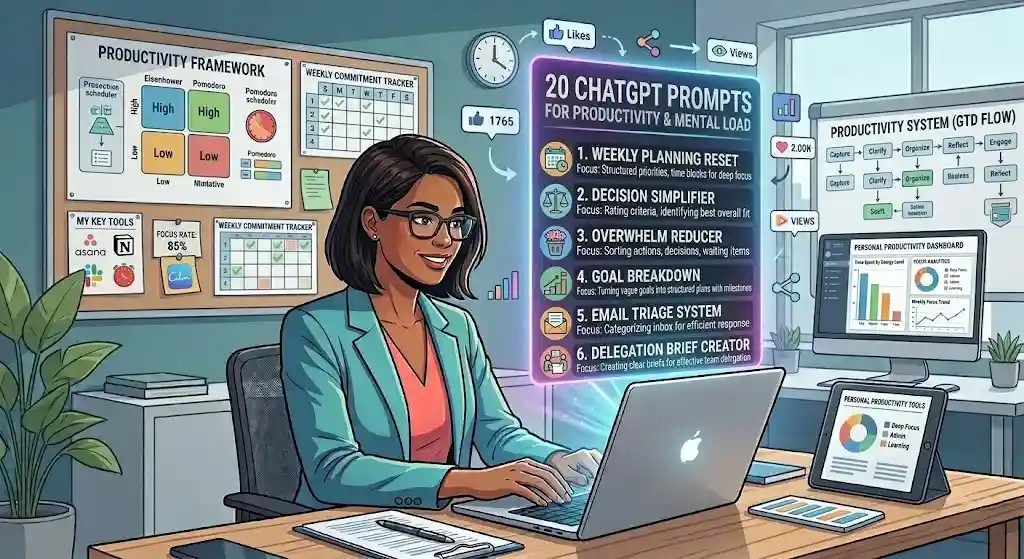
20 ChatGPT Prompts for Productivity and Mental Load
These prompts target cognitive overhead — fuzzy priorities, overloaded calendars, decision paralysis, and the follow-up treadmill. Built for anyone juggling too many tabs, tasks, and decisions.
Hero Prompt 1: Weekly Planning Reset
Best for: Founders, freelancers, and professionals who start every Monday feeling behind.
Copy-paste prompt:
Act as a productivity coach. I am going to list everything on my plate this week. Help me create a structured weekly plan with: (1) My top 3 priorities (things that move the needle most), (2) Tasks grouped by day, (3) Time blocks for deep work, (4) One thing I should drop or delegate. Be honest — if I listed too much, tell me. Here is my list: [paste everything].
Why it works: “Be honest” gives the model permission to push back on overloaded weeks. Most planning prompts organize without editing — this one does both.
Customize this: Add available hours, existing commitments, energy patterns (e.g., “best focus work before noon”).
Watch-outs: ChatGPT does not know your real deadlines. Treat this as a smart first draft.
Still in weekly use: Yes — every Sunday evening. This prompt replaced a paper planning process that took twice as long.
Hero Prompt 2: Decision Simplifier
Best for: Anyone stuck in analysis paralysis on a medium-stakes decision.
Copy-paste prompt:
I am stuck between these options: [describe]. Help me decide: (1) List the key criteria, (2) Rate each option (high/med/low), (3) Identify the best overall fit, (4) Flag anything I might be overlooking. Be direct — I want clarity, not more options.
Why it works: “Be direct — I want clarity, not more options” prevents hedging. Criteria-rating mirrors real decision frameworks.
Customize this: Add budget, timeline, or value constraints.
Watch-outs: Best for medium-stakes decisions. For legal or financial decisions, use professional advisors.
Hero Prompt 3: Overwhelm Reducer
Best for: Anyone with a massive, undifferentiated task list who needs to regain control.
Copy-paste prompt:
I feel overwhelmed. Here is everything I am thinking about: [brain dump]. Sort into: (1) Actions, (2) Decisions, (3) Waiting on, (4) Not actionable now. For the Actions list, pick the 3 easiest wins under 30 minutes.
Why it works: GTD-inspired sorting plus “easiest wins” gives both clarity and momentum.
Customize this: Add “delegatable” if you have a team.
Watch-outs: Sorting is not the same as doing. Use this to launch, not stall.
Remaining 17 Productivity Prompts (Compact Format):
- Morning Priority Setter — Best for: Daily planning. Prompt: “From today’s tasks: [paste], pick top 3 and explain why. Suggest best order.” Quick note: Do before email.
- Calendar Audit — Best for: Overbooked weeks. Prompt: “My schedule: [paste]. Identify meetings that could be emails, short blocks, gaps to protect. Suggest revisions.” Quick note: You still have to cancel meetings yourself.
- Follow-Up Drafter — Best for: Growing follow-up list. Prompt: “Polite follow-up for [context]. Last contact: [date]. Professional, not nagging. Reason for reconnecting + clear ask.” Quick note: Customize the opener.
- Focus Session Planner — Best for: Deep work blocks. Prompt: “Structure a 2-hour focus session for [task]: warm-up (10 min), core work (80 min w/ milestones), wrap-up (10 min). What to do if stuck.” Quick note: Notifications off.
- End-of-Day Review — Best for: Reflection habit. Prompt: “Review my day: [paste what I did]. What I accomplished, what I missed, what to prioritize tomorrow.” Quick note: 5-minute habit that compounds.
- Goal Breakdown — Best for: Turning vague goals into plans. Prompt: “Break [goal] into milestones. Time estimate and 2–3 tasks per milestone. Timeline format.” Quick note: Adjust for actual capacity.
- Email Triage — Best for: Inbox drowning. Prompt: “Subject lines + senders of 20 emails: [paste]. Categorize: respond now, later, delegate, archive, delete. One-line rationale.” Quick note: Never paste sensitive email content.
- Meeting Prep Brief — Best for: Important meetings. Prompt: “Meeting about [topic] with [person]. Key points to raise, questions, potential pushback, desired outcome.” Quick note: Add relationship context.
- Reverse Timeline — Best for: Procrastination-prone professionals. Prompt: “Project due [date]. Reverse timeline with milestones. Buffer days for revisions. Flag tight deadlines.” Quick note: 20% time buffer minimum.
- Polite Decline Email — Best for: Over-committers. Prompt: “Decline email for [request]. Maintain relationship. Acknowledgment, clear no, brief reason, alternative suggestion.” Quick note: Short > over-explained.
- Weekly Reflection — Best for: Continuous improvement. Prompt: “5 reflective questions about my work week: progress, energy, blockers, what to repeat/change.” Quick note: Answer honestly.
- Batch Task Grouper — Best for: Context-switch reduction. Prompt: “Tasks: [paste]. Group by type (writing, calls, admin, creative, research). Suggest daily theme.” Quick note: Batching cuts fatigue.
- Delegation Brief — Best for: Managers. Prompt: “Delegation brief for [task]. Objective, context, deliverable, deadline, quality criteria, who to ask if stuck.” Quick note: Good briefs save more time than poor delegation.
- Energy Scheduling — Best for: Afternoon crashers. Prompt: “Assign these tasks: [paste] to time blocks by energy level — high-energy morning, medium early afternoon, admin late afternoon.” Quick note: Adjust for your patterns.
- Status Update Template — Best for: Async comms. Prompt: “3-sentence update on [project]. Where we are, next step, blockers.” Quick note: Great for Slack or project management updates — platforms like ClickUp or Todoist make async updates easier to distribute.
- Someday/Maybe Organizer — Best for: Parking ideas. Prompt: “Ideas I’m not ready to start: [paste]. Organize: next quarter, future exploration, archive. Review date for each.” Quick note: Review quarterly.
- Quarter Review — Best for: Solopreneurs. Prompt: “My goals and outcomes: [paste]. Score each (complete/partial/missed), top lessons, 3 priorities for next quarter.” Quick note: Be honest with outcomes.
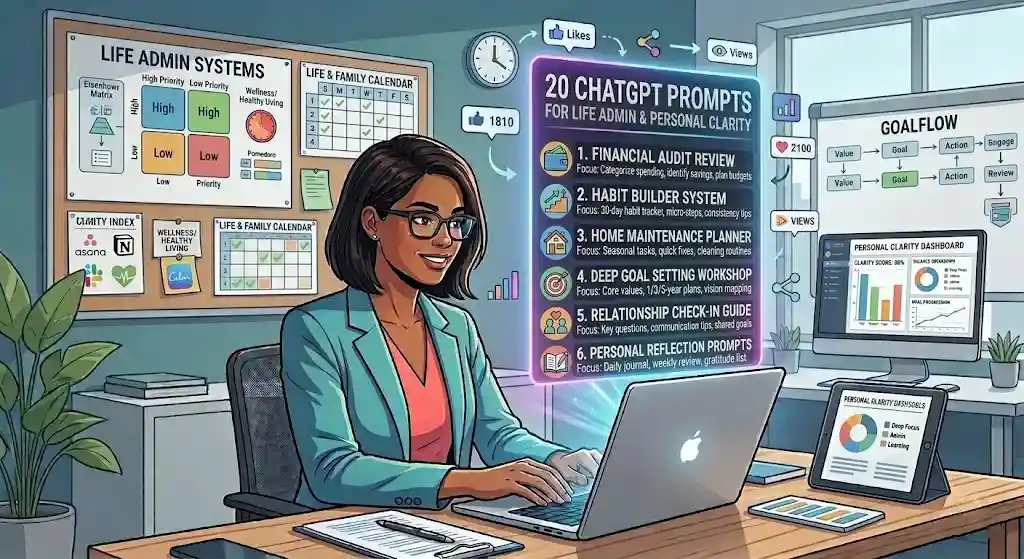
20 ChatGPT Prompts for Life Admin and Personal Clarity
These prompts address the personal operations layer — meal planning, travel, routines, difficult conversations, and the quiet life-admin tasks that drain time and mental energy.
Hero Prompt 1: Weekly Meal Planner
Best for: Busy professionals and families who want healthy meals without daily decision fatigue.
Copy-paste prompt:
Act as a meal planning assistant. 7-day meal plan for [family size]. Dietary preferences: [list]. Budget: [approximate]. Breakfast, lunch, dinner, 2 snacks. Consolidated grocery list by store section. Prioritize meals under 30 minutes.
Why it works: Consolidated grocery list by store section makes it instantly actionable. Time constraint filters out overly ambitious recipes.
Customize this: Add cuisine preferences, ingredients on hand, cooking-skill constraints.
Watch-outs: Verify nutritional balance for special diets. Not professional dietitian advice.
Hero Prompt 2: Difficult Conversation Prep
Best for: Anyone facing a tough talk — with a boss, partner, landlord, client, or family member.
Copy-paste prompt:
I need to have a difficult conversation about [topic] with [person/role]. Help me: (1) Identify my key message, (2) Anticipate their reactions, (3) How to open without putting them on defensive, (4) 2–3 phrases to stay calm if tense, (5) How to close constructively.
Why it works: Five parts cover both strategy and emotional readiness. “Stay calm” phrases give tools for the moment.
Customize this: Add relationship context and desired outcome.
Watch-outs: For legally sensitive conversations (HR, medical), prepare with a professional.
Before vs. After — a real use: I used this before a contract renegotiation with a client. The “key message” step forced me to clarify what I actually wanted (a scope change, not a rate increase). The conversation went better than any script I’ve written for myself.
Remaining 18 Life Admin Prompts (Compact Format):
- Travel Itinerary — Best for: Trip planning. Prompt: “[X]-day trip to [destination] for [who]. Daily itinerary, restaurants, transit, costs, packing list. Style: [budget/moderate/luxury].” Quick note: Verify hours and prices.
- Morning Routine — Best for: Rebuilding mornings. Prompt: “60-minute routine for [role] prioritizing [energy/focus/calm]. Time blocks, sequence rationale, what to skip on busy days.” Quick note: Start small enough to actually do.
- Big Decision Framework — Best for: Life crossroads. Prompt: “Decision: [describe]. Weighted criteria: 5 criteria, rate each option, summarize suggestion.” Quick note: Your gut matters too.
- Personal Learning Roadmap — Best for: Skill development. Prompt: “12-week plan for [skill]. Weekly milestones, resources (free), exercises, progress check.” Quick note: Verify resource links.
- Gift Idea Generator — Best for: Last-minute gifting. Prompt: “10 gifts for [person description]. Budget: $[range]. Mix practical and thoughtful.” Quick note: Specificity drives quality.
- Home Maintenance Schedule — Best for: Homeowners. Prompt: “Seasonal checklist for [home type] in [climate]. HVAC, plumbing, exterior, safety. Quarterly format.” Quick note: Adjust for home age.
- Household Budget — Best for: Tracking spending. Prompt: “Monthly budget (50/30/20) for $[income]. Needs, wants, savings categories.” Quick note: Customize for actual spending.
- Moving Checklist — Best for: Relocating. Prompt: “Moving checklist: 8 weeks, 4 weeks, 1 week before; moving day; first week. Utilities, address changes, packing.” Quick note: Add state-specific items.
- Apology Message — Best for: Personal relationships. Prompt: “Draft apology for [situation]. Acknowledge, explain (not excuse), what I’ll do differently. Sincere, not overly formal.” Quick note: Authenticity > perfect wording.
- Parent-Teacher Prep — Best for: Parents. Prompt: “Prep for conference. Child in [grade], concerns: [list]. 5 questions, 2 things to listen for, framing concerns constructively.” Quick note: Add specific context.
- Subscription Audit — Best for: Cutting costs. Prompt: “Subscriptions: [list]. For each: essential? Last used? Free alternative? Recommend keep, downgrade, or cancel.” Quick note: Sort by last-used date.
- Networking Event Prep — Best for: Introverts. Prompt: “[Type] networking event in [industry]. 5 starters, 30-second intro, 3 exit lines, follow-up tips.” Quick note: Practice intro aloud.
- Habit Tracker — Best for: Building habits. Prompt: “Habits: [list]. Tracker with frequency, minimum viable version, 2-minute starter, 30-day milestone.” Quick note: Track 3–5 max.
- Insurance Review Guide — Best for: Annual coverage review. Prompt: “Checklist for reviewing [type] insurance. Questions for agent, gaps to look for, when to switch.” Quick note: Not professional insurance advice.
- Exercise Routine — Best for: Beginners. Prompt: “3-day beginner workout. Equipment: [list]. Goals: [specify]. Warm-up, exercises w/ sets, cool-down, progression.” Quick note: Consult physician first.
- Negotiation Prep — Best for: Salary, rent, vendor pricing. Prompt: “Negotiation for [topic]. Ideal outcome, BATNA, opening statement, 3 arguments, concession plan.” Quick note: Practice opening aloud.
- Emergency Info Sheet — Best for: Families. Prompt: “Emergency sheet: contacts, medical info, insurance, pet info, home systems (water/breaker), neighbor contacts.” Quick note: Print and post visibly.
- Annual Personal Review — Best for: Year-end reflection. Prompt: “10 reflective questions: accomplishments, setbacks, relationships, health, finances, learning, changes for next year.” Quick note: Block 30 distraction-free minutes.
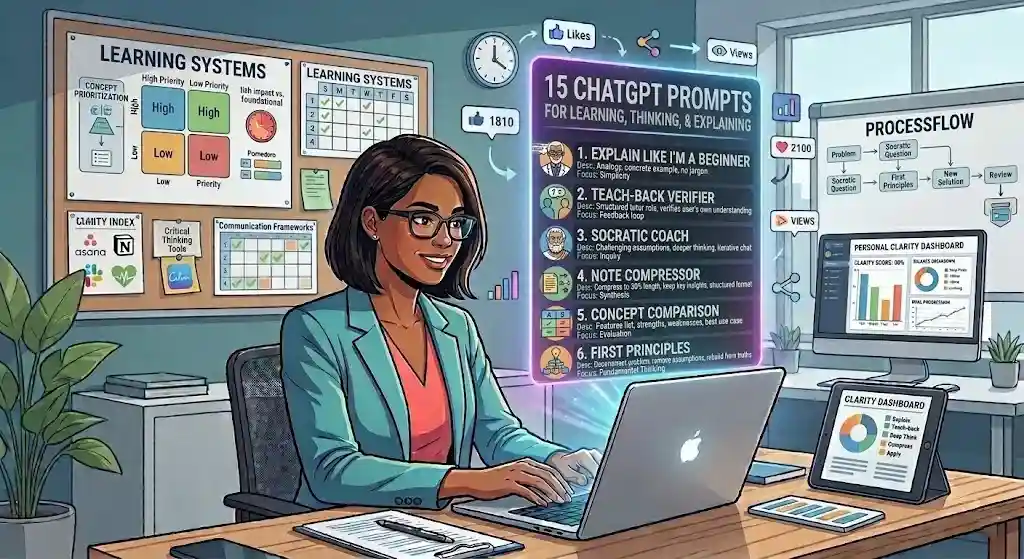
15 ChatGPT Prompts for Learning, Thinking, and Explaining
These prompts help you understand new concepts faster, test your own knowledge, and explain complex ideas to others — whether you’re prepping for a presentation, onboarding into a new domain, or simply learning something you find interesting.
Hero Prompt 1: Explain Like I’m a Beginner
Best for: Professionals learning outside their domain.
Copy-paste prompt:
Explain [concept] as if I am a smart professional who knows nothing about [field]. Simple language, one analogy, one concrete example. No jargon. After explaining, ask me if I want a deeper dive.
Why it works: “Smart professional who knows nothing” calibrates — not condescending, not overly technical. The follow-up loop enables iterative learning.
Customize this: Add “in the context of [your industry]” for more relevant analogies.
Watch-outs: Oversimplification risk. Verify against a trusted source.
Hero Prompt 2: Teach-Back Verifier
Best for: Testing your own understanding of a concept you’re studying.
Copy-paste prompt:
I am going to explain [concept] in my own words. Tell me: (1) What I got right, (2) What I got wrong or missed, (3) One thing to add, (4) A test question to check real understanding. Here is my explanation: [paste].
Why it works: Teach-back is one of the strongest learning techniques. This turns ChatGPT into a structured tutor.
Customize this: Specify depth (introductory vs. expert).
Watch-outs: ChatGPT may flag correct explanations as “incomplete” — use judgment.
Remaining 13 Learning Prompts (Compact Format):
- Socratic Coach — Best for: Deeper thinking. Prompt: “Ask Socratic questions about [topic] — one at a time. Challenge my assumptions. Wait for my answer.” Quick note: Best in iterative chat.
- Analogy Generator — Best for: Making concepts click. Prompt: “3 analogies for [concept] for [audience]. Different domains (everyday, business, sports).” Quick note: Test with real audience.
- Note Compressor — Best for: Post-conference review. Prompt: “Compress these notes to 30% length. Keep key insights, remove redundancy, format with headers/bullets: [paste].” Quick note: Good for course summaries.
- Topic Map — Best for: Understanding a new subject. Prompt: “Topic map for [subject]. Subtopics, relationships, learning sequence beginner-to-advanced.” Quick note: Use as self-study roadmap.
- Book Summary — Best for: Application-focused reading. Prompt: “Summarize [book] by [author]. 3 key ideas, core argument, application to [my role], one criticism.” Quick note: Read the original for nuance.
- Concept Comparison — Best for: Similar ideas. Prompt: “Comparison table: [A] vs [B]. Definition, features, strengths, weaknesses, best use case, misconceptions.” Quick note: Add verdict row for decisions.
- Mental Model Explainer — Best for: Strategic thinking. Prompt: “Explain [mental model]. Definition, mechanism, business example, personal example, when NOT to use.” Quick note: Collect models relevant to your work.
- Research Summary — Best for: Quick synthesis. Prompt: “Key findings on [topic] from widely recognized research. Conclusions, methods, limitations, practical implications. Flag where newer data may exist.” Quick note: Always verify citations.
- Debate Partner — Best for: Stress-testing arguments. Prompt: “I believe [position]. Argue the strongest case against it. Then give 2 ways to strengthen my original argument.” Quick note: Sharpens persuasion, reveals blind spots.
- Jargon Translator — Best for: Cross-functional communication. Prompt: “Translate these terms for [non-technical audience]: [list]. Simple definition, example, why it matters.” Quick note: Great for docs and client materials.
- First Principles — Best for: Innovation. Prompt: “Break down [problem] using first principles. Fundamental truths, remove assumptions, rebuild. What would the ideal approach look like?” Quick note: Best for “always done it this way” situations.
- Flashcard Creator — Best for: Exam prep. Prompt: “15 flashcards for [topic]. Front: question. Back: concise answer + one detail. Focus on commonly tested concepts.” Quick note: Use with spaced repetition.
- ELI5 to Expert — Best for: Progressive learning. Prompt: “Explain [concept] at 5 levels: child, high schooler, college grad, professional, expert. Under 50 words each.” Quick note: Find your understanding level, study the next.
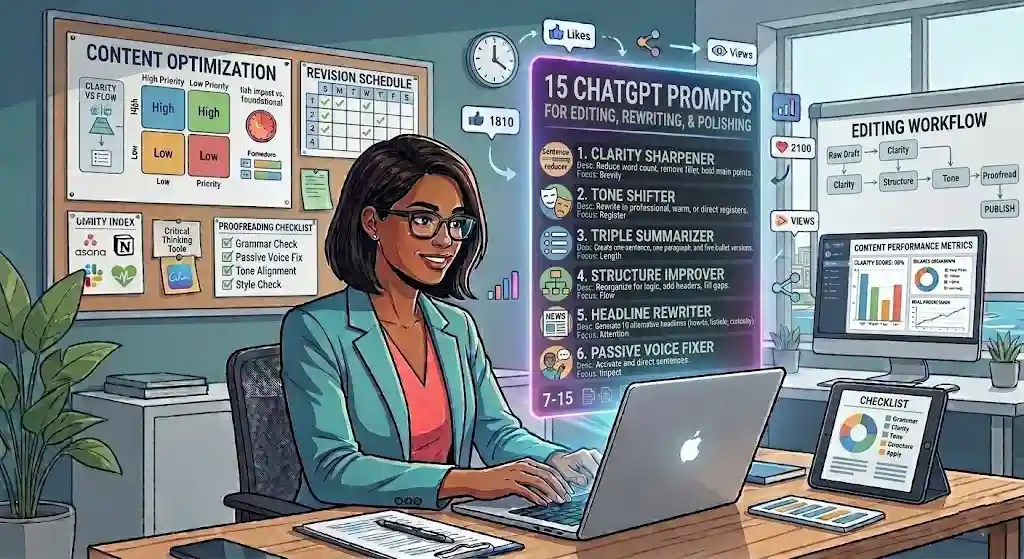
15 ChatGPT Prompts for Editing, Rewriting, and Polishing
These prompts help you tighten, clarify, restructure, and elevate drafts — blog posts, emails, reports, or any text that needs to be sharper.
Hero Prompt 1: Clarity Sharpener
Best for: Professionals who write well but tend to over-explain.
Copy-paste prompt:
Rewrite this text 30% shorter without losing key info. Improve clarity, remove filler. Bold the main point per paragraph. Keep original tone. Text: [paste].
Why it works: The “30% shorter” constraint forces real cuts. “Bold the main point” shows where emphasis lands.
Customize this: For wordy drafts, ask 50% shorter. For tight drafts, 10% sharper.
Watch-outs: Brevity can remove nuance. Compare rewrite against original for anything important that was cut.
Before vs. After — this prompt in action:
Before (my draft): “In order to effectively manage the process of onboarding new clients, it is important to ensure that all relevant team members are properly informed about the various steps and expectations that are involved in the workflow.” (38 words)
After (Clarity Sharpener output): “All team members need to know the onboarding steps.” (9 words, main point bolded)
The original said the same thing in four times the space. This prompt is one I use almost daily.
Hero Prompt 2: Tone Shifter
Best for: Adapting the same message for different audiences.
Copy-paste prompt:
Rewrite in three tones: (1) professional, formal, (2) conversational, warm, (3) direct, assertive. Same core message. Text: [paste].
Why it works: Three tones help you find the right register. Also trains your own instincts.
Customize this: Replace with specific tones (empathetic, academic, sales-driven).
Watch-outs: Tone shifts can change meaning. Check each version.
Remaining 13 Editing Prompts (Compact Format):
- Triple Summarizer — Best for: Long documents. Prompt: “Summarize in 3 versions: one sentence, one paragraph, 5 bullets. Text: [paste].” Quick note: Pick version for audience’s attention span.
- Structure Improver — Best for: Meandering drafts. Prompt: “Reorganize for clearer logic. Better headers, reordered paragraphs, flagged gaps. Text: [paste].” Quick note: Check for missing transitions.
- Passive Voice Fix — Best for: Corporate writing. Prompt: “Rewrite eliminating passive voice. Active, direct sentences. Text: [paste].” Quick note: Some passive is fine.
- Opening Line Rewriter — Best for: Hooks. Prompt: “This is my opener: [paste]. 5 stronger alternatives — more engaging, specific, or provocative.” Quick note: Opener determines if people keep reading.
- Redundancy Remover — Best for: Over-written drafts. Prompt: “Identify and remove redundant phrases, repeated ideas, unnecessary qualifiers. Show what you cut. Text: [paste].” Quick note: Reveals your writing tics.
- Jargon Simplifier — Best for: Non-expert audiences. Prompt: “Rewrite replacing jargon with plain language. Brief parenthetical explanations for non-simplifiable terms. Text: [paste].” Quick note: Essential for client-facing docs.
- CTA Strengthener — Best for: Landing pages, emails. Prompt: “Current CTA: [paste]. 5 stronger alternatives. Approaches: urgency, benefit, curiosity, social proof, simplicity.” Quick note: Test top 2 with users.
- Headline Rewriter — Best for: Content marketing. Prompt: “Rewrite headline 10 ways: [paste]. Formulas: how-to, listicle, question, benefit, curiosity, specificity.” Quick note: A/B test top 3.
- Email Shortener — Best for: Wordy emails. Prompt: “Shorten to under [X] words. Make action item obvious. Email: [paste].” Quick note: Business emails: under 150 words.
- Paragraph-to-Bullets — Best for: Reports, decks. Prompt: “Convert paragraphs to concise bullets. One point per bullet. Group by theme. Text: [paste].” Quick note: Keep bullets parallel.
- Grammar + Style Check — Best for: Final polish. Prompt: “Proofread for grammar, punctuation, style consistency, clarity. List every change with reason. Text: [paste].” Quick note: May miss context-specific style.
- Executive Summary — Best for: Long documents. Prompt: “200-word executive summary. Key conclusion first, supporting points, next steps. Doc: [paste].” Quick note: Should stand alone.
- Conciseness Scorer — Best for: Self-improvement. Prompt: “Score this on conciseness (1–10) with explanation. Rewrite at 9/10. Text: [paste].” Quick note: Regular use trains your editing instincts.
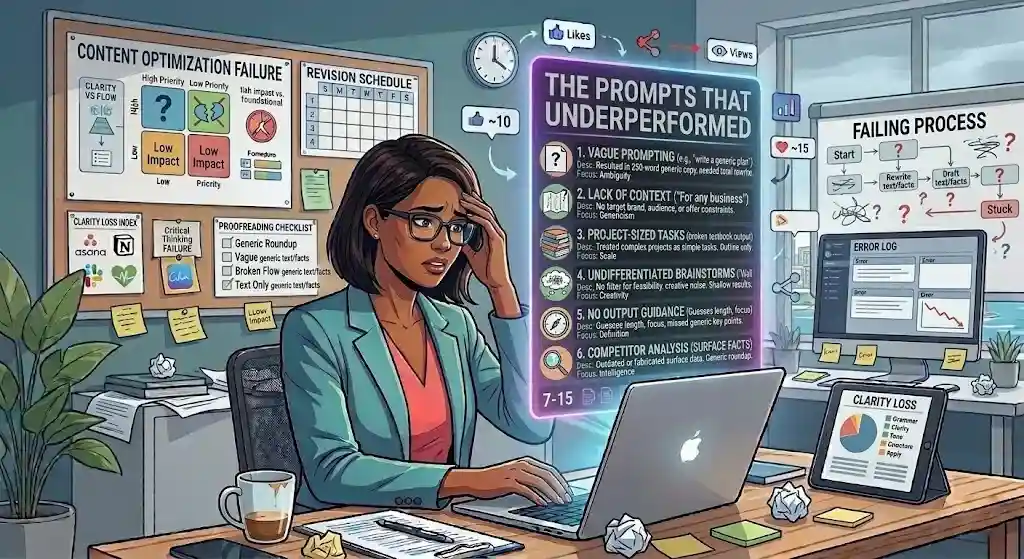
The Prompts That Underperformed
A real review includes what failed. These prompts sounded promising but consistently scored below the bar across multiple tests. Each taught me something about why prompts break.
1. “Give me a complete business plan.”
Output: A long, generic textbook outline. No industry insight, no competitive judgment, no specificity.
Why it failed: “Complete business plan” is a project, not a task. Without context, ChatGPT defaults to safe templates.
Fix: Break into components — market analysis, value prop, financial model — and prompt each with real context.
Lesson: The broader the prompt, the blander the output.
2. “Be creative and brainstorm ideas.”
Output: Enthusiastic but shallow. A wall of “innovative” suggestions with no filter for feasibility.
Why it failed: “Be creative” is a mood, not a constraint. Without criteria for good vs. bad ideas, creativity becomes noise.
Fix: “10 marketing ideas for [business type]. Budget: under $500. Timeline: 2 weeks. Channels we use: [list].”
3. “Write a viral social media post.”
Output: Engagement bait — exclamation marks, rhetorical questions, hollow CTAs.
Why it failed: “Viral” is an outcome, not an input. You cannot reverse-engineer virality.
Fix: Prompt for a specific post — topic, platform, audience, message — and let engagement follow from relevance.
4. “Summarize this document.” (no guidance)
Output: Inconsistent length, focus, and detail. Sometimes too long. Sometimes missed the key insight.
Why it failed: Without knowing the audience, length, or priority, ChatGPT guesses.
Fix: Specify audience, length, format, and what to prioritize.
5. “Generate SEO content for my website.”
Output: Keyword-stuffed boilerplate. Exactly the type of content that Google’s helpful content guidelines are designed to de-prioritize.
Why it failed: “SEO content” as a category invites the worst AI patterns.
Fix: Prompt for content first, then add SEO as a constraint: “1,200-word guide on [topic] for [audience]. Use [keyword] naturally in intro and 2 H2s. Focus on being genuinely useful.”
6. “Analyze my competitors.”
Output: Surface-level facts that were likely outdated or fabricated.
Why it failed: No real-time data access. Without your specific context, it generates general knowledge, not intelligence.
Fix: Name competitors, provide your positioning, specify comparison dimensions, and feed real data.
Common pattern across all failures
Too vague + too broad + outcome-oriented instead of input-oriented + missing context = generic output. The fix is almost always: specificity, constraints, audience, format.
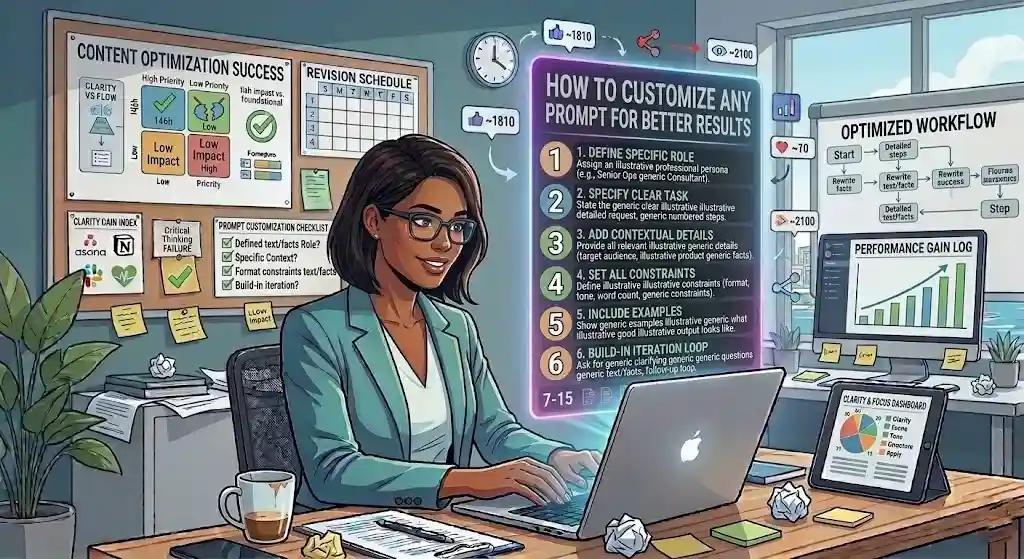
How to Customize Any Prompt for Better Results
The 150 prompts above are starting points. The best results come from adapting them to your situation. Here is a repeatable customization checklist:
| Question | Why It Matters |
|---|---|
| Who is the audience? | CEO ≠ new hire. Audience shapes language and depth. |
| What is the specific goal? | “Write better” is vague. “Cut to 200 words” is a goal. |
| What tone? | Professional, casual, empathetic — tone shapes everything. |
| What constraints? | Word count, format, jargon level — limits improve output. |
| Do I have examples? | Pasting good output as reference is the fastest calibration. |
| What format? | Bullets, table, email, checklist — specify or get random structure. |
| How will I verify? | ChatGPT can hallucinate. Always plan a review step. |
Customization in action
The SOP Generator from the business section, with vs. without customization:
Generic: “Create an SOP for onboarding.”
Customized: “Act as a senior ops consultant specializing in SaaS. SOP for onboarding a new customer success manager at a 30-person B2B startup. We use Notion, Slack, HubSpot, and Loom. Include first-week goals and a 30-60-90 day framework. Numbered steps with checkboxes.”
The customized version produces output five to ten times more usable — not because the AI got smarter, but because the input got clearer.
When to iterate
Some tasks are too complex for one prompt. Use a follow-up loop:
- Get a first draft.
- Refine scope (“expand section 3, cut section 1”).
- Add constraints (“make it under 500 words”).
- Request alternatives (“give me 2 other versions of the intro”).
- Self-check (“review your output for errors or gaps”).
This iterative approach works especially well for content briefs, sales messaging, and any task where the first draft is directionally right but needs shaping. For a deeper look at how to compare AI tools for different prompt styles, see our best AI chatbots comparison.
Best Prompts by Use Case — Summary
Quick-reference summaries for the most common scenarios. Each points back to the relevant section.
For work operations: The SOP Generator, Meeting Summary, and Task Triage Matrix cover the highest-frequency operational needs. See Business Operations.
For business strategy: The Decision Memo, Process Audit, and Quarterly Planning Facilitator turn unstructured thinking into structured documents. See Business Operations.
For marketing and content: The Blog Brief Generator, Social Repurposing Engine, and Email Sequence are the most reused marketing prompts. See Marketing. For additional AI writing tools to pair with these prompts, see our guide to the best AI tools for content creation.
For productivity: Start with the Weekly Planning Reset, Decision Simplifier, and Overwhelm Reducer. They address root causes — unclear priorities — not just symptoms. See Productivity.
For life admin: The Meal Planner, Difficult Conversation Prep, and Big Decision Framework reduce invisible cognitive load. See Life Admin.
For writing and editing: The Clarity Sharpener and Tone Shifter improve any draft. See Editing.
ChatGPT Prompts – FAQs
What are ChatGPT prompts?
Prompts are the text instructions you type into ChatGPT to get a specific response. They range from simple questions to structured requests with role, context, constraints, and format. Prompt quality directly shapes output quality.
How do I write a good ChatGPT prompt?
Include at least a clear task, relevant context, and constraints (format, length, tone). Adding a role and examples consistently improves results. See the RTCCFEF framework.
What are the best prompts for work?
Task-specific and contextual prompts outperform generic ones. For most professionals, the highest-value work prompts cover meeting summaries, task triage, SOP creation, email drafting, and decision support. See Business Operations and Productivity.
Can I reuse the same prompt?
Yes — and reusable prompts are the most valuable kind. The best templates can be used repeatedly with small modifications to topic, audience, or context. Build a personal prompt library for frequent tasks.
How do I get more accurate answers from ChatGPT?
Be specific. Provide context. Add constraints. Ask the model to flag uncertainty. Use follow-up questions to refine. Always fact-check claims, data, and citations independently — large language models can produce plausible-sounding incorrect information.
Are ChatGPT prompts safe for business use?
Prompts themselves are safe. The risk is in the data you input. Avoid proprietary data, customer PII, trade secrets, or regulated information unless using enterprise-grade AI solutions with data-handling agreements. Review OpenAI’s data policies first.
What should I avoid putting into ChatGPT?
Customer personal data, social security numbers, proprietary code, confidential financials, HR records, patient health information, and any data subject to HIPAA, GDPR, or SOC 2 compliance. When in doubt, anonymize or use fictional data.
What is the difference between a generic prompt and a strong prompt?
Generic: “Write a marketing email.” → bland output, heavy editing needed. Strong: “Act as a copywriter. 150-word email for spring sale at online pet store. Dog owners 30–50. Warm, playful. One CTA. 3 subject line options.” → specific, on-brand, near-final draft. The difference is context and constraints.
Can ChatGPT write prompts for me?
Yes. Try: “I want to [goal]. Write a detailed prompt that would get the best output.” This meta-prompt is useful for learning how prompt structure affects results.
How do I customize prompts for my industry?
Add industry context: business type, audience, tools, terminology, compliance requirements, and examples of good output. See the Customization Framework. For a real-world example, our ChatGPT prompts for real estate agents guide shows how to tailor prompts to listing descriptions, follow-up emails, and fair housing compliance.
Are prompts for ChatGPT different from Claude or Gemini?
The principles are the same — role, task, context, constraints, format. Each model has different strengths: ChatGPT excels at structured output and creative tasks, Claude handles long documents and nuanced instructions well, Gemini integrates with Google’s ecosystem, and Microsoft Copilot is strong for Office tasks. The prompts here work across models with minor adjustments. For a deeper comparison, see our ChatGPT review and Gemini review.
How do I make ChatGPT sound more human?
Add tone instructions (“conversational, not corporate”), provide samples of your own writing, ask the model to “avoid AI clichés,” and always edit in your own voice. The best approach is iterative: draft, then revise sections that feel robotic.
Conclusion
The gap between a mediocre ChatGPT experience and a genuinely useful one almost always comes down to the prompt — not the model, not the subscription tier.
These 150 prompts were tested across real business operations, content workflows, productivity systems, daily life logistics, and writing projects. Some worked immediately. Some required iteration. Some failed — and those failures taught me more about effective prompting than the successes did.
The most important takeaway is not any single prompt. It is the framework: role, task, context, constraints, format, examples, follow-up. Once you internalize that structure, you can write effective ChatGPT prompts for any situation you face.
Start with one prompt from the section most relevant to your biggest bottleneck this week. Test it, adjust it, then try another. That is how practical prompts compound into real time savings, clearer thinking, and less cognitive overhead.
For the latest on prompt engineering best practices, consult OpenAI’s official prompting guide. For how Google evaluates AI-generated and AI-assisted content, see Google Search Central’s guidance on AI features.
About the author

I’m Macedona, an independent reviewer covering SaaS platforms, CRM systems, and AI tools. My work focuses on hands-on testing, structured feature analysis, pricing evaluation, and real-world business use cases.
All reviews are created using transparent comparison criteria and are updated regularly to reflect changes in features, pricing, and performance.