Zoho Invoice is a genuinely free invoicing app that suits a US freelancer or two-person service business sending fewer than about 41 invoices a month. Its caps decide when you leave: 2 users, 3 projects and 500 invoices a year.
This Zoho Invoice review covers the US edition as Zoho’s pricing and features pages stood on October 28, 2026. The app costs $0 and has no paid tier, so outgrowing it means moving to a separate paid product, Zoho Books or Zoho Billing.
Quick verdict
Worth it for: Zoho Invoice suits a solo freelancer or two-person service business that invoices fewer than about 41 times a month on three projects or fewer.
- Skip it if:
- you need a third user, bookkeeping with bank feeds, or subscription billing with dunning.
Main strength: quotes, recurring invoices, payment reminders, auto-charge and a client portal for $0, with no credit card.
Biggest limit: 500 invoices a year, 3 projects and 2 users, with no paid tier above them. The next step is Zoho Books Standard at $15 per organization per month billed annually, or Zoho Billing Standard at $39.
In This Article (12 sections)
Zoho Invoice at a Glance
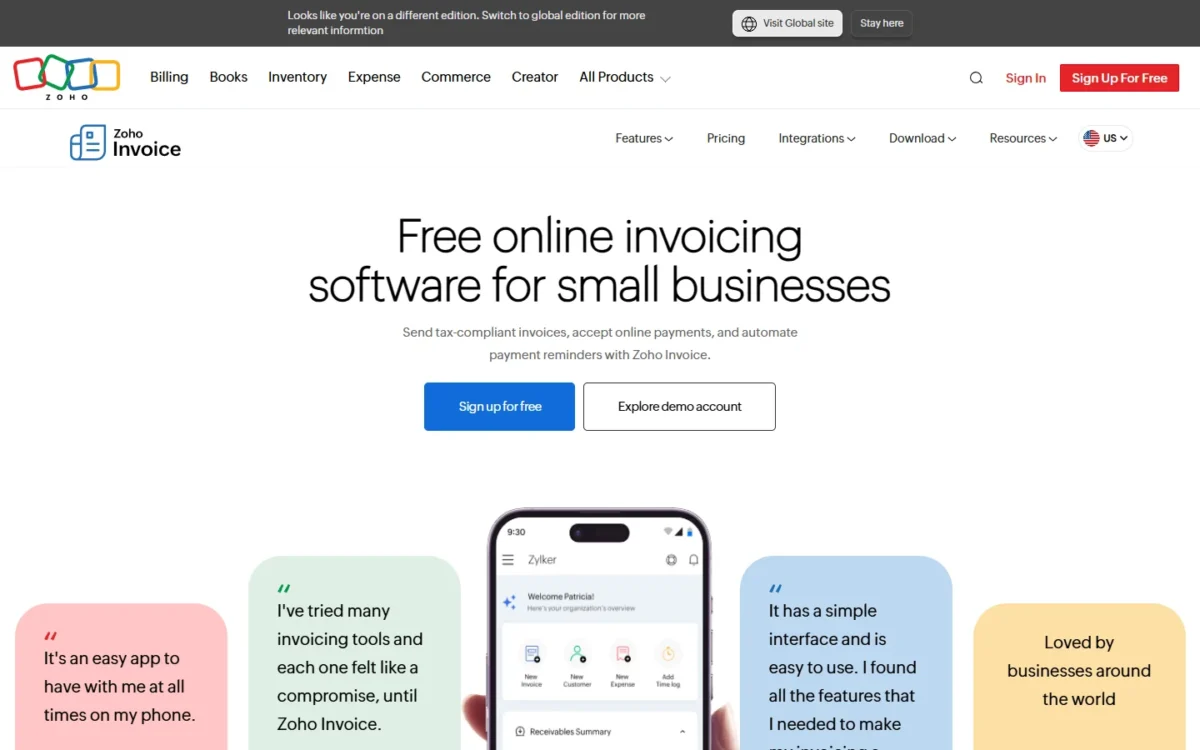
Zoho Invoice is Zoho’s online invoicing app for small businesses, and its US edition is one forever-free plan.
- Category: online invoicing app, US edition
- Best for: freelancers and 1-2 person service businesses
- Starting price: $0, with no paid Zoho Invoice tier
- Free plan or trial: forever free, no credit card required
- Main limitation: 2 users, 3 projects and 500 invoices a year
- Support: 24/5 free email and voice support
Zoho Books and Zoho Billing are separate paid products; Zoho Invoice’s own pricing page points growing businesses to Zoho Billing.
Zoho Invoice Pros and Cons
The downsides of Zoho Invoice are hard caps with no paid plan above them; its strength is how much of the billing job the $0 app already covers.
Pros
- Quotes, recurring invoices, reminders and auto-charge come in the $0 app, so a freelancer on retainers automates billing for nothing
- Over 10 payment gateways and a client portal where clients pay in part, in full or in bulk
- 24/5 free email and voice support on a plan that costs nothing
- Up to two organizations per account, for one owner running two small businesses
- Roles restrict a user to specific customers, so an assistant sees only the accounts they handle
Cons
- 500 invoices a year runs out for a business sending more than about 41 a month
- A maximum of three projects stops time billing for a consultant’s fourth active client
- Two users block a third team member, and no paid Zoho Invoice plan adds seats
- The app includes “Powered by Zoho Invoice” branding, which a firm that wants only its own brand in front of clients should weigh
- A user inactive for over 180 days has their data deleted within the next 20 days, a risk for seasonal businesses
- Bank feeds, sales tax tracking and 1099 filing are not on Zoho Invoice’s feature list; Zoho sells them in Zoho Books
Four features change how you quote, bill and collect, and one of them carries the cap consultants hit first.
Zoho Invoice Features
Zoho Invoice’s features cover the path from quote to payment, and none is gated by plan, because the app has one plan; the limits are its caps.
From quote to invoice
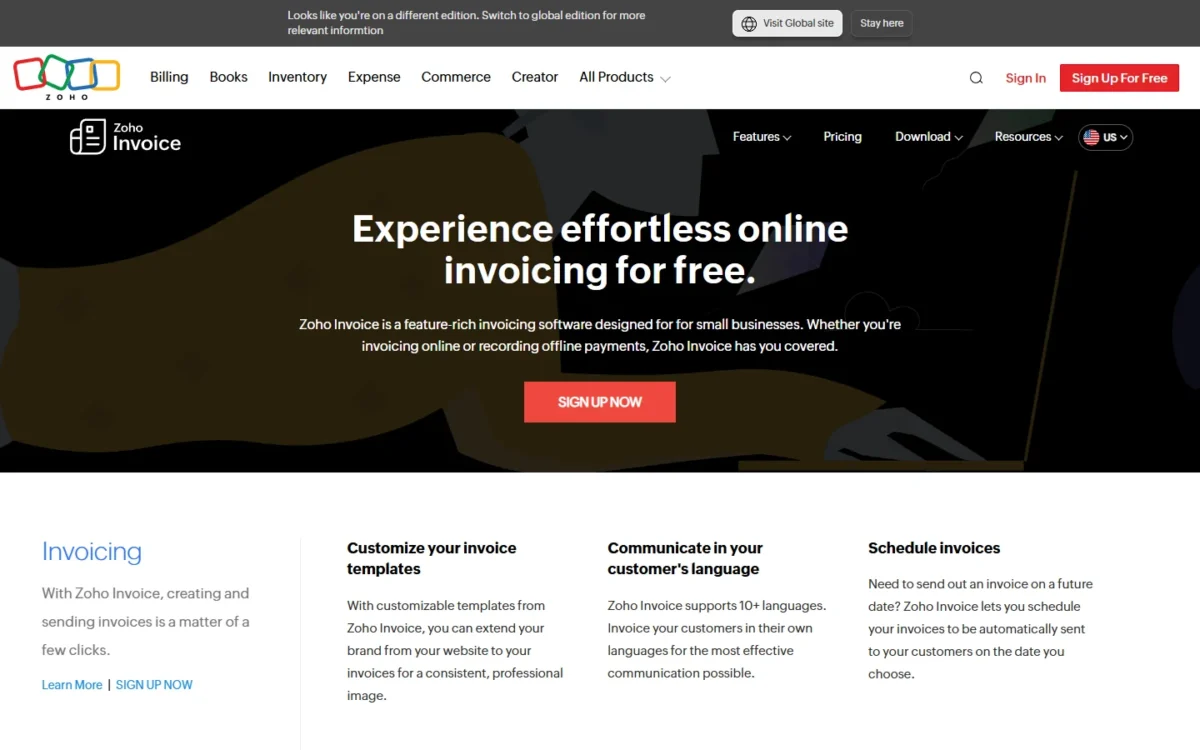
Yes, you can quote first and skip the retyping: when a customer accepts a quote, Zoho Invoice converts it to an invoice, or creates a project from it.
Quotes carry expiration dates and custom fields, and the Zoho Sign integration collects the client’s digital signature. A contractor’s kitchen quote, once the client accepts it in the portal, becomes an invoice.
Getting paid: gateways, reminders and auto-charge
Clients pay online through the payment gateways Zoho Invoice integrates with, over 10 of them, and automated payment reminders chase late payers for you.
For a retainer, the useful part is auto-charge: save the client’s card on a recurring invoice and Zoho Invoice charges it each cycle. Cash and paper check payments are recorded offline.
For clients abroad, Zoho Invoice supports 10+ languages, so each client can get the invoice in their own language. You can also schedule an invoice to go out automatically on a date you choose.
Projects and timesheets (the three-project cap)
Yes, you can bill hours from Zoho Invoice, but the free app allows a maximum of three projects.
Inside that cap you track hours by project, bill on project hours or task hours, and turn unbilled hours and expenses into an invoice.
This is the cap I expect consultants to hit before the invoice limit. Billing three clients weekly is 3 x 52 = 156 invoices a year, far under 500, yet a fourth client needs a fourth project.
Customer portal and reports
Yes on both counts: in the customer portal, clients view, accept and comment on quotes and pay in part, in full or in bulk. They also see invoices, quotes and timesheets in one place.
For you, around 30 reports include ones on customers’ payment patterns, which is where late payers surface. Zoho Analytics builds custom reports on top, and Zoho names Zoho CRM and Zoho Books among its integrations.
If your pipeline already runs in Zoho’s sales app, my Zoho CRM review covers that side of the stack.
Zoho Invoice Ease of Use
You can judge Zoho Invoice before signing up: Zoho runs a public demo account, and Zoho lists Zoho Invoice downloads for iOS, Android, Windows and Mac.
Zoho says you can set up an account within minutes. The setup that matters is templates, which can be customized and assigned to individual contacts, and a second user, who joins by invitation with a role.
Your template and payment flow depend on your brand and gateway. Open the demo account, then send a test invoice to your own email and pay it through your gateway.
Zoho Invoice Pricing: What Free Covers and When You Outgrow It
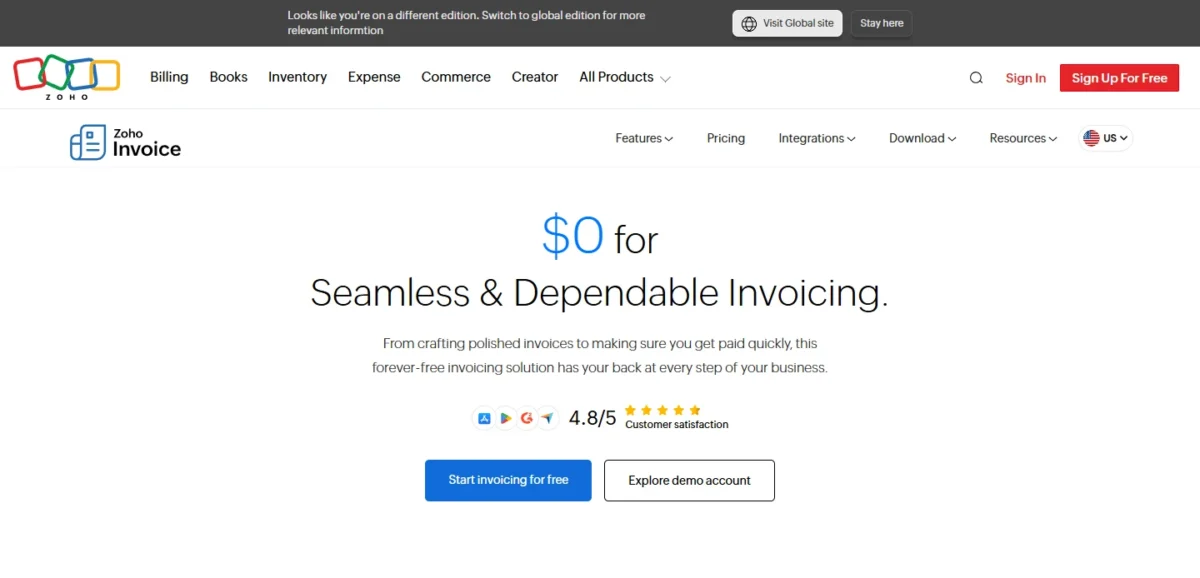
Zoho Invoice costs $0 with no paid tier, so its real price is its caps: 2 users, 3 projects and 500 invoices a year. The next step is a different Zoho product, Zoho Books for bookkeeping or Zoho Billing for project billing and subscriptions.
Zoho Invoice sits at $0 beside the Zoho products a growing business moves to, priced per organization per month in US dollars.
| Plan | Billed monthly | Billed annually | Key limit |
|---|---|---|---|
| Zoho Invoice | $0 | $0 | 2 users, 3 projects, 500 invoices a year |
| Zoho Books Free | $0 | $0 | 1 user + 1 accountant, 1,000 invoices a year, revenue under $50K |
| Zoho Books Standard | $20 per org per month | $15 per org per month | 3 users, bank feeds, 5,000 invoices a year |
| Zoho Billing Standard | $50 per org per month | $39 per org per month | Up to 3 users, projects and timesheets |
| Zoho Billing Premium | $100 per org per month | $79 per org per month | Up to 10 users, subscription billing, dunning |
Sources: Zoho Invoice pricing, Zoho Books pricing, Zoho Billing pricing, US prices checked October 2026.
Which cap you hit first, and what it costs
The invoice cap is the one most readers ask about: 500 invoices a year is 500 / 12 = 41.67 a month. A business that sends more than that on average passes the cap before the year ends. For plan limits, see my Zoho Invoice pricing guide.
| Cap you hit | Next step | Price | Year on annual billing |
|---|---|---|---|
| Over 500 invoices a year, working alone, revenue under $50K | Zoho Books Free | $0 | $0 |
| Over 500 invoices a year with two users, or a third user who needs bank feeds and sales tax | Zoho Books Standard | $15 per org per month, billed annually | $15 x 12 = $180 |
| A third user, billing hours on projects and timesheets (Zoho states no project limit; ask before a fourth project) | Zoho Billing Standard | $39 per org per month, billed annually | $39 x 12 = $468 |
| Subscriptions with proration and dunning | Zoho Billing Premium | $79 per org per month, billed annually | $79 x 12 = $948 |
Sources: Zoho Books pricing, Zoho Billing pricing, checked October 2026.
A solo owner who only outgrows the invoice cap fits Zoho Books Free, with a catch: it has 1 user + 1 accountant, so a two-person team loses a seat. It stays free only while yearly revenue stays under $50K.
A two-person team past 500 invoices, or a three-person team that needs bookkeeping, fits Books Standard: 3 users and up to 5,000 invoices a year. Billed monthly it costs $20 x 12 = $240 a year, so I would pay annually.
Books Standard is the wrong step for a team that bills hours, because Zoho Books adds timesheet billing on its Professional plan.
A consultant who has outgrown the three projects on the free plan, or a three-person team that bills hours, can start by looking at Zoho Billing Standard instead.
It adds projects and timesheets for up to 3 users, and up to 100,000 invoices a year. Zoho’s Billing pricing page lists projects and timesheets without stating a project limit, so ask Zoho for it before you move a fourth client there.
Pricing note
Zoho Books and Zoho Billing prices exclude local taxes. Zoho points a scaling business to support@zohoinvoice.com, so plan the move before your yearly invoice count nears 500.
Support, Security and Data Retention
Zoho states that Zoho Invoice is PCI-DSS compliant, with 256-bit SSL encryption, two-factor authentication and regular intrusion and virus scanning. Zoho also says it neither shows ads nor sells your information.
The rule that matters more for a small business is retention. If a user is inactive for over 180 days, Zoho deletes their data within the following 20 days, after notifying them.
That hits seasonal work hardest. A landscaper who stops invoicing for the winter should log in during the break or create a data backup before it starts.
Help on the free app is 24/5 email and voice support, with a toll-free line Monday to Friday.
Who Should Use Zoho Invoice?
Use Zoho Invoice when your headcount, invoice volume and project count all sit under its caps; each item below names the cap or plan that decides it.
Best for
- A solo freelancer with a few retainer clients, billed by recurring invoices and auto-charge at $0
- A two-person service business, which fits the 2-user limit exactly
- A consultant with up to three projects billed by the hour
- An owner running two small businesses, since one account holds two organizations
Not ideal for
- A team of three or more, blocked by the 2-user cap; Zoho Books Standard and Zoho Billing Standard cover 3 users, Zoho Billing Premium up to 10
- A business sending more than 500 invoices a year, over about 41 a month on average
- Anyone who needs bank feeds and sales tax tracking, which Zoho sells in Zoho Books Standard
- A subscription seller who needs proration and dunning, which sit in Zoho Billing Premium
Zoho Invoice vs Competitors
Of the five apps below, Zoho Invoice is the one with no paid plan at all. Wave is the free option without an invoice cap, FreshBooks the paid invoicing-first app, and Zoho Books and QuickBooks Online the full accounting step.
| Software | Best for | Starting price | Key difference | Main trade-off |
|---|---|---|---|---|
| Zoho Invoice | Freelancers and 1-2 person service firms | $0, no paid tier | Quotes, auto-charge and client portal free | 500 invoices a year, 3 projects, 2 users |
| Zoho Books | Solo owners who also need bookkeeping | $0 Free; Standard $15 per org per month, billed annually | Bank feeds, sales tax and 1099 e-filing on Standard | Free plan has 1 user + 1 accountant and a $50K revenue ceiling |
| Wave | Solo owners who send many invoices | $0 Starter | Unlimited estimates and invoices | 2.9% + $0.60 per card transaction on Starter |
| FreshBooks | Service businesses that want a paid invoicing app | $23 per month for Lite | 30-day free trial | Lite covers 5 billable clients |
| QuickBooks Online | Businesses ready for full accounting | $38 per month for Simple Start | Full accounting; its Free plan sends 2 invoices a month | Simple Start has 1 user; Essentials at $85 a month covers 3 |
Sources: Zoho Books pricing, Wave pricing, FreshBooks pricing, QuickBooks pricing, list prices checked October 2026.
Wave is here for the reader whose problem is volume: Starter creates unlimited invoices at $0. FreshBooks Lite lists at $23 a month; its page showed 80% off for 4 months in October 2026.
QuickBooks or Zoho depends on the job: for invoicing alone, Zoho Invoice costs nothing.
For full accounting, set Zoho Books Standard (3 users) against QuickBooks Online Simple Start at $38 a month with 1 user, or Essentials at $85 for 3. My QuickBooks Online review covers its user caps.
Zoho Invoice vs Zoho Books
Start on Zoho Invoice if two users and invoicing are all you need. Start on Zoho Books Free if you work alone, need bookkeeping and keep revenue under $50K for the financial year.
Books Free raises the ceiling to 1,000 invoices a year and adds bank reconciliation, 1099 contractor tracking and a P&L and balance sheet. It drops to 1 user + 1 accountant, which is the reason a two-person firm stays on Zoho Invoice.
Before you switch, ask support@zohoinvoice.com how your records move to Zoho Books.
Best Zoho Invoice Alternatives
Choose the alternative by the cap that pushed you out. Wave solves the 500-invoice limit for free, FreshBooks suits a firm that wants a paid invoicing-first app, and QuickBooks Online takes over once you need full accounting. For another invoicing tool, read my FreshBooks review.
For a second accounting option to shortlist beside QuickBooks, read my Xero review.
To widen the field past these names, my guide to invoicing apps compared by real fees puts the free and paid options side by side.
How I Evaluated Zoho Invoice
I built this review from Zoho’s own pricing pages, their FAQs and the Zoho Invoice features page, plus the Wave, FreshBooks and QuickBooks Online pricing pages. I read all of them on October 28, 2026, in their US editions.
On top of that documentation sits my own analysis: the cap math, the yearly upgrade costs and the fit calls. Every price is in US dollars.
Your gateway’s own rates and a test invoice settle what depends on your setup.
Frequently Asked Questions
Is Zoho Invoice actually free?
Yes. Zoho Invoice costs $0, and Zoho’s features page promises no cost, no contracts, no credit cards and no commitments. The trade is the caps and the Zoho branding, and outgrowing it means a move to Zoho Books or Zoho Billing.
Can one Zoho Invoice account bill for two businesses?
Yes. One Zoho Invoice account holds up to two organizations, so a consultant with a side business bills both from one login. Ask Zoho support whether the 500-invoice limit counts per organization or per account before you plan volume across both.
Does Zoho Invoice work on a phone?
Yes. Zoho lists iOS, Android, Windows and Mac downloads on its Zoho Invoice features page.
Zoho Invoice Review: Final Verdict
Yes, Zoho Invoice is a good invoicing tool for a freelancer or two-person service business under about 41 invoices a month and three projects.
It is the wrong start for a team adding a third member, a business that needs bookkeeping, or a subscription seller.
The biggest trade-off is structural: with no paid tier, outgrowing Zoho Invoice means a move to another Zoho product. Until then, $0 buys quotes, reminders, auto-charge and a client portal.
Before you sign up, open the demo account and check your gateway’s card fee. Then start here, and recount your invoices and projects every quarter.