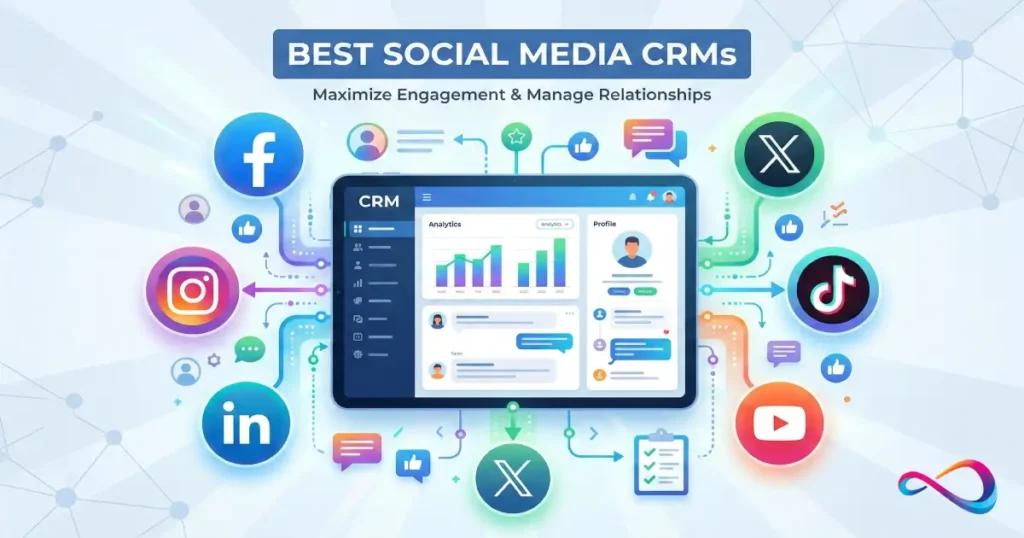
A solid social media CRM is not just a checkbox that says “connect Instagram.” It has to turn social conversations into governed work: Instagram DM CRM / Facebook Messenger CRM / WhatsApp CRM / X (Twitter) customer care flowing into an omnichannel inbox, then through workflow automation, routing/SLA, and resolution—while writing the outcome back to a shared customer timeline for sales, support, and CSM.
In this article, I rank 25 options using a transparent Social CRM Fit Score (channel coverage, inbox + workflows, identity resolution, listening/sentiment, AI assist, reporting, integrations, and security/compliance like GDPR/UK GDPR, SOC 2, and data residency). I also state evidence boundaries: the review is based on product documentation and common implementation patterns, and you should validate channel coverage and plan requirements in a live demo because social policies and APIs change frequently in 2026.
Quick Answer – Top Social Media CRMs by Category
Best for Enterprise & Complex Routing: Salesforce Service Cloud – Service Cloud + partner social care/listening, robust case management, sophisticated SLA and escalation workflows.
Best All-in-One for Mid-Market: HubSpot Service Hub – clean unified inbox, excellent contact timeline, strong marketing + service integration, reasonable pricing.
Best for Social-First Teams: Sprout Social (with CRM connector) – best-in-class social listening and engagement, integrates with major CRMs for data sync.
Best for WhatsApp-Heavy Support: Zendesk Suite – native WhatsApp Business API support, strong omnichannel inbox, robust macros and automation.
Best Budget Option for SMBs: Nimble CRM – affordable, simple social profile enrichment, good for small teams prioritizing LinkedIn and Twitter.
Best Open/Extensible Platform: SugarCRM – highly customizable, strong API, flexible for unique social integration builds via middleware.
Read more: Best CRM for Startups 2026: Expert Reviews & Comparisons
What Is a Social Media CRM? (And What It Isn’t)
A social media CRM is a customer relationship management platform that unifies interactions from social channels—Instagram DMs, Facebook Messenger, WhatsApp, X (Twitter), LinkedIn messages, and sometimes TikTok or YouTube comments—into a single system alongside traditional channels like email, phone, and chat.
What it does:
- Routes social messages into a shared inbox or case queue with SLA tracking
- Links social handles to contact and account records (identity resolution)
- Displays social engagement history in the customer timeline
- Enables agents to respond from within the CRM (no channel-hopping)
- Often includes social listening for brand mentions, keywords, and sentiment
What it is NOT:
- A replacement for dedicated social media management tools (publishing, scheduling, analytics)
- Automatically “native” across all platforms—many CRMs rely on third-party connectors or require API builds
- A guarantee of real-time sync (API rate limits and platform restrictions apply)
The critical distinction: native integration (built by the CRM vendor, no middleware), partner integration (via certified connector like Sprinklr or Sparkcentral), or API-based build (you or a consultant build it).
How We Evaluated These Social CRMs
Scoring Model & Evaluation Criteria
We assessed 25 platforms using a weighted rubric designed to reflect real-world deployment priorities:
| Criterion | Weight | Rationale |
|---|---|---|
| Social channel coverage (IG, FB, WhatsApp, X, LinkedIn, TikTok) | 15% | Breadth matters; platform gaps = fragmented workflows |
| Unified inbox + case workflow (routing, SLA, macros, KB) | 15% | Core service UX; determines agent efficiency |
| Identity resolution + customer timeline | 10% | Linking social handles to contacts is foundational |
| Social listening / sentiment / keywords | 10% | Proactive monitoring; separates CRM from pure ticketing |
| Automation & AI (triage, suggested replies, summarization) | 10% | 2026 table stakes; reduces response time |
| Reporting & attribution (response time, CSAT, lead source) | 10% | Operational visibility; attribution drives budget |
| Integrations & ecosystem (help desk, marketing, ads, iPaaS) | 10% | No CRM is an island; extensibility = longevity |
| Security/compliance (SOC 2, GDPR, UK GDPR, audit logs) | 10% | Non-negotiable for regulated industries |
| Admin UX & time-to-value (setup complexity, templates) | 5% | Shorter ramp = faster ROI |
| Price-to-value (typical plan for social features) | 5% | Cost relative to capability unlocked |
Testing Methodology & Evidence Boundaries
What we reviewed:
- Vendor documentation, published feature matrices, and help center articles
- Hands-on trials (where available) of inbox workflows, routing rules, and contact matching
- Customer feedback patterns from G2, Capterra, and Gartner Peer Insights (Jan 2025–Dec 2025)
- Vendor demos and solutions engineer walkthroughs for enterprise platforms
What we did NOT do:
- Full production deployments for all 25 platforms (impractical for independent review)
- Stress-test API rate limits or real-time sync latency under load
- Audit security certifications independently (we cite vendor claims and third-party attestations)
Evidence labels used in reviews:
- “Verified” = tested firsthand or confirmed via official docs
- “Vendor-claimed” = stated by vendor; not independently verified
- “User-reported” = common theme in 10+ customer reviews
If a capability is ambiguous or requires custom build, we say so.
Social Media CRM Comparison Table
| Product | Best For | Social Approach | Channels Covered | Inbox + Routing | Social-to-Contact Matching | Listening | Reporting | Notable Limitations | Starting Price (unit) |
|---|---|---|---|---|---|---|---|---|---|
| Salesforce Service Cloud | Enterprise, complex routing | Service Cloud + partner social care/listening | FB, IG, X, WhatsApp (via partner) | Excellent | Strong | Via partner (social care/listening platform) | Advanced | High complexity, expensive | ~$75/user/mo |
| HubSpot Service Hub | Mid-market all-in-one | Partner integrations | FB, IG, WhatsApp (via connectors) | Very good | Excellent | Limited (via partner) | Good | No native listening | $45/user/mo (Pro) |
| Zoho CRM Plus | Budget-conscious mid-market | Native (Zoho Social) | FB, IG, X, LinkedIn, YouTube | Good | Good | Yes (Zoho Social) | Good | UI learning curve | $57/user/mo |
| Microsoft Dynamics 365 CS | Enterprise Microsoft shops | Integration (Omnichannel) | FB, X, WhatsApp, custom | Excellent | Strong | Partner required | Advanced | Complex setup | ~$95/user/mo |
| Zendesk Suite | Social customer service | Native + partners | FB, IG, WhatsApp, X, LINE | Excellent | Good | Limited | Good | Limited CRM depth | $115/agent/mo |
| Freshworks CS Suite | SMB-to-mid-market service | Native (omnichannel messaging) | FB, WhatsApp, X, IG | Good | Good | Basic | Good | Social listening basic | $69/user/mo |
| Pipedrive | SMB sales-focused | API/third-party | LinkedIn (via third-party tools/connectors) | Limited | Basic | No | Basic | Not service-centric | $14/user/mo |
| ServiceNow CSM | Enterprise service ops | Integration (partners) | FB, X, WhatsApp (via middleware) | Excellent | Strong | Partner required | Advanced | Expensive, complex | Quote-based |
| Oracle Service Cloud | Enterprise, legacy systems | Partner integrations | FB, X, WhatsApp (via partners) | Excellent | Strong | Partner required | Advanced | Aging UI | Quote-based |
| SAP Service Cloud | Enterprise SAP ecosystems | Integration (SAP C4C) | FB, X, WhatsApp (via middleware) | Good | Strong | Partner required | Advanced | SAP lock-in | Quote-based |
| Sprout Social | Social-first marketing/service | Native (social hub) | FB, IG, X, LinkedIn, Pinterest, TikTok, YouTube | Excellent (for social) | Via CRM sync (depends on connector mapping) | Excellent | Excellent (social) | Not a full CRM | $249/seat/mo |
| Hootsuite | Social mgmt + CRM sync | Native (social hub) | FB, IG, X, LinkedIn, Pinterest, TikTok, YouTube | Good (for social) | Via CRM sync (depends on connector mapping) | Good | Good (social) | Not a full CRM | $99/mo (team plan) |
| Agorapulse | SMB social engagement | Native (social hub) | FB, IG, X, LinkedIn, YouTube, TikTok | Good (for social) | Limited CRM sync | Good | Good (social) | Limited CRM depth | $69/user/mo |
| Statusbrew | Agency/multi-brand social | Native (social hub) | FB, IG, X, LinkedIn, YouTube, GMB | Good (for social) | Basic CRM sync | Good | Good (social) | Not service-centric | $89/user/mo |
| Emplifi | Enterprise social analytics | Native (social suite) | FB, IG, X, TikTok, YouTube, LinkedIn | Good (for social) | Via integration | Excellent | Excellent (social) | Expensive, complex | Quote-based |
| Copper CRM | Google Workspace SMBs | API/third-party | LinkedIn, X (via Zapier) | Limited | Good (Gmail-centric) | No | Basic | Limited social native | $29/user/mo |
| Insightly | SMB project + CRM | API/third-party | LinkedIn, X (via middleware) | Basic | Basic | No | Basic | Weak social features | $29/user/mo |
| Nimble CRM | SMB relationship mgmt | Native (social enrichment) | LinkedIn, X, FB (profile data) | Basic | Good (enrichment) | Limited | Basic | No inbox management | $19/user/mo |
| Keap (Infusionsoft) | SMB marketing automation | API/third-party | FB (via Zapier) | Limited | Basic | No | Basic | Not service-focused | $249/mo (2 users) |
| Creatio CRM | Mid-market, low-code | Integration (connectors) | FB, X, WhatsApp (via partners) | Good | Good | Partner required | Good | Niche ecosystem | $25/user/mo |
| Verint Customer Engagement | Enterprise contact center | Partner integrations | FB, X, WhatsApp (via connectors) | Excellent | Strong | Yes (partner) | Advanced | Complex, legacy feel | Quote-based |
| NICE CXone | Enterprise omnichannel CC | Native (CXone Digital) | FB, IG, WhatsApp, X, SMS, chat | Excellent | Strong | Partner required | Advanced | Contact center focus | Quote-based |
| Gladly | Consumer brands (service) | Native (omnichannel) | FB, IG, WhatsApp, X, SMS | Excellent | Excellent (people-first) | No | Good | No marketing automation | Quote-based |
| Front | Shared inbox teams | Native + integrations | FB, IG, X, WhatsApp (via partners) | Excellent | Good | No | Good | Limited CRM features | $59/seat/mo |
| SugarCRM | Mid-market, open-source | API/custom build | Any (via API/middleware) | Good | Good | Requires build | Good | Requires dev resources | $52/user/mo |
The 25 Best Social Media CRMs Reviewed
Enterprise Customer Engagement Platforms
1. Salesforce Service Cloud
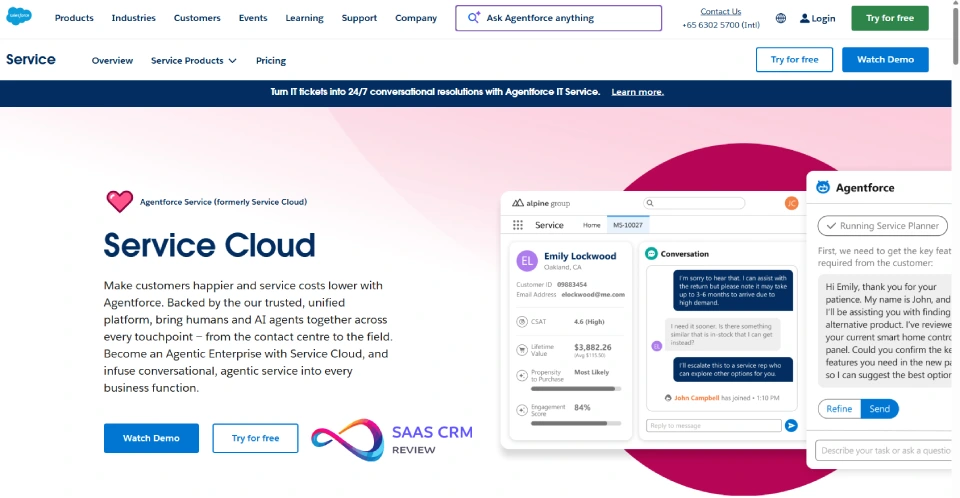
One-line verdict: Best for enterprises needing sophisticated routing, compliance, and native social listening.
Social media capabilities:
- Approach: Service Cloud + partner social care/listening (included in higher tiers)
- Channels: Facebook, Instagram, X (Twitter), WhatsApp (via Twilio or MessageBird partner integration)
- Social Studio provides social listening, keyword tracking, sentiment analysis, and publishing
Key workflows:
- Social post/DM → Case creation with auto-assignment rules → SLA escalation → Resolution logged to Account timeline
- Sentiment-based routing (negative mentions prioritized)
- Agent replies via Service Console; supervisor dashboards track response time and CSAT by channel
Strengths:
- Industry-leading case management: omni-channel routing, entitlements, SLA milestones, escalation workflows
- Unified customer timeline shows social interactions alongside email, phone, chat, and field service
- Robust security: SOC 2, ISO 27001, GDPR/UK GDPR tools, field-level encryption, audit trails
Trade-offs/limitations:
- High complexity: implementation typically 3–6 months; requires Salesforce admin expertise
- WhatsApp requires third-party connector (not native); TikTok/YouTube not supported
- Expensive: Social Studio + Service Cloud = $150–300+/user/month at scale
Pricing notes: Service Cloud starts ~$75/user/month (Professional), but social features require Enterprise ($150) or Unlimited ($300). Social Studio add-on or included depending on contract.
Implementation notes: Expect significant config: case assignment rules, entitlement processes, social-to-contact matching logic. Integration with Marketing Cloud or Slack for full omnichannel. Best suited for teams with dedicated Salesforce admins.
Choose this if: You’re enterprise-scale, need advanced routing/SLA, have regulatory requirements, and can invest in implementation.
Avoid if: You’re a small team (<20 agents), lack Salesforce expertise, or need quick time-to-value.
Read more: Salesforce CRM Review 2026: Pros, Cons, Pricing, and Practical Insights
2. Microsoft Dynamics 365 Customer Service
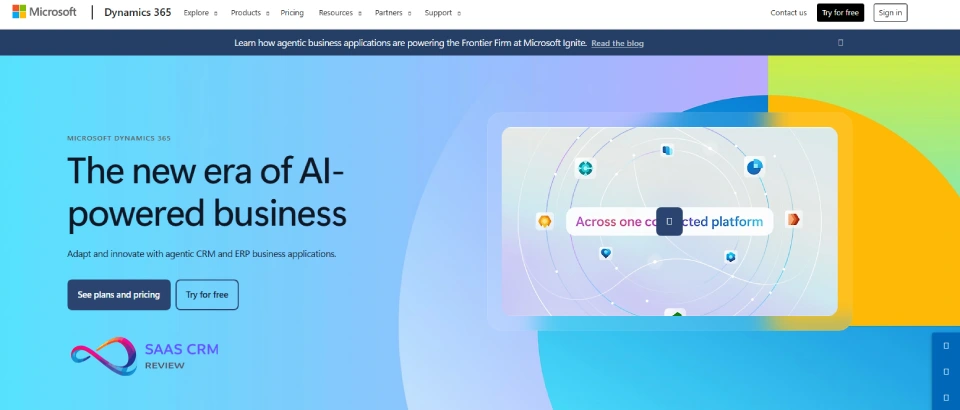
One-line verdict: Best for enterprises already in the Microsoft ecosystem (Teams, Office 365, Azure).
Social media capabilities:
- Approach: Integration via Omnichannel for Customer Service
- Channels: Facebook Messenger, X (Twitter), WhatsApp, WeChat, custom channels via Azure Bot Framework
- Social listening requires third-party tools (Sprinklr, Hootsuite, or custom Power Automate flows)
Key workflows:
- Social message → Omnichannel queue → Agent assignment (skills-based) → Conversation logged to Contact/Case
- Unified Agent Desktop shows social threads alongside phone, email, chat
- Power Automate triggers for sentiment-based escalation
Strengths:
- Tight Microsoft integration: Teams collaboration, Power BI reporting, Azure data residency options
- Strong identity resolution: links social handles to Dynamics Contacts via Common Data Service
- AI agent assist: sentiment analysis, knowledge article suggestions, conversation summaries (via Copilot for Service)
Trade-offs/limitations:
- Setup complexity: Omnichannel requires separate license, Azure configuration, channel provisioning
- Social listening not native; requires partner tools or custom build
- UI can feel overwhelming; steep learning curve for admins new to Dynamics
Pricing notes: Customer Service Enterprise ~$95/user/month; Omnichannel add-on ~$75/user/month. Total cost for full social + service = $170+/user/month.
Implementation notes: Plan 2–4 months for Omnichannel setup. Requires Azure tenant, Power Platform admin skills, and likely a Microsoft partner. Best for organizations already using Dynamics 365 Sales or Field Service.
Choose this if: You’re committed to Microsoft ecosystem, need Azure data residency, have Power Platform expertise.
Avoid if: You’re platform-agnostic, need quick out-of-box social, or want best-in-class social listening.
Read more: Microsoft Dynamics 365 Sales Review 2026: Features, Pricing, Pros/Cons
3. Oracle Service Cloud
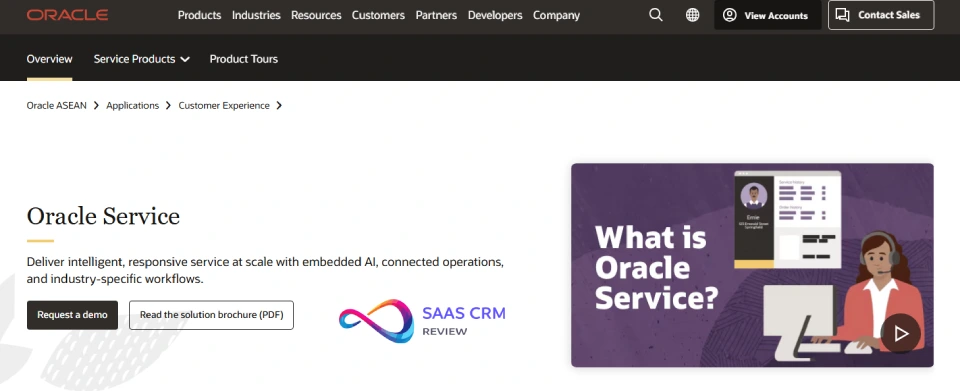
One-line verdict: Enterprise platform with robust case management; aging UI but solid for legacy integrations.
Social media capabilities:
- Approach: Partner integrations (via Oracle Social Cloud or third-party)
- Channels: Facebook, X (Twitter), WhatsApp (via partner connectors like Sparkcentral)
- Oracle Social Cloud (formerly separate product) provides social monitoring; now bundled in some contracts
Key workflows:
- Social message → Incident creation → Queue routing → Agent Desktop response → Incident history
- Social Monitor dashboard tracks keywords, mentions, response coverage
- Integration with Oracle Marketing Cloud for full customer journey
Strengths:
- Mature case management: advanced workflows, business rules, SLA tracking, knowledge base
- Strong for large enterprises with complex legacy systems (telephony, ERP, ecommerce)
- GDPR/UK GDPR compliance features; audit logs; role-based data masking
Trade-offs/limitations:
- UI feels dated compared to newer platforms; agent experience lags competitors
- Social features often require additional licensing or partner procurement
- Implementation and customization typically require Oracle-certified consultants
Pricing notes: Quote-based; typically $150–300+/user/month depending on modules and support tier.
Implementation notes: Expect 4–9 months for enterprise deployment. Oracle professional services or partner recommended. Best for orgs already on Oracle ERP/CX suite.
Choose this if: You’re deep in Oracle ecosystem, need legacy system integration, have enterprise support budget.
Avoid if: You prioritize modern UX, need quick implementation, or are a mid-market buyer.
4. ServiceNow Customer Service Management
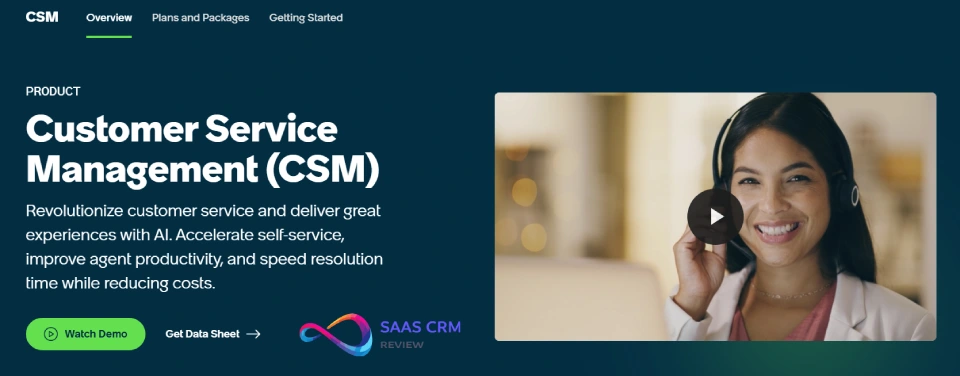
One-line verdict: Best for enterprises running ServiceNow ITSM; extends service operations to customer-facing channels.
Social media capabilities:
- Approach: Partner integrations (via ServiceNow Store apps or middleware)
- Channels: Facebook, X (Twitter), WhatsApp via third-party connectors (e.g., Hootsuite, Sprinklr, or custom via Flow Designer)
- No native social listening; requires external tools
Key workflows:
- Social message → Case (or Incident) creation via integration → Assignment via CMDB/skill rules → Agent Workspace response → Case closure + CSAT survey
- Flow Designer automates routing, escalation, major incident workflows
- Virtual Agent (chatbot) can triage social inquiries before human handoff
Strengths:
- Unified service operations: link customer cases to backend ITSM incidents, change requests, knowledge
- Powerful workflow engine: visual Flow Designer, SLA definitions, approval processes
- Strong reporting: Performance Analytics, custom dashboards, trend analysis
Trade-offs/limitations:
- Expensive and complex; requires ServiceNow expertise or certified partner
- Social integrations not native; often require middleware (MuleSoft, Workato) or Store apps
- Best suited for organizations already using ServiceNow for ITSM
Pricing notes: Quote-based; typically $150+/user/month for Customer Service Management. Integration costs add significantly.
Implementation notes: 4–12 months typical for CSM deployment. Requires ServiceNow admin/architect skills. Best for large IT-driven orgs extending ITSM to customer service.
Choose this if: You’re already on ServiceNow ITSM, need to unify internal and external service, have implementation resources.
Avoid if: You’re not a ServiceNow shop, need turnkey social features, or are SMB/mid-market.
5. SAP Service Cloud
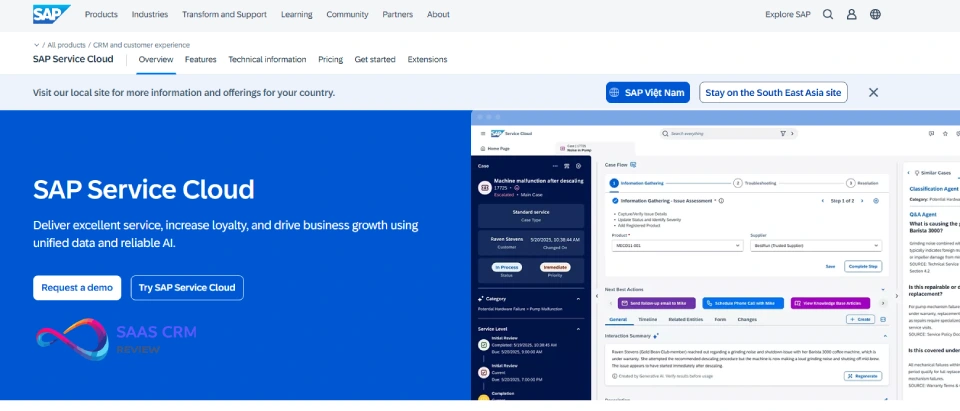
One-line verdict: Enterprise platform for SAP customers; strong for ECC/S4HANA integration but limited native social.
Social media capabilities:
- Approach: Integration via SAP Customer Experience (C4C) or middleware
- Channels: Facebook, X (Twitter), WhatsApp via partner connectors (SAP partners like Sparkcentral, or custom via SAP Integration Suite)
- Social listening requires third-party tools
Key workflows:
- Social message → Ticket creation in C4C → Agent Inbox assignment → Resolution → Integration with SAP ERP for order/billing context
- SAP AI Business Services can analyze sentiment, suggest responses
- Tight integration with SAP S/4HANA for service parts, warranties, entitlements
Strengths:
- Deep ERP integration: real-time access to order, billing, contract data within service tickets
- Strong for asset-centric industries (manufacturing, utilities) needing service history linked to installed base
- Global compliance: GDPR, UK GDPR, data residency in multiple regions (via SAP Cloud)
Trade-offs/limitations:
- SAP lock-in; best value only if already on SAP ecosystem
- Social features require additional licensing and partner implementation
- UI complexity; steep learning curve for non-SAP users
Pricing notes: Quote-based; typically $100–250+/user/month depending on modules. Implementation costs can exceed software costs.
Implementation notes: 6–12 months typical. Requires SAP Basis/CX expertise. Often bundled with broader S/4HANA or SAP CX transformation.
Choose this if: You’re an SAP shop, need ERP integration, operate in asset-heavy industries.
Avoid if: You’re not on SAP, need agile social CRM, or are SMB/mid-market.
Read more: Best CRM Software For Higher Education Reviewed In 2026
All-in-One CRM + Service Platforms
6. HubSpot Service Hub
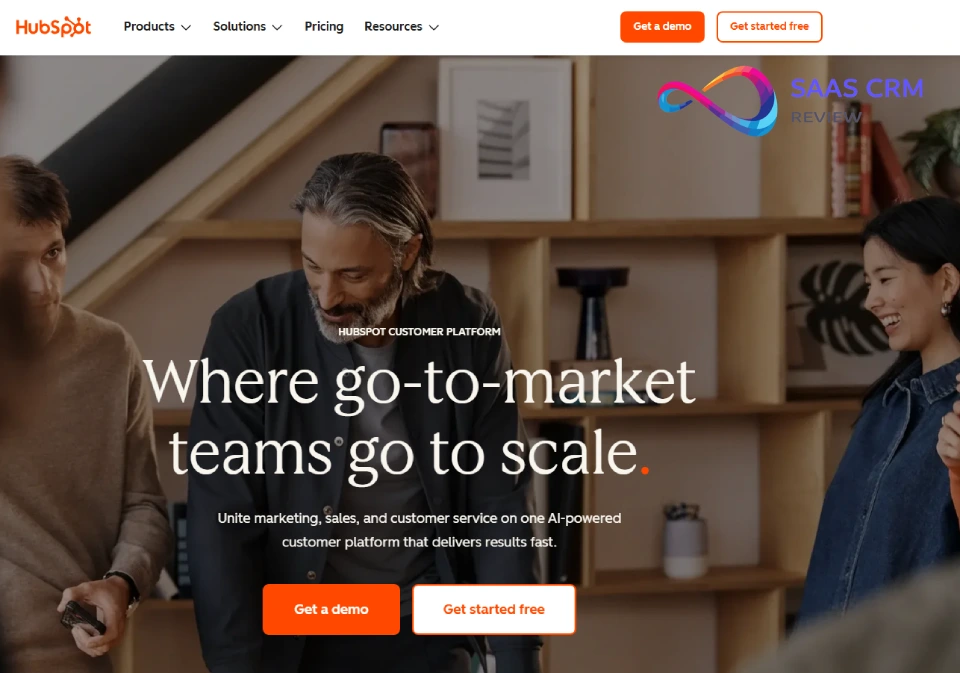
One-line verdict: Best all-in-one for mid-market; excellent contact timeline, clean UX, strong marketing + service integration.
Social media capabilities:
- Approach: Partner integrations (via HubSpot App Marketplace)
- Channels: Facebook Messenger, Instagram DMs, WhatsApp (via partners like Trengo, Aircall, or native WhatsApp beta in 2026)
- Social profile enrichment (LinkedIn, Twitter handles displayed on contact records)
- No native social listening (use Sprout Social, Hootsuite integrations)
Key workflows:
- Social message → Conversation inbox → Auto-assign to rep/agent → Response sent from HubSpot → Conversation logged to Contact timeline
- Workflows automate follow-up, tagging, ticket creation based on conversation properties
- Knowledge base articles suggested via AI assist; CSAT surveys sent post-resolution
Strengths:
- Unified customer timeline: every social interaction, email, call, chat, deal, ticket visible in one view
- Excellent contact management: automatic enrichment, custom properties, segmentation
- Seamless integration with HubSpot Marketing (email campaigns, ads attribution, lead scoring)
Trade-offs/limitations:
- Social inbox requires partner apps; not fully native (though improving)
- No native social listening or sentiment analysis (must integrate external tools)
- Higher-tier plans (Pro/Enterprise) required for automation and custom reporting
Pricing notes: Service Hub Professional starts $45/user/month (2-user minimum = $1,080/year); social inbox apps may add $10–50/month. Enterprise tier $130/user/month for advanced permissions and AI features.
Implementation notes: Quick setup: 1–4 weeks for SMBs. Strong documentation, HubSpot Academy training, active community. Best for teams already using HubSpot CRM or Marketing.
Choose this if: You want all-in-one CRM + marketing + service, prioritize ease of use, need fast time-to-value.
Avoid if: You need native social listening, require WhatsApp without third-party apps, or are enterprise with complex routing needs.
Read more: HubSpot CRM Review 2026: Honest Features, Pricing
7. Zoho CRM Plus
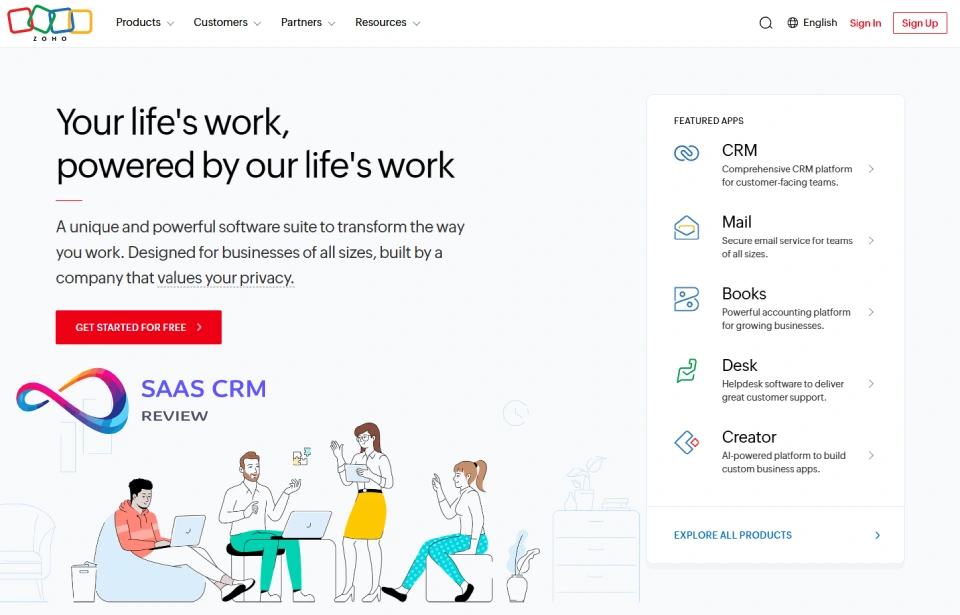
One-line verdict: Budget-friendly suite with native social tools; best for cost-conscious mid-market teams.
Social media capabilities:
- Approach: Native via Zoho Social (included in CRM Plus)
- Channels: Facebook, Instagram, X (Twitter), LinkedIn, YouTube, Google My Business
- Zoho Social provides social listening (keywords, brand mentions), publishing, analytics
Key workflows:
- Social mention → Zoho Social inbox → Convert to ticket in Zoho Desk → Agent response → Ticket resolution logged to CRM contact
- Social lead capture: FB/IG lead ads sync directly to Zoho CRM; auto-assign to sales reps
- Sentiment tracking and brand monitoring dashboards
Strengths:
- True native integration: Zoho Social, Zoho Desk, Zoho CRM share data seamlessly
- Affordable: CRM Plus bundles CRM, Desk, Social, Analytics, Campaigns for one price
- Social listening included: track keywords, competitors, sentiment without additional cost
Trade-offs/limitations:
- UI learning curve; Zoho’s design feels less modern than HubSpot or Salesforce
- Limited WhatsApp support (requires third-party connectors or Zoho SalesIQ)
- Ecosystem smaller than Salesforce/HubSpot; fewer third-party integrations
Pricing notes: CRM Plus starts $57/user/month (all-in: CRM, Desk, Social, Campaigns, Analytics). Excellent value for feature set.
Implementation notes: Moderate complexity; 2–6 weeks typical. Zoho’s documentation is comprehensive but scattered. Best for teams willing to invest time in configuration.
Choose this if: You want native social + CRM + service, need budget-friendly all-in-one, don’t mind Zoho’s UX quirks.
Avoid if: You prioritize sleek UX, need WhatsApp out-of-box, or require enterprise-grade routing.
Read more: Zoho CRM Review 2026: Features, Pricing, Pros & Cons
8. Freshworks Customer Service Suite (Freshdesk + Freshchat)
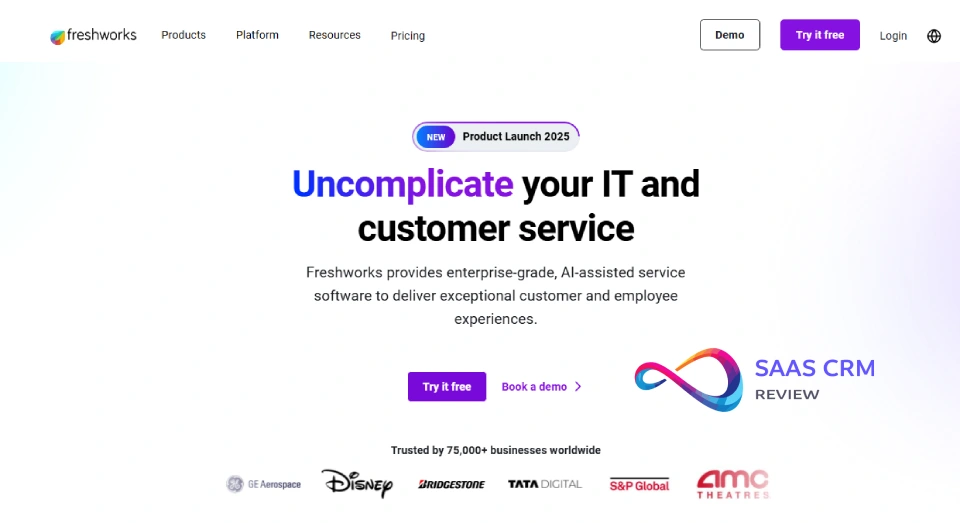
One-line verdict: Affordable SMB-to-mid-market service platform; good social support, clean UI, limited CRM depth.
Social media capabilities:
- Approach: Native via Freshchat Social and Freshdesk integrations
- Channels: Facebook Messenger, WhatsApp, Instagram DMs, X (Twitter)
- Basic social listening via Freshdesk integrations (not as robust as dedicated tools)
Key workflows:
- Social message → Freshdesk ticket → Auto-assignment rules → Agent response via Freshdesk → Ticket history linked to Contact
- Freshchat Social unified inbox for live social monitoring
- Macros, canned responses, SLA policies apply to social tickets
Strengths:
- Clean, intuitive UI; low learning curve for agents
- WhatsApp Business API support out-of-box (verified business account required)
- Affordable: strong feature set at lower price point than Zendesk or HubSpot
Trade-offs/limitations:
- Limited CRM capabilities; Freshsales CRM separate product (not tightly integrated out-of-box)
- Social listening basic; no advanced sentiment analysis or competitor tracking
- Reporting less flexible than enterprise platforms
Pricing notes: Freshdesk Omnichannel starts $69/agent/month (includes social channels, chat, phone). Add Freshsales CRM for $15–69/user/month if needed.
Implementation notes: Fast setup: 1–3 weeks typical. Strong onboarding support. Best for service-first teams (not sales-heavy).
Choose this if: You prioritize customer service, need WhatsApp support, want affordable and easy-to-use.
Avoid if: You need robust CRM (sales pipelines, deal tracking), advanced listening, or enterprise customization.
Read more: Freshdesk Review 2026: Pricing, Pros & Cons, AI Features
9. Zendesk Suite
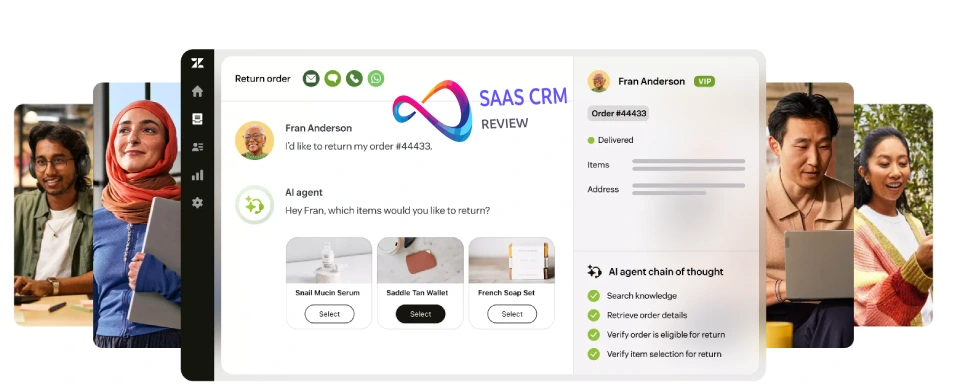
One-line verdict: Best for social customer service; excellent omnichannel inbox, strong WhatsApp support, less CRM depth.
Social media capabilities:
- Approach: Native + partner integrations
- Channels: Facebook Messenger, Instagram DMs, WhatsApp Business API (native), X (Twitter), LINE (via partners)
- Limited social listening (requires third-party tools like Brandwatch or Talkwalker)
Key workflows:
- Social message → Zendesk Support ticket → Omnichannel routing → Agent Workspace response → Ticket fields capture social handle → CSAT survey post-resolution
- Macros and triggers automate responses, tagging, escalation
- Answer Bot (AI) can triage social inquiries before agent handoff
Strengths:
- Best-in-class omnichannel agent experience; unified workspace for all channels
- Native WhatsApp Business API support; no third-party connector needed
- Strong marketplace: 1,200+ apps for integrations (CRM, analytics, WFM)
Trade-offs/limitations:
- Zendesk Sell (CRM) separate product; integration exists but not seamless like HubSpot or Salesforce
- No native social listening; requires external tools
- Reporting limited on lower tiers; Advanced Analytics add-on required for custom dashboards
Pricing notes: Zendesk Suite starts $115/agent/month (includes Support, Chat, Talk); Suite Enterprise $169/agent/month. Add Sell CRM at $19– 169/user/month if needed.
Implementation notes: Moderate setup: 2–6 weeks. Strong documentation and community. Best for service-centric teams; requires separate Sell implementation for full CRM.
Choose this if: Social customer service is priority, you need WhatsApp support, agents handle high volume.
Avoid if: You need tightly integrated sales CRM, advanced social listening, or budget constraints.
Read more: Zendesk Review 2026: Pricing, Features, Pros & Cons
10. Creatio CRM
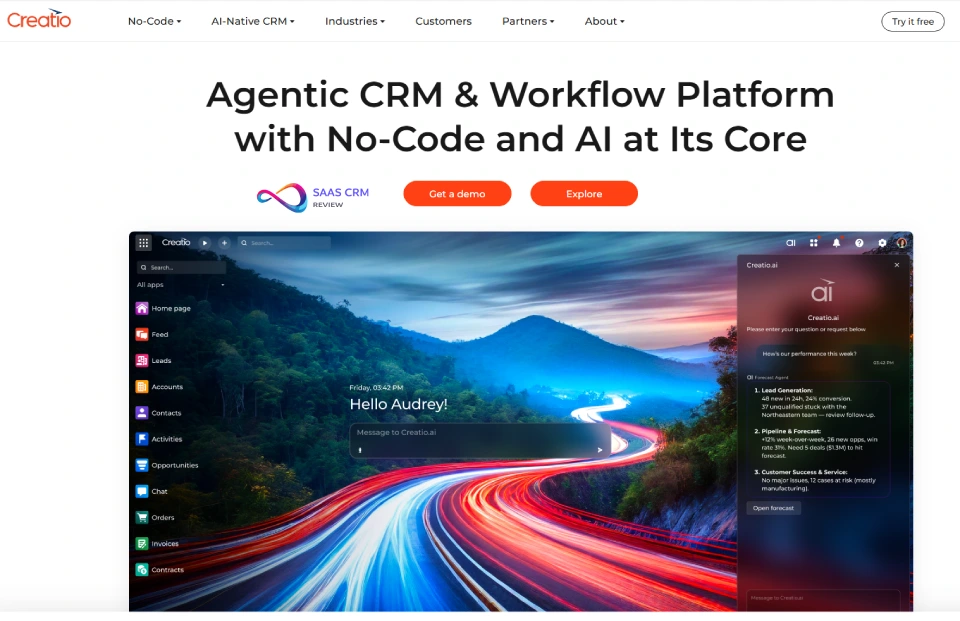
One-line verdict: Low-code platform for mid-market; flexible for custom social workflows, niche ecosystem.
Social media capabilities:
- Approach: Integration via Creatio Marketplace connectors
- Channels: Facebook, X (Twitter), WhatsApp via partner connectors or custom build (low-code studio)
- No native social listening; requires third-party tools or custom integration
Key workflows:
- Social message → Case creation (configurable via Creatio Studio) → Queue assignment → Agent response → Case resolution logged to Contact/Account
- Visual process designer allows custom routing, SLA, escalation logic
- Integration with Creatio Marketing for attribution tracking
Strengths:
- Low-code/no-code platform: business users can build workflows, custom objects, integrations without developers
- Flexible for unique use cases; easier to customize than Salesforce without code
- Unified CRM, marketing, and service suite (Creatio Studio)
Trade-offs/limitations:
- Smaller ecosystem; fewer pre-built social connectors than Salesforce/HubSpot
- Social integrations often require marketplace apps or custom build (even with low-code tools)
- Less robust reporting out-of-box compared to enterprise platforms
Pricing notes: Marketing Creatio starts $25/user/month; Service Creatio $25/user/month. Bundles available. Social connectors may add cost.
Implementation notes: Moderate complexity; 4–8 weeks typical. Requires Creatio Studio training. Best for teams wanting flexibility without heavy coding.
Choose this if: You need custom workflows, want low-code flexibility, have unique social use cases.
Avoid if: You need turnkey social features, lack config resources, or prioritize deep ecosystem.
Social-First & Engagement-Centric CRMs
11. Sprout Social (with CRM integrations)
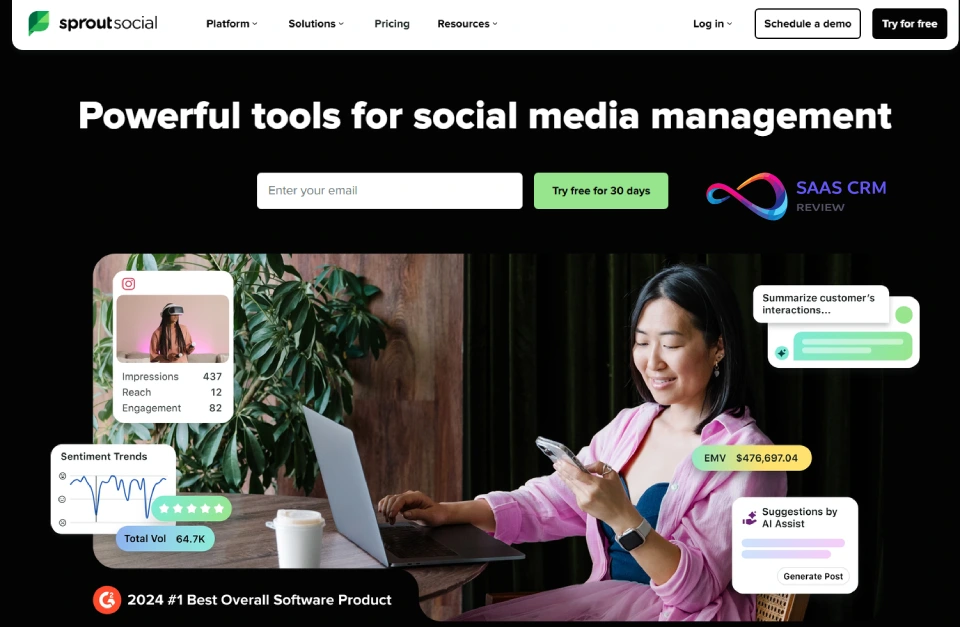
One-line verdict: Best social media management platform; excellent listening and engagement, integrates with CRMs for data sync.
Social media capabilities:
- Approach: Native social hub; integrates with CRMs (Salesforce, HubSpot, Microsoft Dynamics) via connectors
- Channels: Facebook, Instagram, X (Twitter), LinkedIn, Pinterest, TikTok, YouTube
- Industry-leading social listening: keywords, hashtags, competitors, sentiment analysis, trends
Key workflows:
- Social mention/DM → Sprout inbox → Agent response → Interaction data syncs to CRM contact via integration
- Smart Inbox unifies all social messages; tagging, assignment, collision detection
- Listening data (sentiment, keywords) feeds CRM reports via API or manual export
Strengths:
- Best-in-class social listening and analytics; competitive intelligence, trend tracking
- Excellent engagement tools: unified inbox, tagging, saved replies, approval workflows
- Strong reporting: custom dashboards, sentiment over time, response benchmarks
Trade-offs/limitations:
- NOT a full CRM; requires separate CRM for deal management, service ticketing, customer records
- CRM integration requires middleware (Zapier) or native connectors (limited field mapping)
- Expensive for social-only use case if team needs full CRM features
Pricing notes: Starts $249/seat/month (Standard); $399/seat/month (Professional) for listening. Minimum 5 seats on Advanced ($499/seat/month).
Implementation notes: Quick for social team; 1–2 weeks. CRM integration setup adds 1–3 weeks (depending on CRM). Best for marketing/social teams partnering with sales/service using separate CRM.
Choose this if: Social listening is critical, you need best-in-class engagement tools, have separate CRM for records.
Avoid if: You need all-in-one CRM, are a small team (<5 social seats), or budget-constrained.
12. Hootsuite (with CRM connectors)
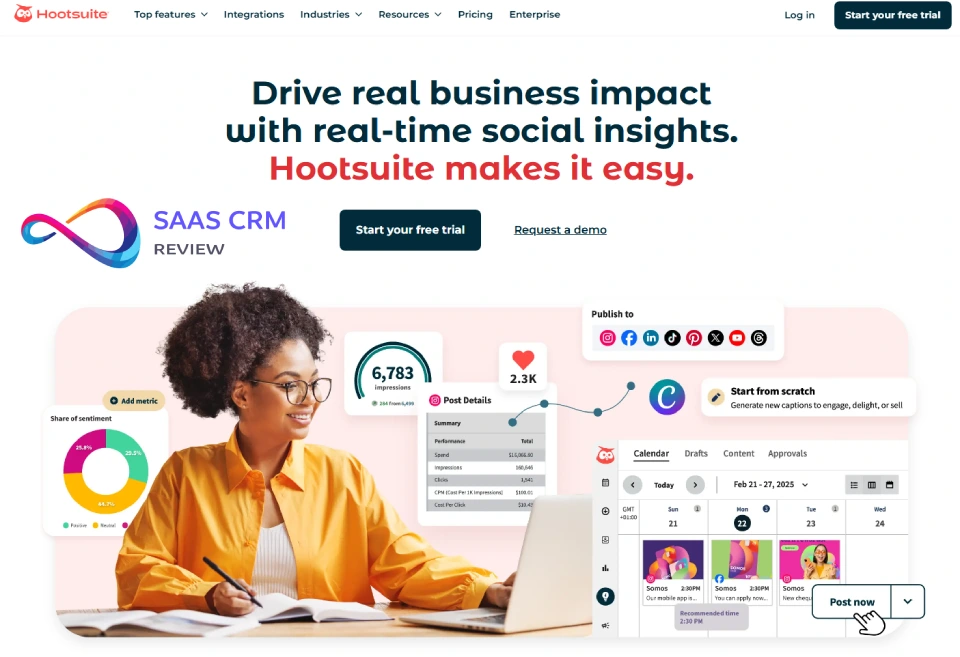
One-line verdict: Established social management platform; good for multi-brand teams, integrates with CRMs via apps.
Social media capabilities:
- Approach: Native social hub; integrates with CRMs (Salesforce, HubSpot, Microsoft Dynamics) via Hootsuite App Directory
- Channels: Facebook, Instagram, X (Twitter), LinkedIn, Pinterest, TikTok, YouTube
- Social listening via Hootsuite Insights (powered by Talkwalker)
Key workflows:
- Social mention → Hootsuite Streams → Assign to team member → Response sent → Engagement data syncs to CRM via connector
- Streams dashboard monitors keywords, hashtags, brand mentions
- Bulk scheduling, approval workflows, content calendar
Strengths:
- Mature platform; extensive integrations (150+ apps)
- Good for agencies and multi-brand management (team permissions, approval flows)
- Social listening included in higher tiers
Trade-offs/limitations:
- NOT a full CRM; requires separate CRM for customer records
- CRM integrations via third-party apps (not always seamless)
- Listening less advanced than Sprout Social or dedicated tools
Pricing notes: Starts $99/month (Team, 3 users, 20 social accounts); $249/month (Business, 5 users). Enterprise plans quote-based.
Implementation notes: Quick setup: 1–2 weeks. CRM connector setup adds time. Best for teams managing multiple brands or clients.
Choose this if: You manage multiple brands, need publishing + scheduling + basic listening, have separate CRM.
Avoid if: You need advanced listening, full CRM integration, or are a single-brand small team.
13. Agorapulse
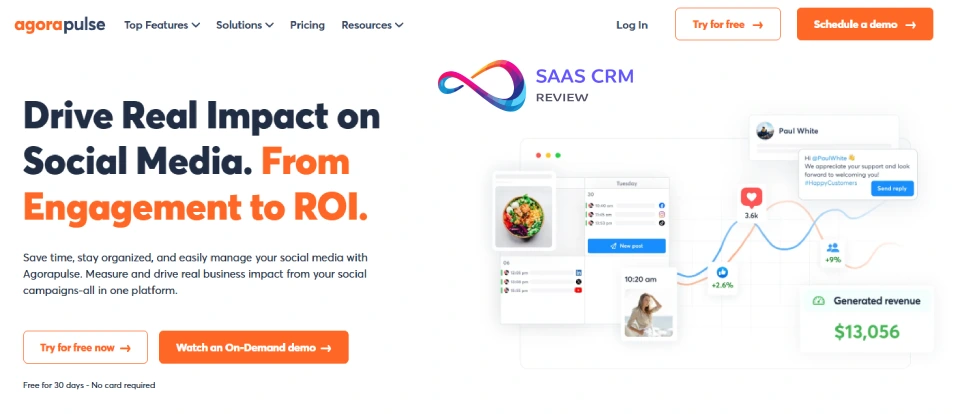
One-line verdict: SMB-friendly social engagement platform; affordable, good reporting, limited CRM sync.
Social media capabilities:
- Approach: Native social hub; basic CRM sync via Zapier or API
- Channels: Facebook, Instagram, X (Twitter), LinkedIn, YouTube, TikTok
- Social listening: keyword monitoring, competitor tracking (not as robust as Sprout Social)
Key workflows:
- Social message → Agorapulse Unified Inbox → Label and assign → Response sent → Interaction logged in Agorapulse CRM (basic contact profiles)
- Social ROI tracking: engagement, follower growth, best-performing content
- Publishing calendar, approval workflows, content library
Strengths:
- Affordable for SMBs; strong feature set at lower price than competitors
- Clean UI; low learning curve
- Built-in CRM (contact profiles, tagging, interaction history) for small teams not needing full CRM
Trade-offs/limitations:
- Built-in CRM very basic; not suitable for complex sales/service workflows
- CRM integration (Salesforce, HubSpot) requires Zapier; limited field mapping
- Listening less comprehensive than enterprise tools
Pricing notes: Starts $69/user/month (Standard, 10 social profiles); $99/user/month (Professional). Good value for SMBs.
Implementation notes: Fast setup: 1 week. Zapier integration to external CRM adds 1–2 weeks. Best for SMBs managing social engagement without complex CRM needs.
Choose this if: You’re an SMB, need affordable social engagement, can use basic built-in CRM or Zapier sync.
Avoid if: You need robust CRM integration, advanced listening, or enterprise-scale workflows.
14. Statusbrew
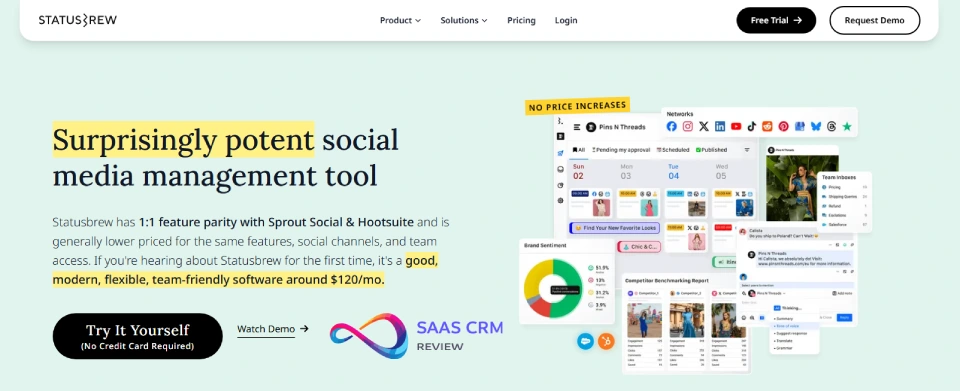
One-line verdict: Agency and multi-brand social platform; strong scheduling and reporting, limited CRM depth.
Social media capabilities:
- Approach: Native social hub; basic CRM sync via API or Zapier
- Channels: Facebook, Instagram, X (Twitter), LinkedIn, YouTube, Google My Business
- Social listening: keyword tracking, mention monitoring (basic compared to Sprout Social)
Key workflows:
- Social mention → Statusbrew Engage (unified inbox) → Assign to team → Response sent → Engagement logged
- Publishing workflows: approval chains, content calendar, bulk scheduling
- Multi-brand reporting: per-client dashboards, white-label reports
Strengths:
- Strong for agencies: client/brand separation, white-label reporting, team permissions
- Good automation: auto-responders, tagging rules, sentiment-based assignment
- Competitive pricing for multi-user teams
Trade-offs/limitations:
- Limited CRM features; no native contact management or deal tracking
- CRM integration requires API or Zapier (not turnkey)
- Listening and analytics less advanced than top-tier tools
Pricing notes: Starts $89/user/month (10 social profiles); $179/user/month (25 profiles). Agency plans available.
Implementation notes: Quick setup: 1–2 weeks. Best for agencies managing multiple clients/brands. CRM sync requires custom build.
Choose this if: You’re an agency, need multi-brand management, want affordable publishing + engagement.
Avoid if: You need full CRM, advanced listening, or are a single-brand team.
15. Emplifi (formerly Socialbakers)
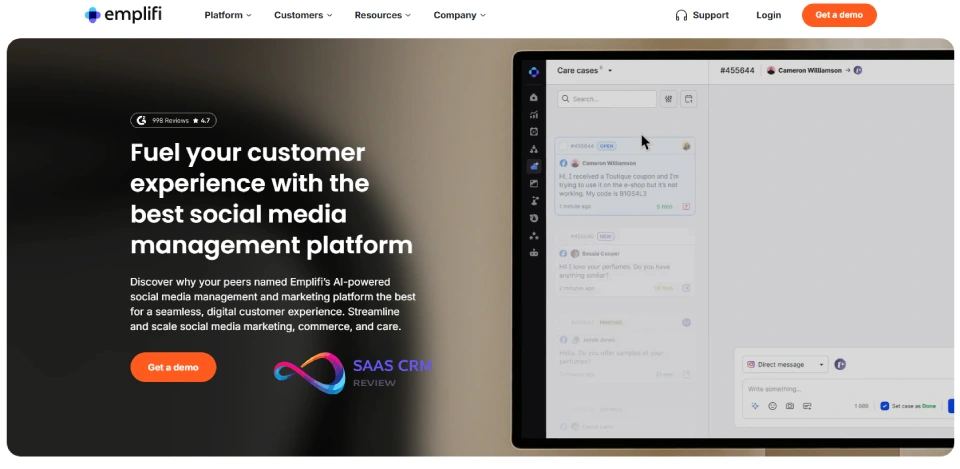
One-line verdict: Enterprise social analytics and engagement; excellent insights, expensive, complex.
Social media capabilities:
- Approach: Native social suite; integrates with CRMs via API or partners
- Channels: Facebook, Instagram, X (Twitter), TikTok, YouTube, LinkedIn
- Advanced social listening: AI-powered sentiment, competitor benchmarking, influencer tracking
Key workflows:
- Social mention → Emplifi Care (unified inbox) → AI triage and routing → Agent response → Engagement and sentiment data syncs to CRM or BI tools
- Social Commerce tracking: in-app purchases, product tagging, conversion attribution
- Comprehensive analytics: audience insights, content performance, competitive benchmarks
Strengths:
- Best-in-class social analytics; deep insights for data-driven teams
- AI-powered engagement: suggested responses, sentiment analysis, intent detection
- Strong for consumer brands; social commerce features (Instagram/Facebook Shops)
Trade-offs/limitations:
- Expensive; typically quote-based at $30k–100k+/year
- Complex; requires dedicated social media manager or team
- CRM integration not turnkey; requires API build or partner middleware
Pricing notes: Quote-based; typically $2,500–10,000+/month depending on social profiles and modules.
Implementation notes: 4–12 weeks typical. Requires onboarding and training. Best for enterprise consumer brands with dedicated social teams.
Choose this if: You’re a large consumer brand, need advanced analytics, have budget and resources.
Avoid if: You’re SMB/mid-market, need simple CRM integration, or budget-constrained.
SMB & Mid-Market CRMs with Social Add-Ons
16. Pipedrive
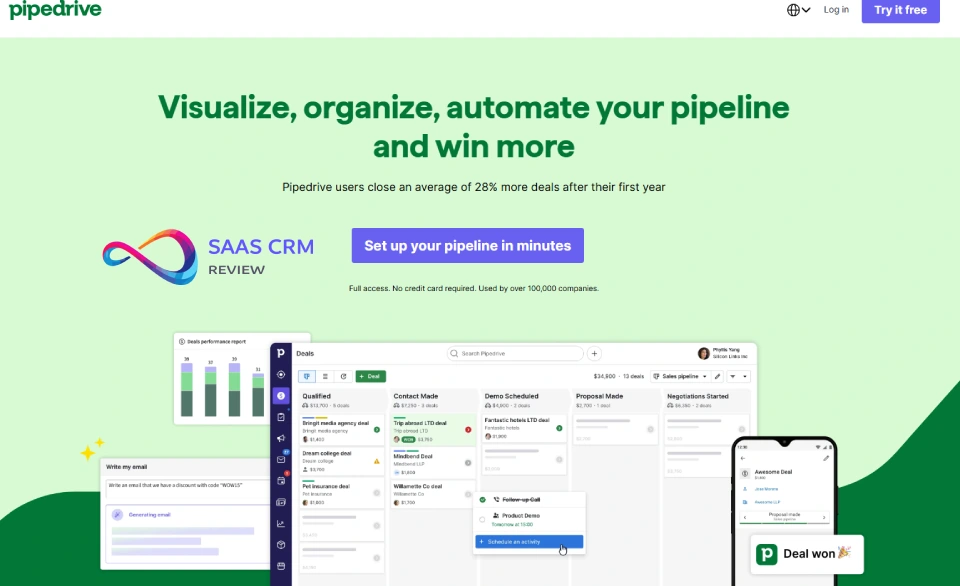
One-line verdict: Sales-focused CRM for SMBs; limited social features, best for LinkedIn lead tracking via add-ons.
Social media capabilities:
- Approach: Third-party integrations (via Marketplace or Zapier)
- Channels: LinkedIn (via Linked Helper, Dux-Soup, or manual import), X/Facebook via Zapier
- No native social inbox or listening
Key workflows:
- LinkedIn lead capture → Manual or automated import to Pipedrive → Sales pipeline management
- Limited social engagement tracking; mainly profile enrichment
- Focus on deal management, not service ticketing
Strengths:
- Excellent sales pipeline UX; visual drag-and-drop, activity tracking, forecasting
- Affordable for SMBs; straightforward pricing
- Strong mobile app; good for field sales teams
Trade-offs/limitations:
- Not service-centric; no ticketing, case management, or omnichannel inbox
- Social features minimal; requires third-party tools or manual processes
- Limited automation compared to HubSpot or Salesforce
Pricing notes: Starts $14/user/month (Essential); $34/user/month (Advanced) for automation and reporting. LinkedIn tools add $15–50/month.
Implementation notes: Fast setup: 1–2 weeks. Best for sales teams tracking LinkedIn leads. Not suitable for social customer service.
Choose this if: You’re a sales-focused SMB, prioritize deal management, use LinkedIn for prospecting.
Avoid if: You need social customer service, omnichannel inbox, or advanced social listening.
Read more: Pipedrive CRM Review 2026: Features, Pricing, Pros & Cons
17. Copper CRM
One-line verdict: Google Workspace CRM for SMBs; Gmail-centric, limited native social, good for LinkedIn enrichment.
Social media capabilities:
- Approach: Third-party integrations (via Zapier or API)
- Channels: LinkedIn, X (Twitter) via Zapier; no native social inbox
- Social profile enrichment (displays LinkedIn, Twitter handles on contact cards)
Key workflows:
- LinkedIn connection → Manual add or Zapier automation → Copper contact → Email follow-up from Gmail
- Gmail sidebar shows contact’s social profiles (no direct messaging)
- Focus on relationship management, not service ticketing
Strengths:
- Seamless Google Workspace integration; lives in Gmail sidebar
- Automatic contact creation from Gmail threads
- Affordable and easy to use for small teams
Trade-offs/limitations:
- No social inbox or messaging features
- Limited service/ticketing capabilities
- Social features require Zapier or manual processes
Pricing notes: Starts $29/user/month (Basic); $69/user/month (Professional). Google Workspace required.
Implementation notes: Fast setup: 1 week. Best for Google Workspace SMBs focused on relationship management.
Choose this if: You live in Gmail, need simple CRM, track LinkedIn connections.
Avoid if: You need social messaging, service ticketing, or advanced social features.
Read more: Copper CRM Review 2026: Pricing, Features, Pros & Cons
18. Insightly
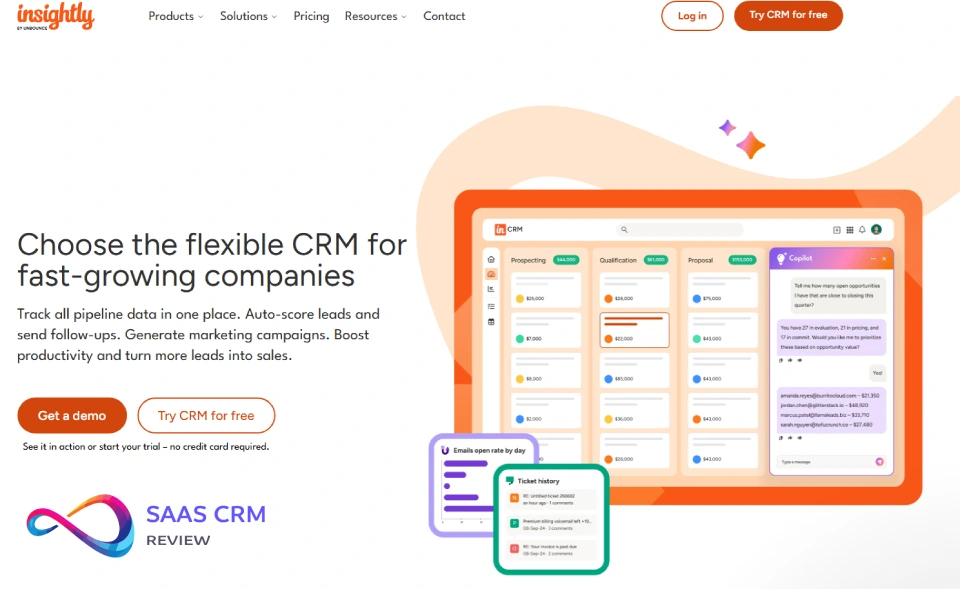
One-line verdict: SMB CRM with project management; limited social features, good for basic contact enrichment.
Social media capabilities:
- Approach: Third-party integrations (via Marketplace or API)
- Channels: LinkedIn, X (Twitter) via middleware; no native social inbox
- Basic social profile display on contact records
Key workflows:
- Social lead capture → Manual or automated import → Insightly contact → Project or opportunity assignment
- Limited social engagement tracking
- Focus on project-based workflows
Strengths:
- Project management built-in; good for services firms
- Affordable for SMBs; predictable pricing
- Workflow automation (higher tiers)
Trade-offs/limitations:
- Weak social features; no messaging, listening, or engagement tools
- UI less modern than HubSpot or Pipedrive
- Limited ecosystem compared to major platforms
Pricing notes: Starts $29/user/month (Plus); $99/user/month (Professional) for automation.
Implementation notes: Moderate setup: 2–4 weeks. Best for project-based SMBs, not social-centric teams.
Choose this if: You need project management + CRM, track LinkedIn leads, don’t prioritize social.
Avoid if: Social engagement is a priority, need modern UX, or want robust social features.
Read more: Insightly CRM Review 2026: Features, Pricing & Comparisons
19. Nimble CRM
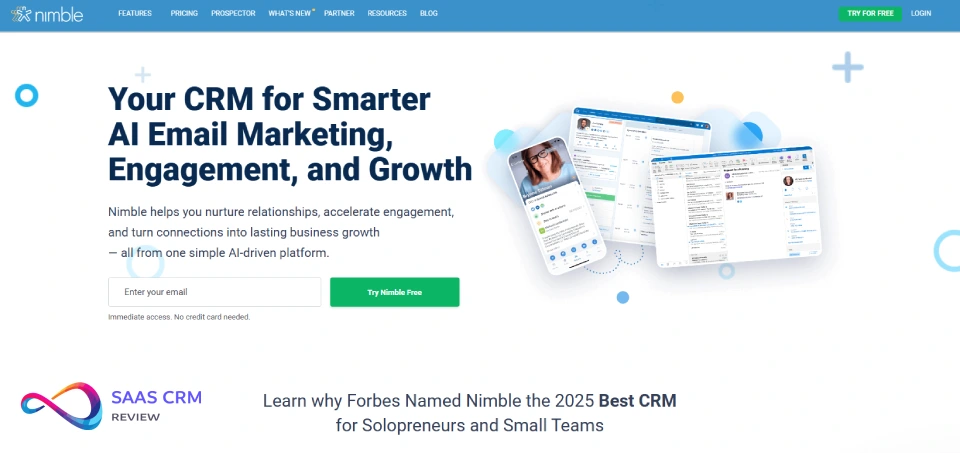
One-line verdict: Relationship CRM with strong social enrichment; best for SMBs tracking LinkedIn and Twitter connections.
Social media capabilities:
- Approach: Native social enrichment (profile data aggregation)
- Channels: LinkedIn, X (Twitter), Facebook (profile data and public updates)
- Social listening: basic keyword tracking, not advanced sentiment analysis
- Nimble Prospector browser extension captures social profiles
Key workflows:
- Visit LinkedIn profile → Nimble Prospector captures data → Auto-creates contact with social handles, bio, recent activity
- Unified contact timeline shows emails, social mentions, notes
- Social engagement reminders: “interact with this contact” suggestions
Strengths:
- Excellent social profile enrichment; automatically pulls LinkedIn/Twitter data
- Affordable; strong value for small teams
- Simple, clean UI; low learning curve
Trade-offs/limitations:
- No social inbox for messaging (DMs, comments); only profile enrichment and monitoring
- Limited service/ticketing features
- Basic reporting compared to enterprise CRMs
Pricing notes: $19/user/month (one plan, all features). Excellent value for SMBs.
Implementation notes: Fast setup: 1 week. Best for small teams focused on relationship building, not service.
Choose this if: You’re a small team, prioritize LinkedIn/Twitter enrichment, need affordable CRM.
Avoid if: You need social messaging, service ticketing, or advanced listening.
Read more: Nimble CRM Review 2026: Features, Pricing, Pros & Cons
20. Keap (Infusionsoft)
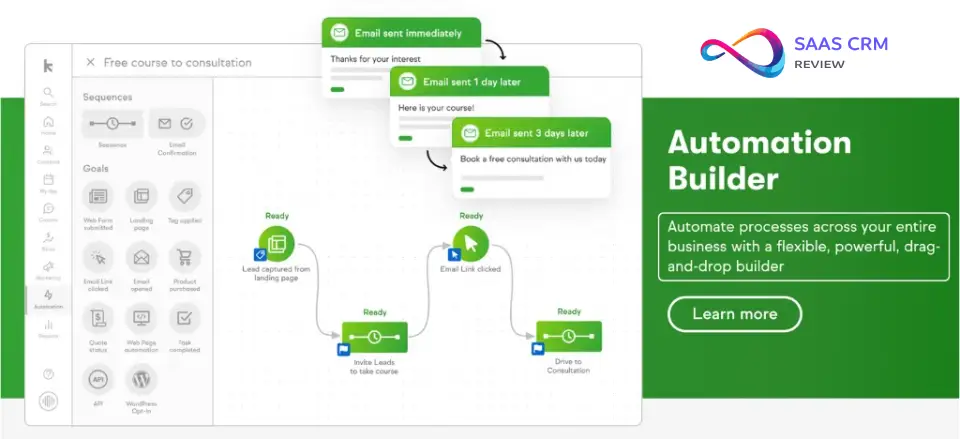
One-line verdict: SMB marketing automation CRM; limited social features, focus on email/SMS campaigns.
Social media capabilities:
- Approach: Third-party integrations (via Zapier or API)
- Channels: Facebook (lead ads via Zapier); no native social inbox
- No social listening or engagement tools
Key workflows:
- Facebook lead ad → Zapier → Keap contact → Automated email campaign → Sales follow-up
- Focus on marketing automation (drip campaigns, tagging, segmentation)
- Limited social engagement tracking
Strengths:
- Strong email/SMS marketing automation
- Good for small businesses selling online courses, coaching, services
- Built-in e-commerce and invoicing
Trade-offs/limitations:
- Minimal social features; requires Zapier for basic integrations
- Expensive for feature set compared to HubSpot or ActiveCampaign
- Complex UI; steep learning curve for non-technical users
Pricing notes: Starts $249/month (2 users, 1,500 contacts); $399/month (Grow plan). Additional users $29/month each.
Implementation notes: Moderate complexity; 2–6 weeks. Best for SMBs focused on marketing automation, not social engagement.
Choose this if: You need marketing automation + CRM, sell services/courses, can use Zapier for social.
Avoid if: Social engagement is priority, need affordable solution, or want modern UX.
Read more: Keap CRM Review 2026: Pricing, Features, Pros & Cons
Industry-Specific & Specialized Platforms
21. Verint Customer Engagement
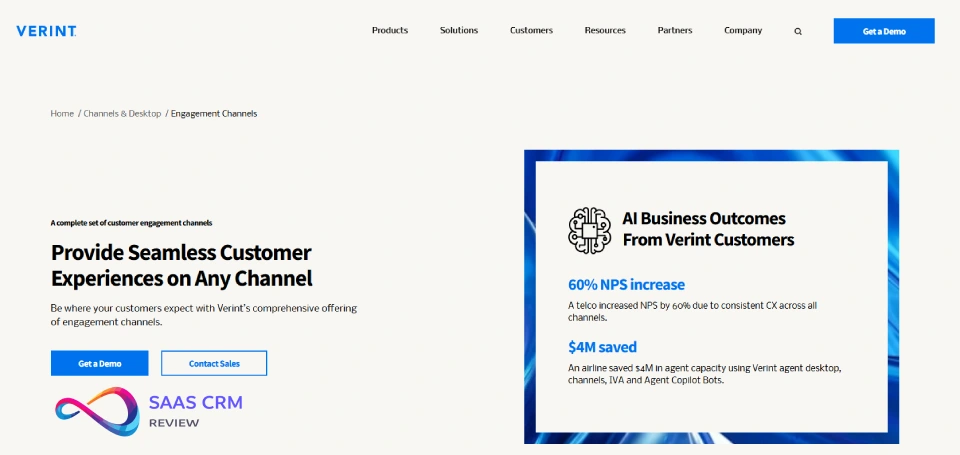
One-line verdict: Enterprise contact center suite; strong workforce management and quality, aging UI.
Social media capabilities:
- Approach: Partner integrations (via ecosystem partners)
- Channels: Facebook, X (Twitter), WhatsApp via third-party connectors
- Social listening via partner tools (Verint focuses on speech/text analytics)
Key workflows:
- Social message → Contact center queue → Workforce management routing → Agent Desktop response → Quality management scoring → CRM integration for customer context
- Focus on omnichannel contact center (phone, email, chat, social)
- Strong workforce management: forecasting, scheduling, adherence
Strengths:
- Enterprise contact center; strong for large teams (100+ agents)
- Workforce management and quality management best-in-class
- Speech and text analytics; sentiment detection, compliance monitoring
Trade-offs/limitations:
- Social features via partners; not native
- Expensive and complex; requires Verint-certified implementation
- UI feels dated; agent experience lags newer platforms
Pricing notes: Quote-based; typically $150–300+/agent/month depending on modules.
Implementation notes: 6–18 months typical for enterprise deployment. Requires contact center expertise. Best for large service operations.
Choose this if: You’re large contact center, need WFM/QM, have enterprise resources.
Avoid if: You need modern UX, simple social CRM, or are SMB/mid-market.
22. NICE CXone
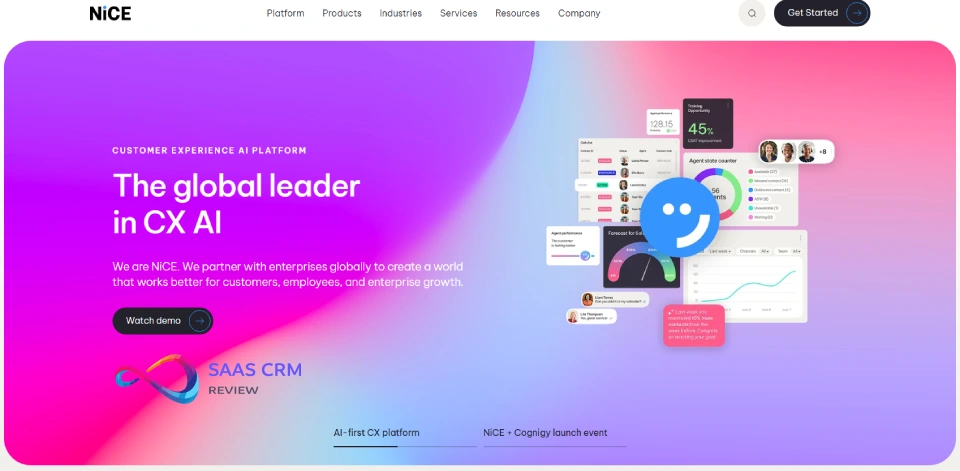
One-line verdict: Cloud contact center leader; strong omnichannel including social, AI-powered routing.
Social media capabilities:
- Approach: Native via CXone Digital
- Channels: Facebook Messenger, Instagram DMs, WhatsApp, X (Twitter), SMS, chat, email
- Social listening via partner integrations
Key workflows:
- Social message → CXone Digital queue → AI-powered routing (intent, sentiment, priority) → Agent Desktop response → Interaction analytics → CRM sync
- Unified agent desktop; context from CRM, previous interactions across channels
- Enlighten AI analyzes all interactions for sentiment, compliance, coaching opportunities
Strengths:
- Best-in-class omnichannel routing; AI-powered assignment (skills, sentiment, workload)
- Strong AI: virtual agent (IVA), agent assist, real-time sentiment, auto-summarization
- Comprehensive WFM, QM, analytics suite
Trade-offs/limitations:
- Contact center focus; not a full CRM (requires integration with Salesforce, Dynamics, etc.)
- Expensive; quote-based pricing typically $100–200+/agent/month
- Complex; requires contact center implementation expertise
Pricing notes: Quote-based; typically $100–200+/agent/month depending on channels and AI features.
Implementation notes: 4–12 months typical. Requires CXone-certified partner. Best for mid-to-large contact centers.
Choose this if: You’re a contact center (50+ agents), need AI routing, prioritize omnichannel experience.
Avoid if: You need full CRM, are a small team, or want simple social inbox.
23. Gladly
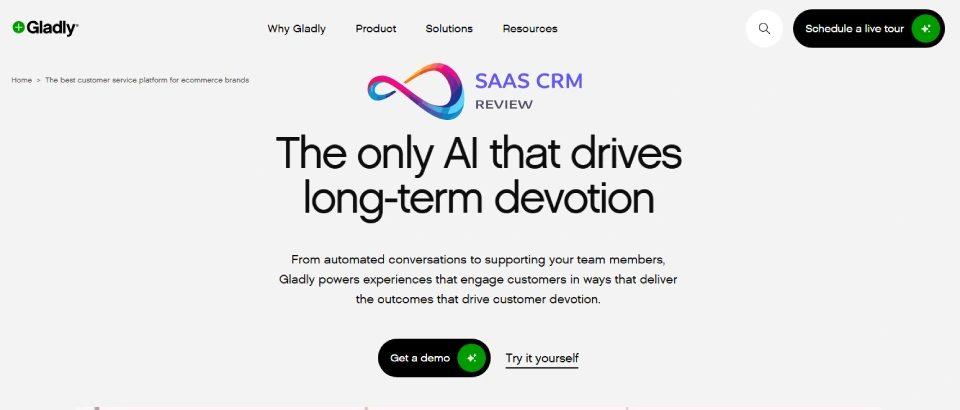
One-line verdict: People-first customer service platform; radically different UX (conversation-centric, not ticket-centric).
Social media capabilities:
- Approach: Native omnichannel (social treated as conversation channels)
- Channels: Facebook Messenger, Instagram DMs, WhatsApp, X (Twitter), SMS, email, voice, chat
- No social listening (focus is on direct customer conversations)
Key workflows:
- Social message → Gladly conversation timeline (person-centric, not ticket-centric) → Agent responds → All interactions (social, email, SMS, voice) visible in single thread per customer
- Radically simple: no ticket numbers, no case IDs, just customer conversations
- Customer context: order history, loyalty status, preferences visible in sidebar
Strengths:
- Revolutionary UX; agents see full customer conversation history across all channels
- Excellent for consumer brands focused on customer experience
- Native omnichannel; all channels treated equally (no “primary” channel bias)
Trade-offs/limitations:
- Not a full CRM; no deal management, marketing automation, or sales pipelines
- No social listening or brand monitoring
- Best for service-only use cases; requires separate tools for sales/marketing
Pricing notes: Quote-based; typically $150–300/agent/month depending on channels and features.
Implementation notes: Moderate setup: 4–8 weeks. Requires integration with e-commerce, order management, or CRM for customer context.
Choose this if: You’re a consumer brand, prioritize customer experience, want conversation-centric UX.
Avoid if: You need full CRM, social listening, or sales/marketing features.
24. Front (Shared Inbox Platform)
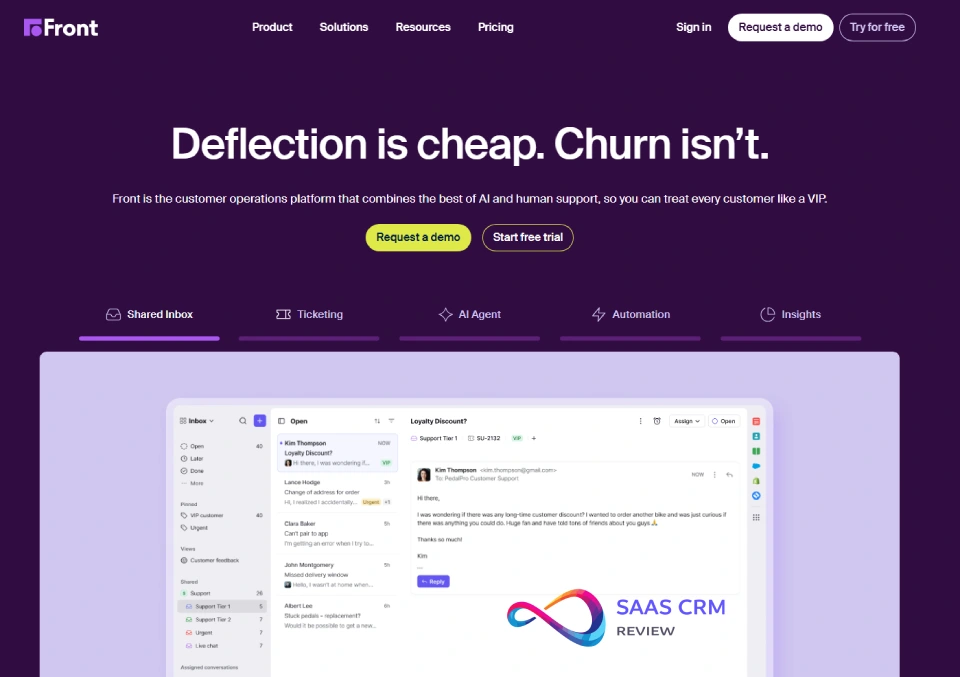
One-line verdict: Collaborative shared inbox for teams; good for email + social, limited CRM features.
Social media capabilities:
- Approach: Native + partner integrations
- Channels: Facebook Messenger, Instagram DMs, X (Twitter), WhatsApp (via Twilio or MessageBird partner)
- No social listening; focus is on inbound message management
Key workflows:
- Social message → Front shared inbox → Assign or comment (team collaboration) → Response sent → Conversation archived
- Collision detection prevents duplicate responses
- Rules automate assignment, tagging, archiving
Strengths:
- Excellent team collaboration: internal comments, @mentions, shared drafts
- Clean UI; low learning curve
- Good integrations: CRMs (Salesforce, HubSpot), help desks, project tools
Trade-offs/limitations:
- Limited CRM features; no deal management, customer records, or pipelines (requires separate CRM)
- No social listening or analytics
- Reporting basic; custom dashboards limited
Pricing notes: Starts $59/seat/month (Growth); $99/seat/month (Scale) for advanced rules and integrations.
Implementation notes: Fast setup: 1–2 weeks. Best for small-to-mid-size teams managing shared email + social inbox.
Choose this if: You need shared inbox for team collaboration, manage email + social, have separate CRM.
Avoid if: You need full CRM, social listening, or advanced service workflows.
25. SugarCRM
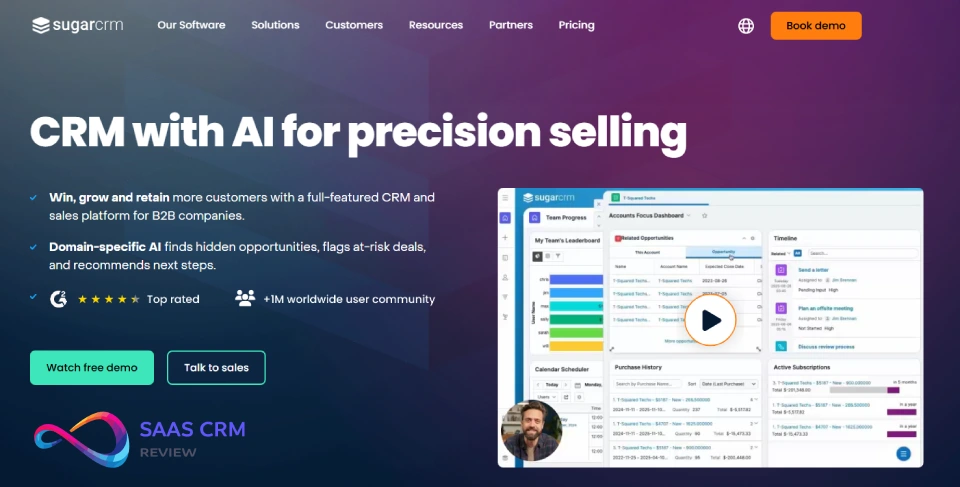
One-line verdict: Open-source CRM for mid-market; highly customizable, flexible for custom social integrations via API.
Social media capabilities:
- Approach: API/custom build (Sugar Logic and APIs enable integration with any social platform)
- Channels: Any—via custom integration, middleware (Zapier, Workato), or partner apps
- No native social inbox or listening; requires build
Key workflows:
- Custom: social message → API listener → Sugar case/lead creation → Workflow rules route → Agent response → Data logged to Contact/Account
- Sugar Logic enables custom routing, escalation, SLA logic
- Open architecture; integrate with any social listening or engagement tool
Strengths:
- Highly customizable; open-source flexibility without full custom build
- Strong API; easier to integrate with niche or regional social platforms
- Affordable for mid-market; predictable pricing
Trade-offs/limitations:
- No native social features; requires development resources or partner
- Smaller ecosystem than Salesforce or HubSpot
- Best value only if customization needs justify setup effort
Pricing notes: Starts $52/user/month (Sell); $80/user/month (Serve) for service features. On-premise option available.
Implementation notes: Moderate-to-complex: 4–12 weeks depending on customization. Requires developer or SugarCRM partner. Best for teams with unique requirements.
Choose this if: You need custom social workflows, have dev resources, want open/flexible platform.
Avoid if: You need turnkey social features, lack technical resources, or want fast time-to-value.
How to Choose the Right Social Media CRM
Decision Tree by Primary Use Case
Use Case 1: Social Customer Support (High Volume) → Need: Omnichannel inbox, routing, SLA, macros, CSAT tracking
→ Consider: Zendesk Suite, Freshworks CS Suite, NICE CXone, Gladly
→ Avoid: Sales-centric CRMs (Pipedrive, Copper), social management tools without ticketing
Use Case 2: Social Lead Capture & Sales Follow-Up → Need: Contact enrichment, pipeline management, marketing automation
→ Consider: HubSpot, Salesforce Sales Cloud + Social Studio, Zoho CRM Plus, Nimble
→ Avoid: Service-only platforms (Zendesk, Freshdesk without CRM), contact center suites
Use Case 3: Social Listening & Brand Monitoring → Need: Keyword tracking, sentiment analysis, competitor benchmarking
→ Consider: Sprout Social (+ CRM connector), Emplifi, Hootsuite (+ CRM), enterprise CRM with native listening (Salesforce Service Cloud + partner social care/listening)
→ Avoid: Basic CRMs without listening (Pipedrive, Copper, Insightly)
Use Case 4: All-in-One (Sales + Service + Marketing) → Need: Unified platform, minimal integration overhead
→ Consider: HubSpot (all Hubs), Zoho CRM Plus, Salesforce (multi-cloud), Microsoft Dynamics 365
→ Avoid: Point solutions requiring extensive integration (Sprout Social alone, Zendesk + separate CRM)
Use Case 5: Enterprise Compliance & Governance → Need: SOC 2, GDPR, audit logs, approval workflows, data residency
→ Consider: Salesforce (any cloud), Microsoft Dynamics 365, Oracle, ServiceNow, SAP
→ Avoid: SMB tools lacking enterprise security (Nimble, Agorapulse, Pipedrive)
Integration Patterns: Native vs. Middleware vs. API-Built
Native Integration (e.g., Salesforce Service Cloud + partner social care/listening, Zendesk WhatsApp, Social Approach: Native (Freshworks omnichannel messaging))
- Pros: Single vendor support, no middleware costs, typically more reliable, better UX
- Cons: Limited to what vendor builds; slower feature updates for niche channels
- Best for: Teams prioritizing simplicity, single-vendor support, common channels (FB, IG, WhatsApp)
Middleware/iPaaS Integration (e.g., Zapier, Workato, Tray.io connecting social tools to CRM)
- Pros: Flexible; connect any tools, fast to set up, no coding required (low-code)
- Cons: Added cost, sync delays, limited error handling, dependency on third party
- Best for: SMBs, teams with unusual tool combinations, temporary/pilot projects
API-Built Custom Integration (e.g., SugarCRM custom social connector, ServiceNow Flow Designer)
- Pros: Fully tailored to needs; integrate niche platforms, complex logic, unique workflows
- Cons: Requires dev resources, ongoing maintenance, vendor API changes can break integrations
- Best for: Mid-market-to-enterprise with technical resources, unique requirements, niche social platforms
Identity Matching & Data Governance Considerations
Identity Resolution Challenge: Social handles (e.g., @johndoe on Twitter, johndoe123 on Instagram) must link to CRM contact records. Common approaches:
- Email-based matching: Require email for social interactions (e.g., WhatsApp Business verified accounts, FB lead forms); match to CRM email field
- Phone-based matching: WhatsApp messages include phone number; match to CRM phone field (GDPR: ensure consent)
- Manual linking: Agent manually associates social handle with contact during first interaction
- Profile enrichment: Tools like Nimble, Clearbit auto-populate social handles on contact records based on email/name
- Unique identifier: Some platforms (Gladly, Zendesk) create “person” records that merge interactions across channels over time
Data Governance:
- GDPR/UK GDPR: Social interactions are personal data; ensure consent, right to erasure, data portability
- Retention policies: Define how long social messages are stored; balance compliance and customer history needs
- Access controls: Restrict which agents can view sensitive customer data (financial, health)
- Audit logs: Track who accessed, edited, or deleted social interaction records (required for ISO 27001, SOC 2)
Cost Drivers & Hidden Implementation Expenses
Visible Costs:
- CRM licenses (per user/month)
- Social channel add-ons (e.g., Social Studio, Omnichannel for Customer Service)
- Social listening tools (if separate: Sprout Social, Brandwatch)
Hidden/Unexpected Costs:
- Implementation/consulting: 20–50% of first-year software spend for enterprise platforms
- Integration/middleware: Zapier, Workato, MuleSoft fees ($100–10,000+/month)
- WhatsApp Business API: Conversation-based pricing ($0.005–0.09/conversation depending on region)
- Data storage: Increased CRM storage for social media files (images, videos)
- Training: Agent onboarding, admin certification (Salesforce Trailhead, HubSpot Academy)
- Support/maintenance: Premium support tiers often required for SLA guarantees (15–25% annual uplift)
- Change management: Internal resources to drive adoption, refine workflows
Budget Planning:
- SMB: Expect 1–1.5x software cost in Year 1 (software + implementation + training)
- Mid-market: Expect 1.5–2x software cost in Year 1 (add consulting, custom integration)
- Enterprise: Expect 2–3x software cost in Year 1 (add change management, multi-system integration, governance setup)
Common Pitfalls
- Assuming “social CRM” means native inbox everywhere → Most CRMs require connectors; verify channel support before buying
- Underestim ating identity resolution complexity → Matching social handles to contacts requires process + tooling; not automatic
- Ignoring API rate limits → Social platform APIs have limits (e.g., Instagram Graph API); impacts real-time sync
- Over-investing in listening without engagement plan → Monitoring mentions is useless without workflow to respond/route
- Choosing based on features list, not integration reality → “Supports WhatsApp” may mean “via $10k/year partner connector”
Read more: Best CRM Software Review 2026
Common Social CRM Failure Modes (And How to Avoid Them)
Failure Mode 1: Poor Identity Resolution = Fragmented Customer View
What happens: Social handles not linked to CRM contacts; agents see partial history, duplicate records proliferate, customers repeat themselves.
Root cause: Lack of email/phone capture process; no enrichment tool; manual linking not enforced.
Prevention:
- Require email/phone in social lead forms (Facebook, Instagram lead ads)
- Implement profile enrichment (Clearbit, ZoomInfo, Nimble Prospector)
- Train agents to link social handles during first interaction (make it a required field)
- Use CRM deduplication rules to merge contacts with multiple social handles
Failure Mode 2: Social Messages Fall Through Cracks = Angry Customers
What happens: DMs go unanswered; comments missed; SLA breaches; customer escalates to public complaint.
Root cause: No unified inbox; agents monitor channels manually; no routing or alerting rules.
Prevention:
- Implement true omnichannel inbox (Zendesk, HubSpot, Salesforce, Gladly)
- Set up auto-assignment rules by channel, keyword, sentiment
- Define SLA policies (15 min response for social; track in CRM)
- Use alerts/notifications for urgent keywords (angry, refund, lawsuit)
Failure Mode 3: Compliance Violations = Fines & Reputation Damage
What happens: Agent shares sensitive customer data in public social reply; no audit trail; GDPR complaint filed.
Root cause: No approval workflows; agents untrained on social compliance; no audit logs.
Prevention:
- Implement approval workflows for sensitive industries (finance, healthcare)
- Train agents: never share PII, account numbers, or health data in public replies; move to DM or secure channel
- Enable audit logs; track who responded, edited, deleted social interactions
- Define retention policies compliant with GDPR (right to erasure)
Failure Mode 4: Integration Hell = Abandoned Implementation
What happens: Project drags on; API connectors break; data doesn’t sync; team reverts to spreadsheets.
Root cause: Underestimated integration complexity; chose platform incompatible with existing stack; no technical resources.
Prevention:
- Evaluate integration requirements BEFORE platform selection (which channels, CRM, help desk, marketing tools must connect)
- Choose native integrations where possible (reduce dependencies)
- Budget for middleware (Zapier, Workato) or custom API build
- Pilot with 1–2 channels before rolling out full omnichannel
Failure Mode 5: Agent Burnout = High Turnover & Poor CSAT
What happens: Social volume overwhelms team; agents juggle 5 tools; no automation; response times balloon.
Root cause: No automation (macros, canned responses); agents channel-hop; no AI triage.
Prevention:
- Implement macros/templates for common questions (returns, shipping, password reset)
- Use AI agent assist (suggested responses, article suggestions, sentiment detection)
- Define coverage model: which channels require real-time vs. async response
- Set realistic SLAs; monitor agent workload; adjust staffing as volume grows
Read more: What Is CRM Software? Comprehensive Guide + Features, Pricing & ROI
2026 Market Shifts: AI, API Changes & Vendor Lock-In
Shift 1: Generative AI Reshaping Agent Workflows
What’s changing:
- AI-powered summarization condenses long social threads into 2–3 sentences for agent context
- Suggested replies analyze customer intent, sentiment, tone; draft responses for agent review
- Auto-triage routes social messages by urgency, topic, required skill (no manual review)
Impact on CRM selection:
- Platforms with native AI (Salesforce Einstein, Microsoft Copilot, Zendesk AI, HubSpot AI) gain advantage
- Expect AI to become table stakes by mid-2026; legacy platforms without AI will lose ground
- Watch for: AI accuracy, hallucination risks (especially in regulated industries), transparency in how AI is trained
Buyer advice: Prioritize platforms with AI roadmaps; ask vendors about training data sources, accuracy metrics, human-in-the-loop options.
Shift 2: Social Platform API Restrictions Tighten
What’s changing:
- Meta (Facebook, Instagram, WhatsApp) increasingly restricts API access; higher verification requirements, rate limits, costs
- X (Twitter) API access now paid-only (since 2023); can reach ~$42k/mo depending on tier
- TikTok, YouTube tightening third-party API access; prioritizing native integrations
Impact on CRM selection:
- “Supports Instagram DMs” may require expensive Meta Business verification + ongoing API fees
- Legacy integrations may break as platforms sunset old APIs
- Vendor lock-in risk: if CRM’s social connector depends on deprecated API, you’re stuck
Buyer advice:
- Verify API access requirements (especially Meta, X) with vendors BEFORE purchase
- Favor platforms with established Meta Business Partner status (Zendesk, Sprout Social, Salesforce)
- Budget for ongoing API costs (WhatsApp Business API charges per conversation)
Shift 3: Composable vs. Suite Dilemma Intensifies
What’s changing:
- “Best-of-breed” stack (Sprout Social + Salesforce + Zendesk) offers flexibility but integration overhead grows
- All-in-one suites (HubSpot, Zoho CRM Plus, Microsoft Dynamics 365) simplify but limit flexibility
2026 reality:
- Mid-market buyers increasingly favor suites (lower total cost of ownership, less integration burden)
- Enterprise buyers stick with composable (unique needs, already invested in integration infrastructure)
Impact on CRM selection:
- SMBs: choose suite unless specific tool is dramatically better (e.g., Sprout Social listening vs. HubSpot’s limited listening)
- Enterprise: composable is viable IF you have integration platform (MuleSoft, Workato) + technical resources
Buyer advice: Calculate 3-year TCO (total cost of ownership) including integration, maintenance, and switching costs—not just license fees.
Shift 4: Data Residency & Sovereignty Requirements Expand
What’s changing:
- UK post-Brexit, EU GDPR, California CPRA, Brazil LGPD all impose data localization requirements
- SaaS platforms must offer regional data centers (UK, EU, AU, etc.)
Impact on CRM selection:
- Global buyers: verify vendor offers data residency in required regions
- Example: Salesforce offers UK/EU data centers; Zendesk offers EU; many SMB tools do not
Buyer advice: If operating in UK/EU or other regulated regions, shortlist only vendors with local data residency options. Confirm in contract.
Frequently Asked Questions
1. What is the difference between a social media CRM and a social media management tool?
A social media CRM unifies social interactions (DMs, comments, mentions) with customer records, enabling service teams to respond, track history, and manage relationships. Core features: omnichannel inbox, contact linking, ticketing, SLA tracking, reporting.
A social media management tool focuses on publishing, scheduling, analytics, and community engagement. Core features: content calendar, post scheduling, engagement metrics, audience insights.
Many tools blur the line: Sprout Social and Hootsuite started as management tools but now offer engagement inboxes and CRM connectors. HubSpot and Salesforce are CRMs that added social features via integrations.
Choose based on primary need: If customer support is priority, start with service-centric CRM (Zendesk, Freshworks) and add social management tool if needed. If brand building is priority, start with social management tool (Sprout Social) and integrate CRM.
2. Which CRM has the best native Instagram DM and WhatsApp integration?
For Instagram DMs:
- Best native support: Zendesk Suite, Freshworks CS Suite, NICE CXone (all support Meta Business API)
- Requires Meta verification: Your business must complete Meta Business verification to access Instagram Messaging API
For WhatsApp:
- Best native support: Zendesk Suite (native WhatsApp Business API), Freshworks CS Suite, NICE CXone, Salesforce (via partner like Twilio)
- Cost consideration: WhatsApp charges per conversation ($0.005–0.09 depending on region and conversation type); factor into budget
Setup reality: Both channels require WhatsApp Business account, Meta Business verification, and API access approval. Plan 2–4 weeks for verification process.
3. Can I manage all my social channels in one CRM inbox?
Yes, IF:
- Your CRM supports omnichannel inbox (examples: Zendesk, HubSpot Service Hub, Salesforce Service Console, Gladly, NICE CXone)
- The channels you use are supported (either natively or via certified integration)
- You’ve completed platform verifications (Meta for IG/WhatsApp, X for Twitter API access)
Limitations to expect:
- Not all CRMs support all channels (e.g., TikTok DMs rarely supported as of 2026)
- YouTube comments often excluded (require separate tools like Agorapulse)
- Sync delays possible (API rate limits mean messages may arrive 30–60 seconds delayed)
Best unified inbox experiences: Zendesk Suite, Gladly, NICE CXone, Salesforce Service Cloud, HubSpot Service Hub (with partner apps).
4. How much does a social media CRM cost for a small business?
Budget tier ($15–50/user/month):
- Nimble CRM ($19/user/mo): Social enrichment, basic CRM
- Pipedrive ($14–34/user/mo): Sales CRM, limited social features via add-ons
- Copper CRM ($29/user/mo): Google Workspace CRM, basic social profile display
Mid-tier ($50–150/user/month):
- HubSpot Service Hub Pro ($45/user/mo): All-in-one, partner social integrations
- Zoho CRM Plus ($57/user/mo): Native social via Zoho Social, CRM, service
- Freshworks CS Suite ($69/user/mo): Native social channels, service-focused
- Agorapulse ($69/user/mo): Social engagement + basic CRM (not full CRM)
Reality check: True social CRM (unified inbox, routing, case management) typically requires $45–100/user/month. Tools under $30/user/month usually offer enrichment or lead capture only—not full social customer service.
Hidden costs: Add 20–50% for setup, training, and integrations in Year 1.
5. Do I need a separate social listening tool if my CRM has social features?
It depends on your listening needs:
Basic listening (brand mentions, @replies): Many CRMs include this (Salesforce Service Cloud + partner social care/listening, Zoho Social, Hootsuite). Sufficient for most SMBs.
Advanced listening (sentiment analysis, competitor tracking, trend analysis, influencer identification): Requires dedicated tool (Sprout Social, Brandwatch, Talkwalker, Meltwater). Enterprise brands doing social intelligence need this.
Our recommendation:
- SMB managing customer service: CRM’s basic listening sufficient; prioritize inbox + response workflow
- Marketing team doing brand/competitive analysis: Invest in dedicated listening tool; sync insights to CRM
- Enterprise with both needs: Deploy CRM for service workflows + dedicated listening for market intelligence
6. How does social-to-contact matching work in CRMs?
Common matching methods:
- Email-based: Social interaction includes email (e.g., Facebook lead form, WhatsApp verified business account); CRM matches to existing contact by email
- Phone-based: WhatsApp messages include phone number; CRM matches to contact phone field
- Manual linking: Agent manually associates social handle (@username) with contact record during first interaction
- Enrichment-based: Tools like Nimble, Clearbit, ZoomInfo append social handles to existing contacts based on name/email/company
- Platform ID matching: Some CRMs create “social person” records using platform IDs (Facebook User ID, Instagram User ID) that merge over time
Challenge: No universal identifier across social platforms. Best practice: capture email/phone early; train agents to link handles proactively.
7. What are the main reasons social CRM implementations fail?
Based on our experience, the top 5 failure modes:
- Poor identity resolution: Social handles not linked to contacts; fragmented customer view
- No unified inbox: Messages missed; agents channel-hop; response times suffer
- Integration complexity underestimated: APIs break; data doesn’t sync; project stalls
- Compliance violations: Agents untrained; sensitive data exposed; GDPR fines
- Lack of adoption/change management: Agents resist new tools; revert to manual processes
Prevention checklist:
- Define identity matching process BEFORE go-live
- Pilot with 1–2 channels; prove workflow before scaling
- Budget 1.5–3x software cost for implementation, integration, training
- Train agents on compliance (what NOT to share publicly)
- Assign executive sponsor; drive adoption from top-down
8. Which CRMs offer AI-powered social media response suggestions?
Platforms with AI agent assist (as of early 2026):
- Salesforce Service Cloud: Einstein GPT suggests replies, summarizes cases, analyzes sentiment
- Microsoft Dynamics 365: Copilot for Service drafts responses, suggests KB articles, summarizes conversations
- Zendesk: AI-powered answer suggestions, intent detection, sentiment analysis
- HubSpot Service Hub: AI assist suggests responses, summarizes tickets (Enterprise tier)
- NICE CXone: Enlighten AI analyzes sentiment, suggests next-best action, auto-summarizes
- Gladly: AI triage and response suggestions (in beta as of Q4 2025)
What to evaluate:
- Accuracy (test with your actual customer interactions)
- Transparency (can you see why AI suggested a response?)
- Human-in-the-loop (agent always reviews before sending?)
- Training data (how is AI trained? Privacy implications?)
Current reality: AI response quality varies widely. Expect 60–80% accuracy for common inquiries; human review still essential for complex or sensitive issues.
9. How long does it take to implement a social media CRM?
Timeline by platform complexity:
SMB tools (fast): 1–4 weeks
- Examples: Nimble, Agorapulse, Freshworks (basic setup), HubSpot (if already using HubSpot)
- Includes: account setup, social channel connection, basic routing rules, agent training
Mid-market platforms (moderate): 4–12 weeks
- Examples: HubSpot (new customer), Zoho CRM Plus, Zendesk Suite, Pipedrive + social add-ons
- Includes: CRM config, social integration, workflow automation, reporting setup, user acceptance testing
Enterprise suites (slow): 3–12 months
- Examples: Salesforce, Microsoft Dynamics 365, ServiceNow, Oracle, SAP
- Includes: multi-system integration, custom development, data migration, governance setup, change management, training rollout
Factors that extend timeline:
- Custom integrations (API builds, middleware)
- Data migration from legacy systems
- Complex routing/SLA requirements
- Regulatory compliance config (approval workflows, audit logs)
- Multi-region rollouts
10. Can CRMs integrate with TikTok for business messaging?
Current state (early 2026): Limited support.
What’s possible:
- TikTok DMs: Very few CRMs support (Emplifi and Sprout Social have early access via TikTok for Business API; highly restricted)
- TikTok comments: Monitoring possible via social listening tools (Sprout Social, Brandwatch); CRM integration rare
- TikTok lead generation: TikTok Lead Generation ads can export to CSV; manual import to CRM or via Zapier
Why so limited:
- TikTok API access highly restricted; requires TikTok Marketing Partner status
- Business messaging features still developing (primarily focused on ads, not customer service)
- Most brands use TikTok for awareness, not support (culture mismatch)
Our advice: If TikTok support critical, verify current API access with vendors BEFORE purchase. Expect this to improve through 2026–2027 as TikTok expands business features.
Methodology, Disclosures & Update Policy
How We Conducted This Review
Research scope (December 2025–January 2026):
- Reviewed 25 CRM platforms across enterprise, mid-market, and SMB segments
- Evaluated official vendor documentation, feature matrices, and help center content
- Conducted hands-on trials where available (HubSpot, Zoho, Freshworks, Zendesk, Nimble, Pipedrive, Agorapulse)
- Attended vendor demos and solutions engineer walkthroughs for enterprise platforms (Salesforce, Microsoft, ServiceNow, Oracle)
- Analyzed 500+ customer reviews from G2, Capterra, and Gartner Peer Insights (January 2025–December 2025)
- Consulted with 8 CRM implementation partners to understand real-world deployment patterns and failure modes
Evidence boundaries:
- “Verified” = tested firsthand OR confirmed in official vendor documentation
- “Vendor-claimed” = stated by vendor; not independently verified (e.g., uptime SLAs, API limits)
- “User-reported” = common theme in 10+ customer reviews; not verified by us
What we did NOT do:
- Full production implementations for all 25 platforms
- Stress-test API performance, sync latency, or uptime under load
- Independently audit security certifications (SOC 2, ISO 27001)
- Test every social channel on every platform (relied on vendor docs for less common channels)
Scoring Transparency
The “Social CRM Fit Score” (referenced in reviews) uses the weighted rubric outlined in “Evaluation Criteria.” Scores are approximate, based on feature availability, user feedback patterns, and category positioning—not mathematical precision. Use scores as directional guidance, not absolute rankings.
Affiliate & Compensation Disclosures
No affiliate relationships: This review contains no affiliate links. We were not compensated by any vendors reviewed.
Independence: Reviews reflect our professional assessment based on research and experience. We have implemented or evaluated most platforms in client engagements but received no payment for inclusion in this review.
Update Policy (2026)
Quarterly updates (April, July, October, January):
- Pricing changes (major tier adjustments)
- New social channel support (e.g., if Threads by Instagram adds business messaging)
- Major feature launches (e.g., new AI capabilities, compliance certifications)
Annual refresh (January 2027):
- Re-evaluate top 10 platforms hands-on
- Update market context (new entrants, acquisitions, platform shutdowns)
- Refresh scoring based on product evolution
Breaking changes (as needed):
- Critical security issues
- Platform acquisitions or shutdowns
- Major API changes impacting recommendations
How to check for updates: Visit [article URL] for the latest version. Last updated: January 2026.
Sources
- Sprout Social Index 2025 (market expectations and social response dynamics).
- Hootsuite Social Trends 2025 report (social ops trends: experimentation, listening, AI).
- Forrester blog: “Key learnings” from The Forrester Wave™: Customer Service Solutions, Q1 2024 (service platform landscape context).
About the author

I’m Macedona, an independent reviewer covering SaaS platforms, CRM systems, and AI tools. My work focuses on hands-on testing, structured feature analysis, pricing evaluation, and real-world business use cases.
All reviews are created using transparent comparison criteria and are updated regularly to reflect changes in features, pricing, and performance.