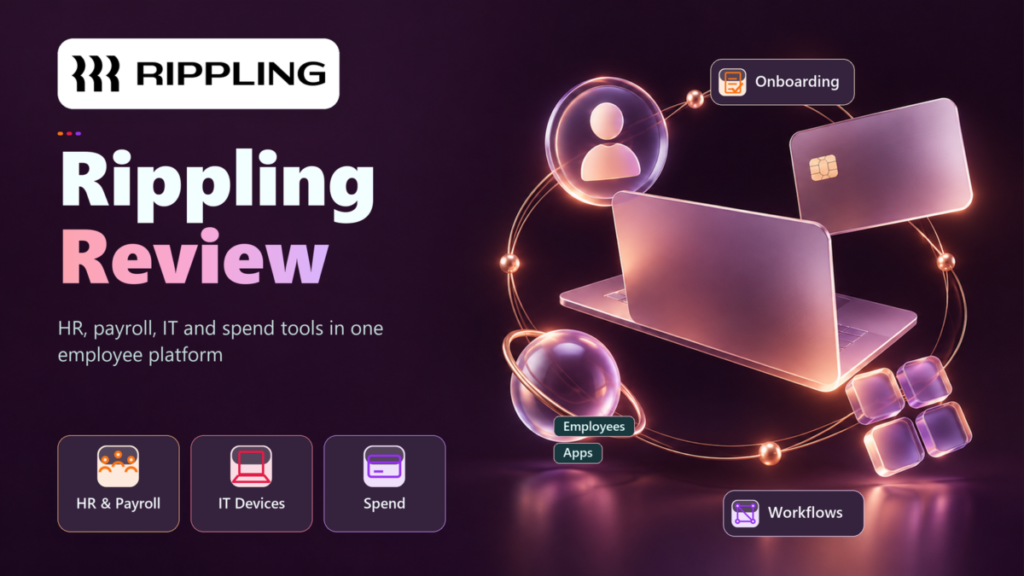
Rippling suits a small business that wants payroll, HR records, laptops and app access run from one employee record, and will accept a custom quote to get it. This Rippling review also shows where that stops paying off.
A team that only needs US payroll at a printed price is better served by a payroll-first tool. Rippling plans start at $8 per employee per month, and its small-business page adds a $40 monthly base fee; an actual quote still depends on the products you choose and your headcount.
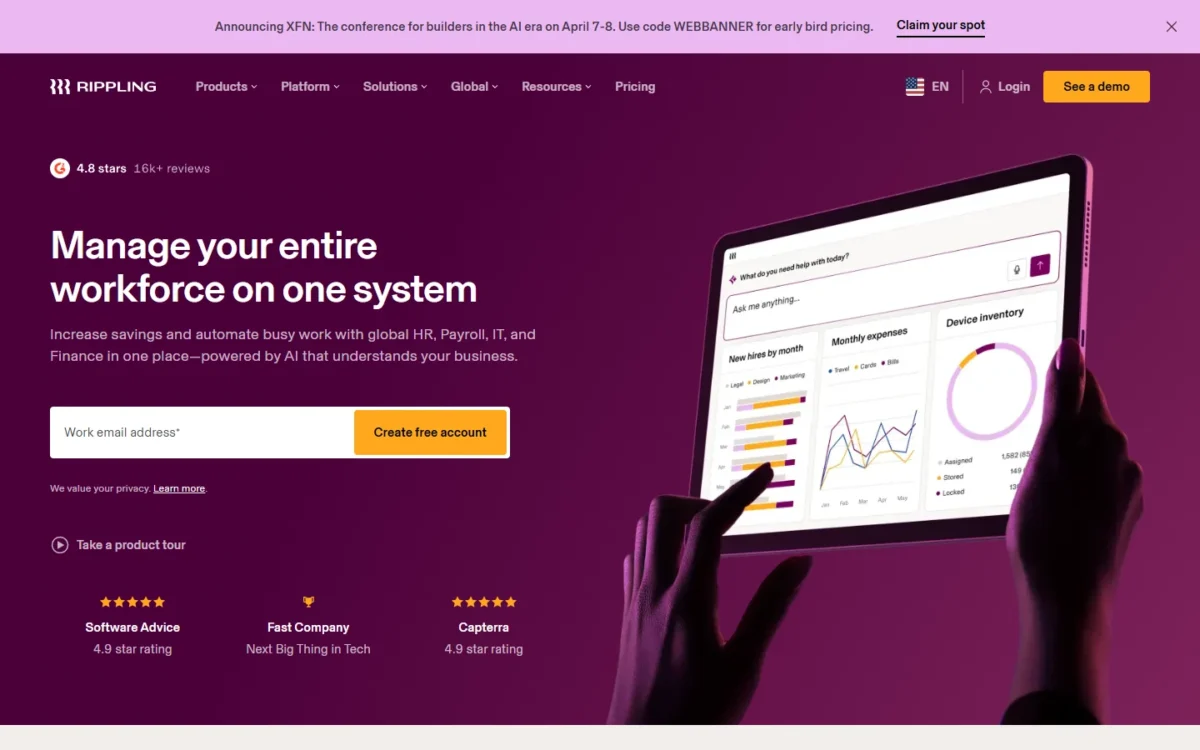
Quick verdict
- Worth it for: a growing team that wants each hire to set up payroll, app access and a laptop from one record, and may want a PEO for benefits.
- Skip it if: you need payroll only, in one state, at a published price; Gusto prints its Simple plan at $49/mo + $6/mo per person.
- Main strength: HR changes flow into payroll and, with Rippling IT, trigger device and app provisioning.
- Biggest limit: only starting prices are printed; each product’s rate arrives in a quote.
- Price basis: from $8 per employee per month plus a $40 monthly base fee, custom quote, checked October 2026.
In This Article (13 sections)
Rippling at a Glance
Rippling is a workforce platform that sells HR, payroll, IT and spend management as separate products on one employee database.
- Category: HR, payroll, IT and spend management platform
- Best for: small businesses that want payroll, HR, devices and app access on one employee record
- Starting price: $8 per employee per month plus a $40 monthly base fee
- Free plan or trial: no free plan listed; eligible US VC-backed startups get 6 months free
- PEO: available as a co-employment option, price on request
- Main limitation: per-product prices beyond the $8 starting rate are not published
Rippling Pros and Cons
Pros
- Payroll taxes are calculated and filed with federal, state and local agencies, which helps an employer with staff in several states
- Payroll runs as often as you need at no extra charge, so an off-cycle bonus run adds no fee
- With Rippling IT, an HR change triggers device and app provisioning, which spares a team with no IT person the manual setup
- You can leave the PEO later for HR Services or the core platform and keep employee data and logins
- A small business can be live for its first scheduled pay run in as little as two weeks, Rippling says
Cons
- No published price list, so any budget starts with a sales quote
- The $40 monthly base fee comes on top of the per-employee rate, so it weighs most on a very small team
- Most products are priced per employee per month, so most modules you add grow with headcount
- The PEO page prints no price, so co-employment costs are a quote too
- No free plan is listed; the free option is a 6-month startup program for eligible US VC-backed companies
Each of those pros sits in a specific module, so the next question is which modules a small business actually needs.
Rippling Features
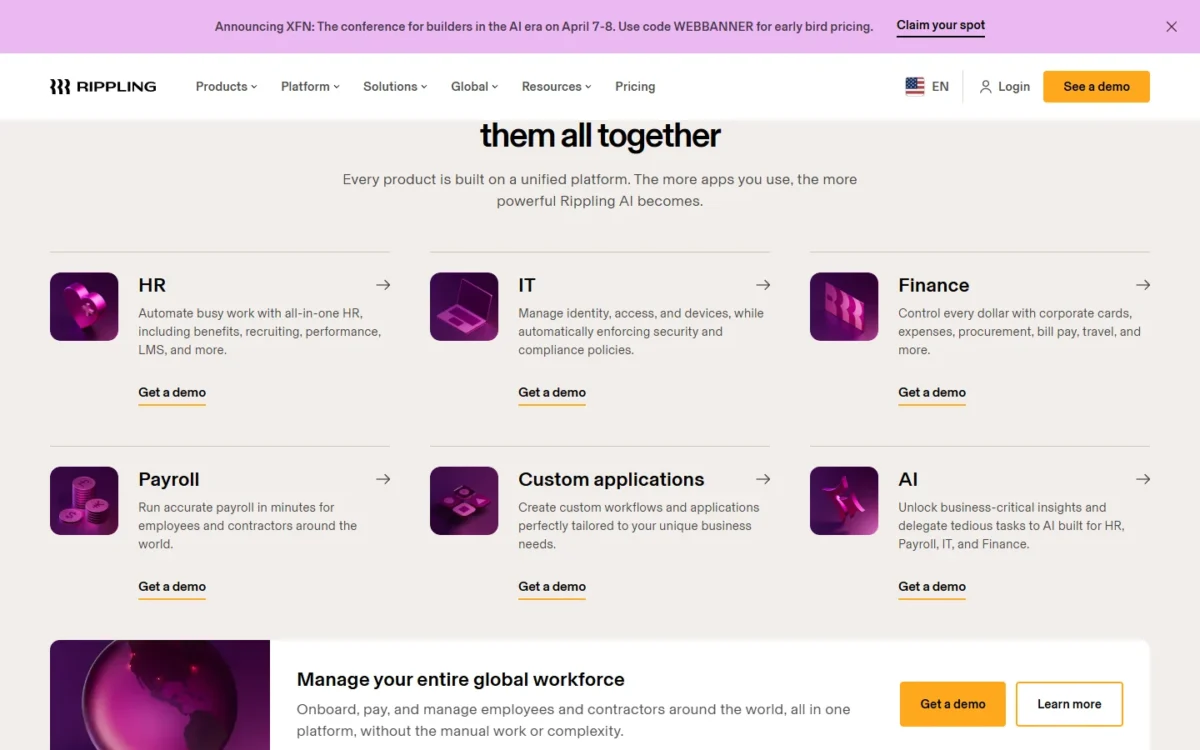
Payroll and HR records are the core for a small business. IT, Spend and Global Payroll matter only if you manage laptops and logins, company cards or people abroad.
Payroll with tax filing and unlimited runs
Yes, Rippling Payroll runs US payroll and files the taxes: it calculates payroll taxes and files them with the correct federal, state and local agencies. You can process payroll as often as you need at no extra charge.
Before you approve a run, Rippling compares it with previous pay runs, so changes in gross pay, taxes or deductions show up first. W-2 and 1099 copies stay on each employee’s profile, even after the person leaves.
New hires, salary changes and benefits deductions flow from the HR record into payroll. Time & Attendance and Benefits Administration are separate Rippling products, so quote them if you need them.
HR records, onboarding and workflows
Rippling HRIS keeps employee data in one place and updates it everywhere when a manager or department changes. Onboarding is automated from offer letter to device shipping, with document storage, e-signatures and audit trails.
Workflows trigger actions from data in Rippling or connected apps. Rippling builds custom reports and dashboards across the systems you run, with role-based permissions so employees never see data they shouldn’t.
Rippling states compliance coverage for all 50 states and 180+ countries, and flags risks such as missed breaks or labor law changes. For a company hiring in its second state, those flags matter more than the onboarding checklist.
Rippling IT: apps, devices and SOC 2
Rippling IT earns its place when you ship laptops or manage many SaaS logins: updates in the HR system trigger device and app provisioning at onboarding, offboarding and role changes.
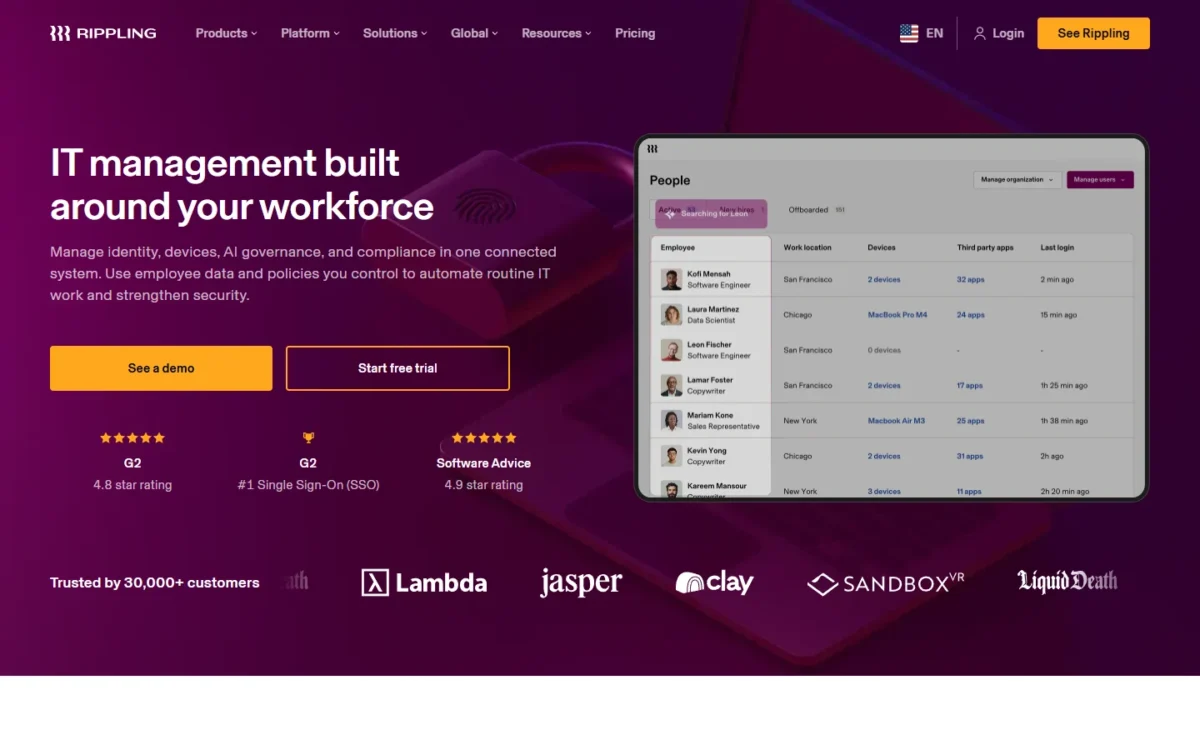
It covers single sign-on, custom SAML/SCIM, and device management for macOS, Windows, iOS and iPadOS. Rippling ships, stores and retrieves devices in over 130 countries.
For a startup facing a SOC 2 audit, IT also automates evidence collection. A ten-person team on personal laptops gets far less from it.
Spend management
Rippling Spend can replace a separate card and bill-pay tool when you want spend rules tied to the employee record. Card controls follow the employee record, the vendor and the transaction amount, and expense approvals route by your own policies.
Bill Pay creates bills with GL coding, syncs them to accounting integrations and pays by ACH, check or wire.
Global payroll and contractors
Yes, Rippling Global Payroll pays people outside the US. Contractors abroad need no entity, and employees are paid in their local currency through Rippling entities or your own. Add it to the quote only once you have people abroad.
Those modules explain what Rippling does. The next question is whether you need that breadth at all, and whether you need the PEO.
How Rippling Differs From Payroll-Only Tools and a PEO
A payroll-first tool pays people and files taxes; Rippling ties payroll to one employee record that also drives HR, apps, devices and spend. On top of the software sit two service layers: the PEO, with co-employment, and HR Services, without it.
Rippling vs a payroll-only tool
The difference is what a new hire sets off. In Rippling, the HR record feeds payroll, and with IT added it also triggers app access and a configured laptop.
Gusto charges only for active employees, is month-to-month and prints every plan’s price. The trade is breadth against a price you can read; if payroll is the whole job, start with Gusto’s published plans and their cost.
Rippling PEO, HR Services or software only
Pick the PEO for pooled benefits and HR Services for hiring into new states without co-employment. Software only suits a team with its own broker and simple compliance.
With Rippling PEO, Rippling is the co-employer on payroll, benefits and compliance; you still run hiring, pay and daily management. Pooling your staff with Rippling’s client base is what opens big-company benefit plans to a small team.
Rippling HR Services provides neither benefits nor a co-employment relationship. It flags minimum wage, sick leave and wage payment risks, and you choose where benefits come from.
| Setup | What Rippling takes on | Co-employment | Benefits | Fits when |
|---|---|---|---|---|
| Software only | Payroll, tax filing, HR records and the products you buy | No | Benefits Administration is a separate product | You have a broker and one or two states |
| HR Services | Compliance filings, state and local tax account setup, PHR and SHRM certified experts, handbook, EPLI | No | Through Rippling’s PEO, Rippling’s brokerage or your own broker | You are hiring into new states |
| PEO | Payroll, benefits administration, workers’ comp, HR compliance support, certified experts, EPLI | Yes | Pooled medical, dental, vision, 401(k), HSA, FSA and commuter plans | You want big-company benefits for a small team |
Sources: Rippling’s PEO and HR Services pages, checked October 2026.
The PEO is not a one-way door. Rippling says you can move off it to HR Services or the core platform without replacing the system, keeping employee data and logins.
I would start a 10-person company with its own broker on software only, and ask for HR Services the month it hires in a second state. Whichever setup fits, the next worry is how long the move takes.
Rippling Ease of Use and Implementation
A small business can be live for its first scheduled pay run in as little as two weeks, Rippling says, using guided self-serve tools or hands-on help from its team.
The implementation process runs from discovery to configuration, data setup and a go-live aligned to your payroll schedule. A mid-year switch works too: Rippling imports and analyzes year-to-date payroll data from your previous provider.
In the demo, ask to see your own states’ setup, your benefits route and every product on the quote. Setup effort is knowable in advance; the quote is not.
Rippling Pricing: How Much Does Rippling Cost a Month?
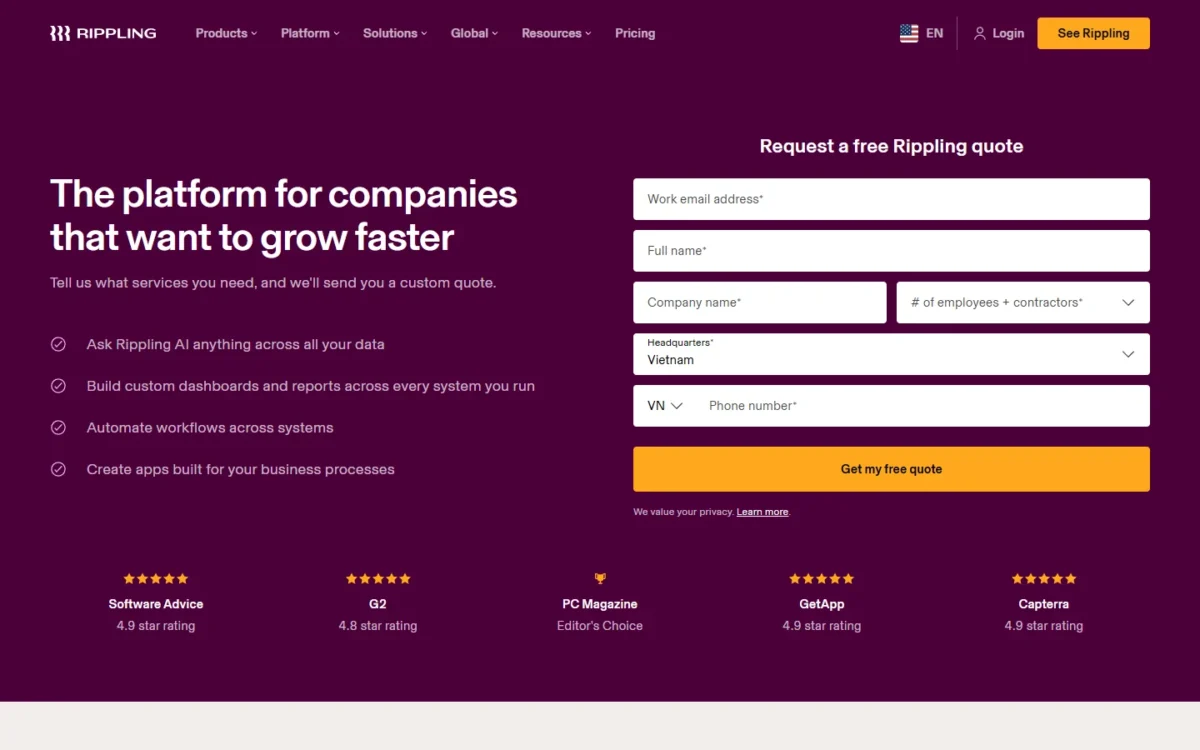
Rippling prints a starting rate of $8 per employee per month and, on its small-business page, a $40 monthly base fee. Your total depends on the products you choose and your headcount.
| Item | Price | Basis | Condition |
|---|---|---|---|
| Per-employee products | From $8 | Per employee per month | Most products are priced this way |
| Monthly base fee | $40 | Per month | Starting base fee on the small-business page, on top of $8 per user for payroll |
| Rippling Payroll | Custom quote | Employees and products selected | Contact Rippling |
| Rippling PEO | Not published | Quote | Plans built for your business |
| Startup program | Free for 6 months | Eligible US VC-backed startups | Depends on funding status and stage |
Sources: Rippling pricing, Rippling for small businesses and Rippling’s PEO page, checked October 2026.
Those are starting prices, not a bill. At them, ten employees cost $40 + $8 x 10 = $120 a month and 25 cost $40 + $8 x 25 = $240 a month, before any second product; Rippling’s quote can differ from these starting prices.
The smaller the team, the larger the share of the bill the $40 base fee takes, so ask which base fee applies to your products. After that, every hire adds a per-employee charge, and most products you add are priced per employee per month the same way.
If you are budgeting for a Rippling quote, see my Rippling pricing guide.
Integrations, Security and Support
Rippling lists 650+ integrations, including Xero, QuickBooks and NetSuite for accounting. Its App Shop sets up, manages and disables employee apps such as Google Workspace, Slack and Microsoft 365 in one place.
On Rippling’s security page, Rippling states it holds SOC 1 Type 2 and SOC 2 Type 2 reports, both audited annually. It also lists CSA STAR Level 2, ISO 27001, 27018 and 42001 certification, and GDPR and CCPA compliance.
The SOC 1 report covers payroll processing among its 11 control areas, so request it if your accountant reviews payroll controls.
After go-live, help comes by chat, email or video, and you get your own account manager. PHR and SHRM certified experts come with the PEO or HR Services.
Who Should Use Rippling?
Rippling fits a growing team that wants a hire to set up payroll, laptops and app access in one step. It does not fit a team that only needs US payroll at a price it can see before a call.
Best for
- A team that ships laptops or manages many SaaS logins, since HR changes trigger device and app provisioning with Rippling IT
- A company hiring in new states, since HR Services sets up state and local tax accounts
- A small team that wants pooled benefits now but may leave the PEO later without changing systems
- A US company paying contractors abroad, with no entity required
Not ideal for
- A payroll-only buyer who wants a printed price; Gusto’s Simple plan is $49/mo + $6/mo per person
- A 10-person team on payroll alone, since the $40 base fee plus $8 per employee starts above Gusto Simple’s printed price at that size
- A team that wants HR software first at a flat published rate; BambooHR Core is $250 USD/mo for 25 or fewer employees
Rippling vs Competitors
Gusto and BambooHR both print their plan prices; Rippling adds IT and Spend products on the same employee record, at a quoted price.
| Software | Best for | Starting price | Key difference | Main trade-off |
|---|---|---|---|---|
| Rippling | Payroll, HR, devices and apps on one record | From $8 per employee per month plus a $40 monthly base fee | IT and Spend products on the employee record | Only starting prices printed; quote required |
| Gusto | Single-state payroll at a printed price | $49/mo + $6/mo per person (Simple) | Unlimited payrolls per month; month-to-month | Multi-state payroll is on Plus, $80/mo + $12/mo per person |
| BambooHR | HR-first teams of 25 or fewer | $250 USD/mo flat for Core | HR records, hiring, onboarding and time off in Core | Payroll is an add-on, US employees only |
Sources: Gusto pricing and BambooHR pricing, checked October 2026.
At 25 employees in one state, Gusto Simple costs $49 + $6 x 25 = $199 a month, while Rippling’s starting price is $40 + $8 x 25 = $240. On printed prices, Rippling cannot undercut Gusto Simple at that size.
At 10 employees, Gusto Simple is $49 + $6 x 10 = $109 a month against Rippling’s printed starting price of $40 + $8 x 10 = $120, so Gusto Simple is cheaper at 10 too. Rippling’s quote can differ from these starting prices.
If Gusto is your other finalist, my Gusto review weighs it as a product, not only on price.
BambooHR’s pricing page shows no price for its payroll add-on, so an HR-first team should cost both halves. My breakdown of what BambooHR costs at your headcount is the place to start.
Rippling Alternatives
If payroll is the whole job, my ranking of payroll software for small businesses is the wider field to compare against a Rippling quote.
If HR records, hiring and reviews come first, start with the best HR software for small business.
If Justworks is also on your shortlist, read my Justworks review.
How I Evaluated Rippling
This review rests on Rippling’s own pages, read in October 2026: pricing, Payroll, HRIS, PEO, HR Services, IT, Spend, Global Payroll, implementation, security and the App Shop. Gusto’s and BambooHR’s pricing pages supply the competitor rows.
The cost floors, the setup choice and the fit calls are my analysis of those pages.
Rippling does not publish per-product prices beyond the $8 payroll starting rate, a PEO price or an HR Services price; all are quote-only. Every total rests on the $8 rate and $40 base fee on the small-business page, so each is a starting price, not a quote.
Rippling FAQ
Is Rippling trustworthy?
Rippling backs its security claims with audited reports you can check. Its SOC 3 report is a publicly available version of its SOC 2. Customer data sits in US-based AWS data centers across multiple availability zones, and Rippling runs regular penetration tests plus a bug bounty program.
Does Rippling offer a free trial?
Not as a listed plan: Rippling’s pricing page offers a free custom quote. Its IT page does show a Start free trial button, with no trial terms on that page. Ask in the demo which products a trial covers and for how long.
Rippling Review: Final Verdict
Book a Rippling demo if your team wants payroll, HR, apps and devices on one record and can work from a quote. Skip it if single-state payroll at a published price is the whole job, because Gusto Simple already beats Rippling’s floor at 25 people.
The biggest trade-off is breadth against price visibility: one record drives payroll, access and devices, and you pay for it product by product.
Before you sign, get three numbers in writing. Ask which base fee applies to your products (the small-business page starts it at $40), the per-employee rate of each product quoted, and the PEO or HR Services rate for your headcount.