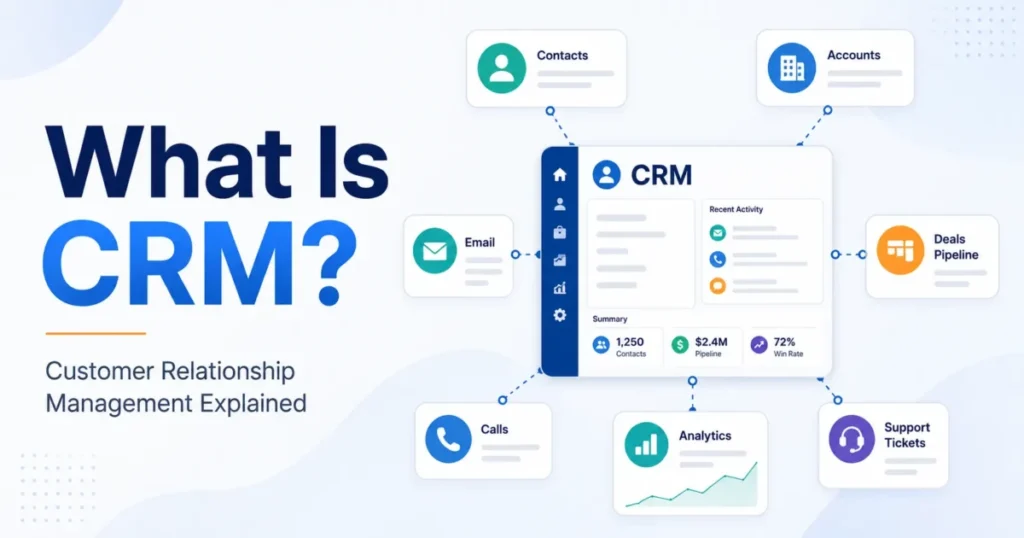
Most people meet CRM as a piece of software, and that is where the definition usually goes wrong. CRM is a way of running customer relationships, and the software is only the part you can buy.
That distinction decides something practical. A team that installs a CRM system without agreeing on who owns which relationship, what each stage means, and when a follow-up is overdue ends up with a tidier copy of the mess it started with.
This guide covers what CRM means, what a CRM system does after it stores a contact, which records live inside one, and how to tell when a spreadsheet has stopped being enough. Readers already shortlisting tools can skip ahead to the best CRM software guide.
Quick answer: CRM stands for customer relationship management. It is the mix of strategy, repeatable process, and software a business uses to manage relationships with customers and prospects. A CRM system keeps people, companies, deals, and interaction history in one shared place, then uses that context to assign an owner, prompt the next action, and measure the result.
In This Article (17 sections)
What Is CRM?
CRM is the practice of managing every relationship a business has with its customers and prospects, plus the technology that supports it. Three layers sit inside the one acronym, and confusing them is the most common reason a CRM project disappoints.
Layer one, in plain English. CRM is the shared memory of every conversation a business has with the people who buy from it.
Layer two, the mechanism. A CRM system is a set of linked records covering people, companies, deals, and activities, wrapped in workflow rules, permissions, and reporting.
Layer three, the business effect. CRM is how revenue work stays coordinated when more than one person touches the same customer, and how a manager finds out where deals stall.
Independent reference material treats the term the same way. TechTarget defines CRM as the combination of practices, strategies and technologies companies use to manage and analyze customer interactions across the customer lifecycle.
| Layer | What it covers | Who is accountable |
|---|---|---|
| CRM strategy | Which relationships the business wants, how it wins them, and how it keeps them | Founder, revenue leader, or head of go-to-market |
| CRM process | Stages, ownership rules, handoffs, and what counts as an overdue follow-up | Sales, marketing, and service managers |
| CRM software | The records, workflows, permissions, and reports that carry the process | RevOps, an admin, or whoever configures the system |
Software is the only layer with a price tag, which is why it gets bought first. It is also the layer that inherits every unresolved argument from the two above it.
What Does CRM Stand For?
CRM stands for customer relationship management.
The acronym gets used two ways in ordinary conversation, and both readings are legitimate. Sometimes it names the discipline, and sometimes it names the product a team logs into every morning.
Salesforce takes the software reading, describing CRM as a system for managing company interactions with current and potential customers. ServiceNow takes the broader one, calling CRM the strategies, processes, and technologies a business uses to manage those same interactions.
Neither is wrong. When someone asks whether you have a CRM, they almost always mean the software, so answer that question first and then ask the more useful one about process.
CRM Strategy vs. CRM Process vs. CRM Software
Separating the three layers is the single most useful thing a first-time buyer can do before looking at products.
CRM strategy is the intent. It answers which customers matter, what a good relationship looks like, and what the business is willing to invest to keep one.
CRM process is the repeatable behavior. It answers who owns a relationship, which stages a deal moves through, what triggers a handoff, and how quickly someone is expected to respond.
CRM software is the execution layer. It stores the context, routes the work, automates a slice of it, and reports on the outcome.
The dependency runs one way. Software can carry a process that already exists, and it can expose a process that does not, but it cannot invent one.
A business can have all three layers, or a strategy with no process, or software with neither. The last combination is common and is usually diagnosed as a software problem.
How Does CRM Work?
A CRM system is often described as a database, and that description stops one step too early. Storage is the foundation, but a stored record changes nothing until it changes what somebody does next.
The six stages below, call it the CRM Action Loop, are an editorial framework rather than an industry standard. They are the clearest way to describe what separates a working CRM from an expensive contact list.
Capture. Each input is an email, a call, a chat, a form, a transaction, or a support ticket.
Contextualize. Each signal attaches to a shared record for a person, a company, a deal, or an open case.
Coordinate. The record becomes visible to whoever owns the relationship next, along with the history behind it.
Act. A task, a reminder, an assignment rule, or an automated message pushes the next step.
Measure. Activity, stage movement, and outcomes roll up into something a manager can read.
Improve. What the measurement exposes changes the process, the automation, or the data rules.
The loop also explains the most common failure mode, a fully populated CRM that still feels like a glorified spreadsheet. That is what a team gets when it runs the first two stages faithfully and never reaches the third and fourth.
Two other failure modes follow the same shape. If nobody owns the record, the Coordinate stage has no destination, and if the output of Measure never changes a rule, the loop runs open and the same deals stall every quarter.
System of record versus system of action
A system of record answers what happened. A system of action answers what happens next, and by whom.
TrustRadius describes CRM as a system of record for contacts and accounts across the customer lifecycle, and adds tracking, automation, analysis, and optimization on top of it. Both halves matter, and the second half is where most of the value hides.
A useful test for any CRM, at any price: open a deal at random and see whether it names an owner, a stage, a recent interaction, and a dated next step. If any of the four is missing, the record is memory without motion.
Why integrations belong in the definition
Customer conversations happen in inboxes, phone systems, help desks, and checkout flows, not inside the CRM. An integration is what keeps those conversations attached to the relationship instead of stranded in whichever tool hosted them.
That is the operational reason CRM integration patterns matter more than the raw count of available connectors. A relationship record that is missing the last three support tickets will produce confident advice built on a partial history.
What Data Does a CRM Store?
Most CRM platforms organize customer data into a small set of linked record types. The names differ between products, and the shape is remarkably consistent.
Microsoft’s documentation for Dynamics 365 Sales uses accounts to store companies and contacts to store people, with several contacts attached to one account. Zoho publishes a comparable core model built on Leads, Accounts, Contacts, Deals, Forecasts, and Activities.
| Record | What it represents | How it usually connects |
|---|---|---|
| Lead | An unqualified person or inquiry that may never become a customer | Converts into a contact, an account, and a deal once it qualifies |
| Contact | A named person you deal with | Sits under one company record and carries its own activity history |
| Account | A company or household you do business with | Holds many contacts and many deals over time |
| Deal or opportunity | A specific revenue event you are working to win | Belongs to an account, carries a stage, an owner, and an expected close |
| Activity | A call, email, meeting, note, or task | Attaches to any of the records above and forms the interaction history |
| Case or ticket | A service request raised after the sale | Attaches to the contact and account, and feeds the same relationship view |
Source: Microsoft Dynamics 365 Sales documentation, Zoho CRM architecture documentation, and HubSpot CRM product page, checked 2026-08-20.
Object names vary between platforms, and so does conversion behavior. Some products turn a qualified lead into a contact, an account, and a deal in one automatic step, and others stage it manually, so treat the table as a pattern rather than a universal schema.
Governance is part of the design, not a later step
Centralizing customer information concentrates risk in one place. Access rules, ownership, retention, and privacy obligations become CRM design decisions the moment the data lands.
Two questions settle most of it early. Who is allowed to see a full relationship history, and what happens to a record when a customer asks to be forgotten.
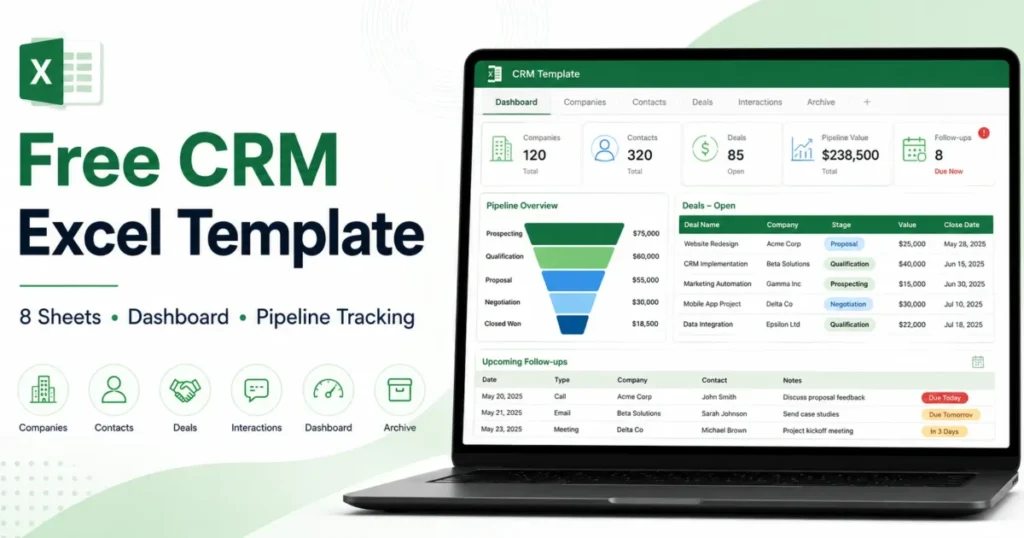
For anyone starting from a spreadsheet of names and emails, the shift from a flat list to linked records is the real change, and it is worth understanding what contact management covers before evaluating anything more complex.
Types of CRM
Ask how many types of CRM exist and you will get different answers, which looks like disagreement and is actually two different questions being answered at once.
The first question is what the software is for. The second is how it is delivered.
The functional taxonomy
TechTarget names operational, analytical, and collaborative CRM as the three important functional types, and Oracle lists the same trio in a different order.
| Functional type | Primary job | What it produces |
|---|---|---|
| Operational CRM | Run the day-to-day work of selling, marketing, and serving | Pipelines, task queues, routing rules, automated follow-up |
| Analytical CRM | Turn accumulated customer data into a read on what is happening | Segments, conversion patterns, forecasts, retention signals |
| Collaborative CRM | Share one relationship view across departments | Shared history, cross-team handoffs, consistent customer context |
Some taxonomies add a fourth entry, strategic CRM, for the layer that sets customer priorities before any of the three above it runs. That is the same strategy layer described earlier in this guide, which is why the count changes depending on where a source draws the line.
The deployment axis
Cloud, on-premises, and hybrid are not functional types at all. Oracle’s guide contrasts subscription software that needs less IT involvement and investment with on-premises systems that must be purchased, installed, monitored, maintained, and upgraded.
A cloud CRM can be operational, analytical, and collaborative at the same time. Reading deployment as a fourth type is the error that makes CRM taxonomies look contradictory.
CRM vs. Spreadsheets and Other Business Systems
Almost every business already has something that stores customer names. The question is never whether customer data exists, but whether the system holding it can carry ownership, stages, and next actions.
| System | Primary job | Canonical record | Typical owner | Where it overlaps CRM | Where CRM still adds something |
|---|---|---|---|---|---|
| Spreadsheet | Hold and calculate flexible tabular data | A row | Whoever created the file | Contact lists, simple pipelines | Shared ownership, activity history, alerts, permissions |
| CRM | Manage relationships and the work attached to them | A contact, account, or deal | Sales, marketing, and service | Everything below, partially | The relationship record itself |
| ERP | Run internal operations and finance | A transaction or order | Finance and operations | Customer identity, order history | Pre-sale relationship context and pipeline |
| Marketing automation | Generate and nurture demand at volume | A campaign audience member | Marketing | Contact data, email history | Owned follow-up after the handoff to sales |
| Accounting software | Record what was invoiced and paid | An invoice | Finance | Customer list, invoice history | Why a deal was won, lost, or stalled |
| Help desk | Resolve service requests | A ticket | Support | Case history, customer identity | Revenue context around the same customer |
Source: Oracle CRM guide, TrustRadius CRM category page, and HubSpot CRM product documentation.
CRM versus a spreadsheet
A spreadsheet is excellent at flexibility and poor at accountability. Any cell can hold anything, which is a strength when a founder is inventing a process and a liability once three people are editing the same file.
The practical break comes when a row needs an owner, a stage, a dated next action, and a history that survives the person who created it. That is a CRM record, and no amount of conditional formatting turns a row into one.
CRM versus marketing automation
Oracle draws the boundary at the handoff. Marketing automation gathers enough data points to show intent and hands that person off to the sales team as a marketing-qualified lead, and CRM picks up from there.
Modern suites bundle both, so the boundary describes the primary job rather than a wall between products. Anyone weighing the two should read the distinction between CRM and marketing automation platforms as a question about which team owns the follow-up.
CRM versus accounting software
Accounting knows what a customer paid. CRM knows why they bought, who championed the purchase, what nearly stopped it, and what they asked for next.
A finance system can produce a customer list, and that list is a billing artifact rather than a relationship record. It cannot tell you which of those customers has gone quiet for a quarter.
CRM versus customer experience
CRM is the company’s internal system for managing relationships. Customer experience is what the customer actually feels across every interaction, whether or not any of it was logged.
Good CRM makes better experience easier to deliver. It does not guarantee it, and treating the two as the same thing is how a business ends up measuring its own tidiness instead of the customer’s outcome.
Who Uses CRM?
Salesforce notes that CRM can benefit virtually any department in a company, which is true and slightly unhelpful for a first-time buyer. The more useful version names the job each function does inside the system.
| Function | What they do inside a CRM | What breaks without it |
|---|---|---|
| Sales | Own deals, move stages, log activity, set the next step | Forecasts built from memory and deals that quietly age out |
| Marketing | Capture leads, hold campaign context, hand qualified interest to sales | Follow-up that arrives without knowing what the person already read |
| Customer service | Read relationship history before answering, log cases against the account | Customers repeating their situation to whoever picks up |
| RevOps and admins | Define fields, routing, permissions, and reporting rules | Data that means something different in every team’s hands |
Zoho frames the business case around uniting sales, marketing, and support activity, and its explanation of what a CRM does is a fair summary of the shared-repository argument. Teams whose main problem is pipeline discipline rather than cross-department visibility should start with a narrower comparison of the CRM for sales teams category.
B2B and B2C shape the same records differently
In B2B, the account usually matters more than any individual, because several stakeholders influence one purchase over a long cycle. The relationship survives a champion changing jobs, provided the history lives on the company record.
In B2C, volume and segmentation dominate. The individual profile carries purchase history and service contact, and the account layer often collapses into the person.
This is a pattern rather than a rule. Plenty of B2C businesses sell to households, and plenty of B2B businesses sell to one owner-operator.
Who Needs a CRM?
There is no honest universal contact-count threshold that turns a spreadsheet into a liability. What changes is operational complexity, and that shows up as symptoms long before it shows up as a number.
Consider dedicated CRM software when several of these are true:
- Follow-ups get missed because nobody is sure whose turn it is.
- Relationship history lives in individual inboxes rather than a shared place.
- More than one person needs to answer for the same customer.
- Building a pipeline report means reconstructing it by hand each time.
- A handoff between marketing, sales, and service happens often enough to be a process.
- Losing one employee would mean losing the context behind their accounts.
- Nobody can say which deals have gone quiet without opening each one.
A solo operator with a short list, one owner, and a simple process is not being negligent by staying in a spreadsheet. The cost of a CRM is setup and habit, and that cost is only worth paying when coordination is the actual problem.
What to clean before importing anything
A structured system exposes inconsistencies that a spreadsheet tolerates quietly. Duplicate people, three spellings of one company, and a status column that means different things by row all become visible the moment they hit defined fields.
Work through the same sequence every time. Identify every source of customer data, decide the small set of fields that must be populated, deduplicate, standardize formats, map each column to a target field, test a limited import, validate the result, and only then retire the old file.
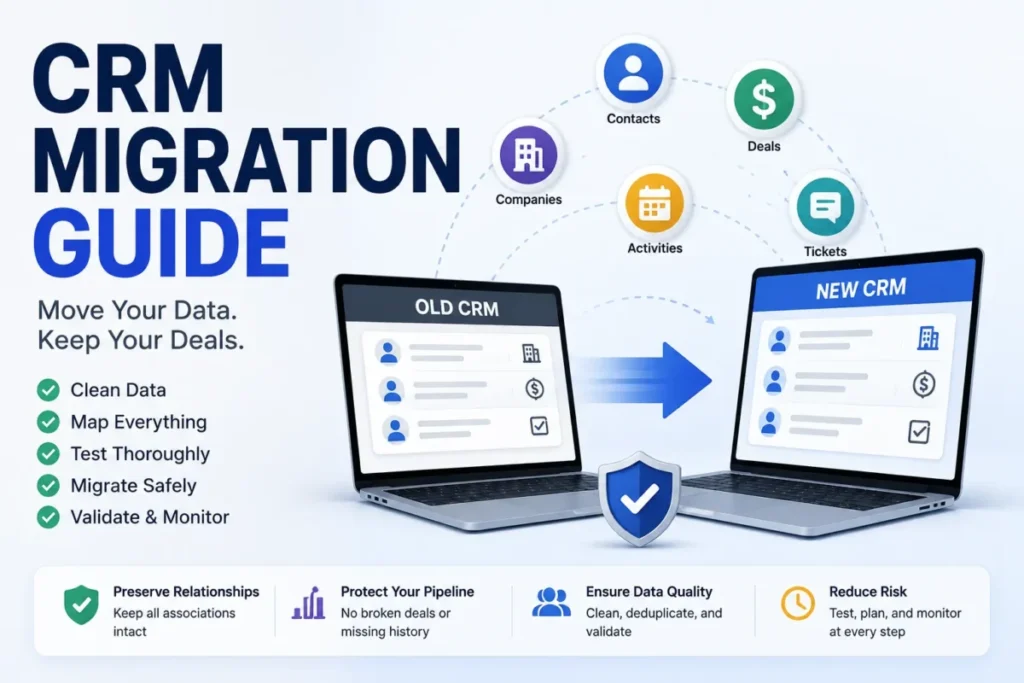
That last step is the one teams skip. Running the spreadsheet and the CRM in parallel is how a business ends up with two systems that disagree, and a longer read on CRM data migration is worth the time before a full import.
What CRM Cannot Fix
Vendor education pages describe what CRM enables. The boundary conditions matter just as much to anyone about to spend money.
An undefined process. Configuring stages forces a team to name them, and naming them does not create agreement about what each one means. A CRM will happily automate a process nobody has settled.
Dirty data. Oracle attributes inaccurate CRM data to duplicate customer information, keystroke errors, and natural changes such as job moves and company closures. None of those are fixed by the software that inherits them.
Unclear ownership. If two people believe they own the same account, the CRM records both opinions and surfaces neither as authoritative.
Weak adoption. Microsoft’s overview lists data migration, system compatibility, data protection, and employee acceptance among the obstacles a CRM rollout meets. It also notes that employees often prefer to continue using tools they already know.
A system that half the team avoids produces reports that are worse than no reports, because they still look authoritative.
Administrative overload. Every required field is a small tax on the person entering it. Ask for too many and the tax gets paid in guesses.
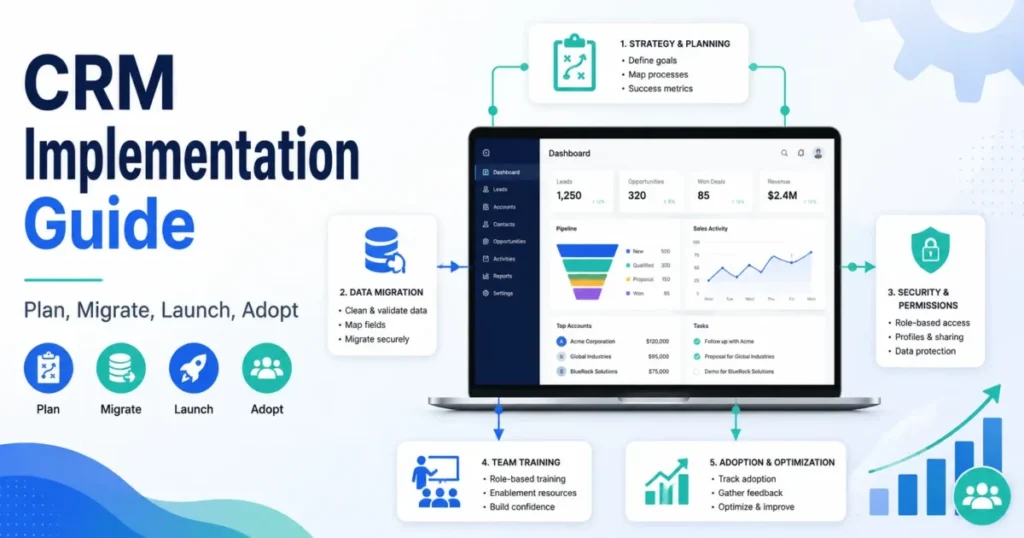
The loop is why data hygiene deserves a named owner rather than a good intention. A practical rollout plan matters more than feature depth here, and a structured CRM implementation guide is the right companion to a shortlist.
How AI Changes CRM
AI features now appear on almost every CRM product page. At a category level they cluster into a short list of jobs: summarizing long histories, drafting messages, scoring or prioritizing records, predicting outcomes, and triggering automation without a human writing the rule.
Each of those jobs reads the same customer data everything else reads. A summary of a relationship with missing tickets is a confident summary of a partial history, and a prioritization model trained on duplicate accounts learns from duplicates.
The buyer question is therefore not whether a CRM has AI. It is whether the underlying records are complete and governed enough for AI output to be worth acting on. The data readiness figures in a CRM statistics roundup turn that question into a pre-purchase audit covering inputs, unification, access, security and hygiene.
CRM Examples
Abstract definitions get sharper when a single relationship moves through the system. The three walkthroughs below are reconstructed from published product documentation rather than from any one company’s account.
A lead becoming a tracked deal
Microsoft’s documentation describes an opportunity as a deal you are ready to win, created for a lead who is ready to buy. On conversion, information from the lead record is copied to the opportunity, the two records stay linked, and the activities and notes already logged against the lead become available on the opportunity.
The detail worth noticing is the continuity. Nothing about the qualification conversation is lost at the moment the relationship becomes a forecastable deal, which is exactly what a spreadsheet cannot promise when a row gets copied to a new tab.
Getting that first stage right is mostly a question of definitions rather than software, which is why it helps to understand how lead management works before configuring anything. G2’s category criteria for CRM software require lead, contact, account, and opportunity management, plus the ability to track prospects and contacts throughout the sales pipeline.
One record, three departments
Marketing captures an inquiry from a webinar and attaches the campaign context to a new lead record. Sales qualifies it, creates the opportunity, and logs two calls and a pricing conversation against it.
The deal closes, and a service request arrives six weeks later. The support agent opens the account and can see the promises made during the sale, without a forwarded email thread or a call to the salesperson.
HubSpot describes the same foundation in product terms: contact management holding profiles with interaction history, a deal pipeline tracking opportunities through stages, and activity tracking that logs emails, calls, meetings, and notes. None of that is exotic, and its absence is what forces customers to repeat themselves.
Relationship memory when someone leaves
A key account manager resigns. Their accounts move to a colleague who has never spoken to any of these customers.
If the history lives on the account and contact records, the new owner inherits a readable relationship. Microsoft’s documentation notes that deactivating a contact retains that contact’s history, and that related opportunities and activities stay active, which is the technical version of the same idea.
If the history lived in one person’s inbox, the business restarts every relationship from scratch and calls it turnover cost.
The weekly review that makes the data earn its keep
Stored data becomes useful at the moment somebody interrogates it on a schedule. A workable rhythm looks like this: list open deals with no activity in the last stretch, confirm each one has a dated next step, correct stages that no longer reflect reality, and look at where deals cluster before they stall.
That review is the Measure and Improve half of the loop described earlier. Skip it, and the system reverts to being a place where information goes to rest.
How to Use CRM Without Creating Admin Work
The fastest way to kill CRM adoption is to require twenty fields on a record that needs four. Keep the mandatory set small enough that a busy person can complete it honestly.
A minimum useful record carries the identity of the relationship, a named owner, a stage or status where one applies, the most recent interaction, and a dated next action. Everything else is optional until a report proves it is needed.
Beginner checklist
- Write down the sales stages in plain language and agree what moves a deal between them.
- Name one owner for every account, and one owner for CRM data quality overall.
- Decide the shortest list of required fields, and resist adding more for a quarter.
- Connect email and calendar first, so activity logging is mostly automatic.
- Deduplicate and standardize the existing list before importing anything.
- Import a small batch, check it, then import the rest.
- Set one rule that flags deals with no recent activity.
- Agree what a follow-up commitment means, including how quickly it is due.
- Build one pipeline report and review it on the same day each week.
- Retire the old spreadsheet on a stated date rather than letting it linger.
- Revisit required fields once the first reports show what is missing.
How to Choose the Right CRM
Feature lists are the least useful way to compare CRM products, because almost every product in the category has almost every feature in some form. The differences that decide satisfaction show up elsewhere.
Weigh these criteria in roughly this order:
- Process fit. Can the system carry the stages and handoffs the team already uses, without a rebuild.
- Data model fit. Does it represent companies, people, deals, and cases the way the business actually sells.
- Adoption cost. How much daily typing does an honest record demand.
- Reporting trust. Can a manager answer a pipeline question without exporting anything.
- Integration reach. Do email, calendar, phone, and support tools connect without custom work.
- Administration. Can someone on the team change a field, a stage, or a rule without a consultant.
- Scaling behavior. What gets harder, slower, or more restricted as records and users grow.
The commercial questions belong after those. Teams reaching the shortlist stage, especially smaller ones weighing CRM options for small business, should judge products against the process they already run rather than against each other’s feature grids.
How to Measure Whether CRM Is Working
Adoption metrics that count logins prove attendance rather than value. The measures below are closer to the point.
| Measure | What a healthy version looks like | What a weak version is telling you |
|---|---|---|
| Record completeness | Open deals carry an owner, a stage, and a dated next step | The system is storing outcomes rather than driving them |
| History coverage | Recent customer conversations are visible on the record | Context still lives in individual inboxes |
| Stage accuracy | Stages match what is actually happening in the deal | Forecasts are describing a pipeline that no longer exists |
| Time to context | A new owner can pick up an account without asking around | Relationship knowledge is personal rather than institutional |
| Follow-up reliability | Committed next steps happen when they were promised | The action half of the loop is not running |
Two of those, record completeness and follow-up reliability, are worth watching from the first week. The rest become meaningful once there is enough history to read.
Methodology and Sources
This guide draws on official vendor education pages, current product documentation from Microsoft and Zoho, and independent category references from TechTarget, TrustRadius, and G2. The checked date for the cited pages appears beneath the record and comparison tables.
Each source was assessed against the same criteria: whether the page states the fact directly, whether it is the strongest available source for that fact, and whether it describes the concept rather than selling a product.
Vendor education pages are treated as vendor claims and labeled as such in the text. Product documentation carries more weight for anything describing how records behave.
Claims the cited pages do not state were left out rather than softened, and the framework describing the action loop is presented as editorial synthesis rather than an industry standard.
FAQs About CRM
These are the questions the body above does not fully settle for a first-time buyer.
What does CRM mean in simple terms?
CRM means managing the relationships a business has with its customers, and the software that keeps those relationships in one shared place. The acronym stands for customer relationship management.
Is a CRM just a database?
No, though a database sits underneath it. A CRM stores relationship history and then acts on it, by assigning an owner, prompting the next step, automating routine work, and reporting on what happened.
What are the three types of CRM?
Operational, analytical, and collaborative are the three functional types most sources name. Some taxonomies add strategic CRM as a fourth, which describes the priority-setting layer rather than a different kind of software.
What is the difference between CRM and ERP?
CRM centers on customer-facing relationships and the work attached to them. ERP centers on internal operations and finance, so the two overlap on customer identity and order history without replacing each other.
Does a small business need a CRM?
Only when coordination becomes the problem. A single owner with a short list and a simple process can run on a spreadsheet, and the case for software strengthens once follow-ups slip, ownership is shared, or history needs to survive a departure.
What information is stored in a CRM?
Contacts, companies, deals, activities, and service cases, linked to each other so that any one of them opens onto the full relationship. Most platforms also store campaign context, notes, files, and custom fields for the way a specific business sells.
Is CRM the same as customer experience?
No. CRM is the company’s internal system for managing relationships, and customer experience is the outcome the customer perceives, which is influenced by far more than what gets logged.
Do I need a CRM if my accounting software already stores customers?
Accounting records what was invoiced and paid, which is a billing history rather than a relationship history. If nobody can tell which customers have gone quiet or why a deal stalled, the accounting system is not doing the CRM job.