Katana fits a maker that runs bill-of-materials production behind a Shopify store and wants the setup built for it. Its Free plan holds only a catalog of 30 SKUs or fewer, products and materials together.
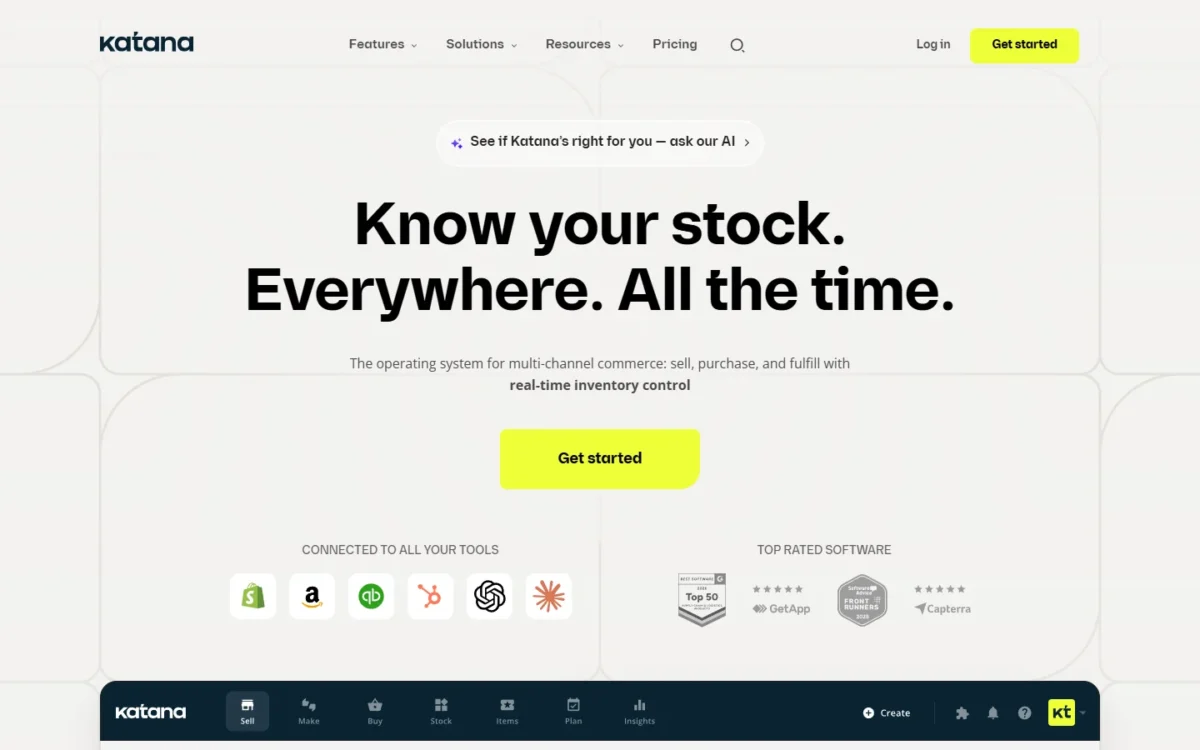
This Katana MRP review covers the product katanamrp.com now sells as Katana Cloud Inventory. As of October 2026, Katana lists two plans: Free at $0 with no card required, and Advantage at custom pricing under one annual contract. Both include unlimited users.
Quick verdict
Katana is worth a quote for a Shopify maker with BOM production, batch tracking and more than 30 SKUs that wants implementation bought with the software. Skip it if you need a public paid price, monthly billing, or a free WooCommerce or Amazon connection.
Strength: manufacturing, traceability and warehouse tools on both plans, with unlimited users. Limit: Free counts material variants toward its 30 SKUs, and Advantage, the custom-priced annual contract, has no published price.
In This Article (13 sections)
Katana at a Glance
Katana is cloud inventory and manufacturing software for product businesses that keeps stock, orders and production in one system across channels and locations.
If you searched for Katana MRP, this is the product: Katana’s own pages call it Katana Cloud Inventory, and the MRP name lives on in the katanamrp.com domain.
- Product name: Katana Cloud Inventory, at katanamrp.com
- Category: cloud inventory and manufacturing (MRP) software
- Best for: Shopify makers with BOM-based production and batch tracking
- Starting price: $0 on Free, no card required
- Paid plan: Advantage, custom pricing under one annual contract
- Users: unlimited on both plans
- Main limitation: Free allows up to 30 SKUs, counting product and material variants
The next question is where Katana helps a maker and where it gets in the way.
Katana Pros and Cons
Pros
- Unlimited users on Free and Advantage, so adding floor, warehouse and sales staff never adds a seat fee
- BOMs with subassemblies, make-to-stock and make-to-order workflows and contract manufacturing, for makers who assemble in-house or outsource
- Batch, lot, serial and expiry tracking across inventory and production, which recall-sensitive food, cosmetics and supplement makers need
- Advantage puts implementation, a customer success manager and 24/7 live support inside one quote, for teams that want setup done for them
- API access on Free, so a developer can try a custom connection before any contract
Cons
- Free caps the catalog at 30 SKUs and counts material variants, so a maker with raw materials outgrows it quickly
- Advantage has no published price, so budgeting starts with a scoping call
- On Free, Shopify is the only e-commerce integration, which pushes WooCommerce and Amazon sellers to Advantage
- The only paid plan is an annual contract, with no monthly tier for a team that wants to test month by month
- Invoices and bills go to QuickBooks Online or Xero, so the accounting subscription stays on the budget
Katana Manufacturing and Inventory Features
Yes, Katana carries BOM-based make-to-stock and make-to-order production with batch tracking, and Free includes “All Katana features”. The plan changes the SKU cap, the support and the custom work Katana’s team builds, not the core toolset.
Bills of materials and manufacturing orders
The Katana feature list covers BOMs with subassemblies, MTS and MTO workflows, contract manufacturing, manufacturing cost calculations and a shop floor app. Materials are assigned to work orders, and finished goods move back into stock when production completes.
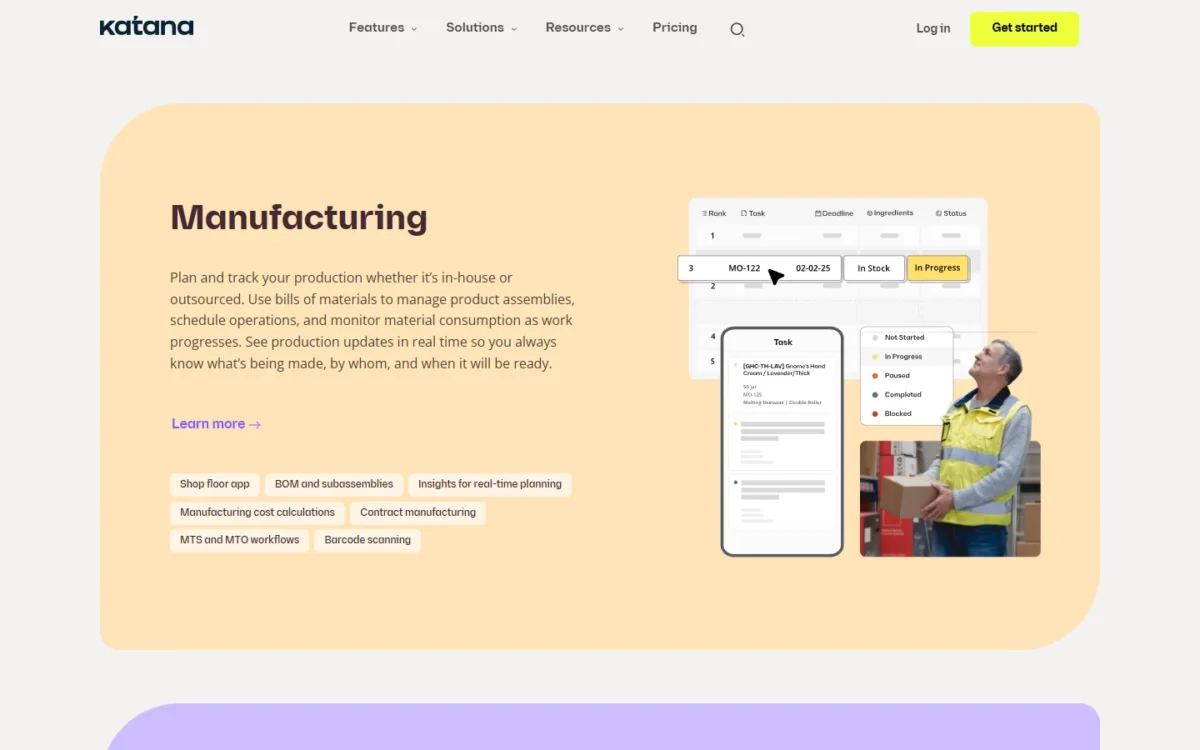
That link between recipe and stock is the reason a maker buys an MRP rather than an inventory app. Katana does not publish how far its scheduling goes into machine capacity, so a shop that plans around machine hours should ask in the demo.
Batch, serial and expiry tracking
Katana tracks lot and serial numbers across inventory and production, from raw materials to finished goods, and manages expiry dates. Traceability sits on both plans.
That is the feature a food, cosmetics or supplement maker cannot skip, because a recall means tracing one batch of an ingredient to every order it reached. Zoho Inventory, by contrast, starts batch and serial tracking on its Premium plan, not its Standard plan.
Shop floor and warehouse apps
Katana gives operators two apps. The shop floor app serves production, where managers assign and schedule tasks for floor-level employees and track progress. In the Warehouse app, managers assign picking, packing and receiving, and operators complete them at bin locations, with a barcode scanner or a smartphone.
Unlimited users make both apps cheap to roll out: every picker and line worker can sign in without changing the bill.
Planning, AI Replenishment and Katana MCP
Yes, Katana plans purchases. Its planning covers demand forecasting and replenishment. Katana AI and AI Replenishment recommend purchase orders from demand history and plain-language context you control.
Katana MCP lets you run Katana from Claude, ChatGPT or Gemini: ask about stock and orders, create records, or add sales and manufacturing orders.
Forecasts only mean something on your own history, so load real sales during the 15-day unlimited-SKU window before you judge them. None of this pays off unless orders and invoices flow, which depends on the integrations.
Shopify, WooCommerce, QuickBooks Online and Xero Integrations
Shopify works on both plans; WooCommerce, Amazon and other stores also connect, but on Free “only Shopify currently integrates” for e-commerce. A WooCommerce-first shop therefore needs Advantage before its store can sync.
- Shopify: one or more Shopify stores sync stock and send sales orders, POS included, to one Katana account.
- WooCommerce: the WooCommerce integration syncs stock and imports sales orders.
- QuickBooks Online: the QuickBooks Online integration creates invoices from sales orders, turns purchase orders into bills, and syncs contacts and the inventory balance.
- Xero: the Xero integration creates invoices from sales order statuses, turns purchase orders into bills and syncs contacts.
- Others: ShipStation, Shippo, eBay and Zapier, among those on the integrations page.
Katana does not publish an integration count. On Advantage, its engineers build custom integrations such as EDI, a CRM or a 3PL. The Shopify-only rule on Free names e-commerce, so confirm your accounting connection during the trial.
Katana Ease of Use and Setup
Setup takes one of two routes. Self-serve on Free can start in one day for many teams, Katana says; guided onboarding on Advantage typically reaches full inventory visibility in about six weeks.
The Katana help center shows where the self-serve work sits: 37 articles on items, variants and product recipes, 19 on template and assisted import, and 168 on integrations.
The guided route adds a Solutions Engineer, workflow mapping, data migration, integration setup help and team training. To judge the effort yourself, import real items and recipes during Free’s 15 unlimited-SKU days. That guided route sits inside a paid contract.
Katana Pricing
Katana prices in two steps: Free costs $0 with no card required and allows up to 30 SKUs, and Advantage is custom-priced under one annual contract. Neither plan charges per user, and Katana lists no plan between them.
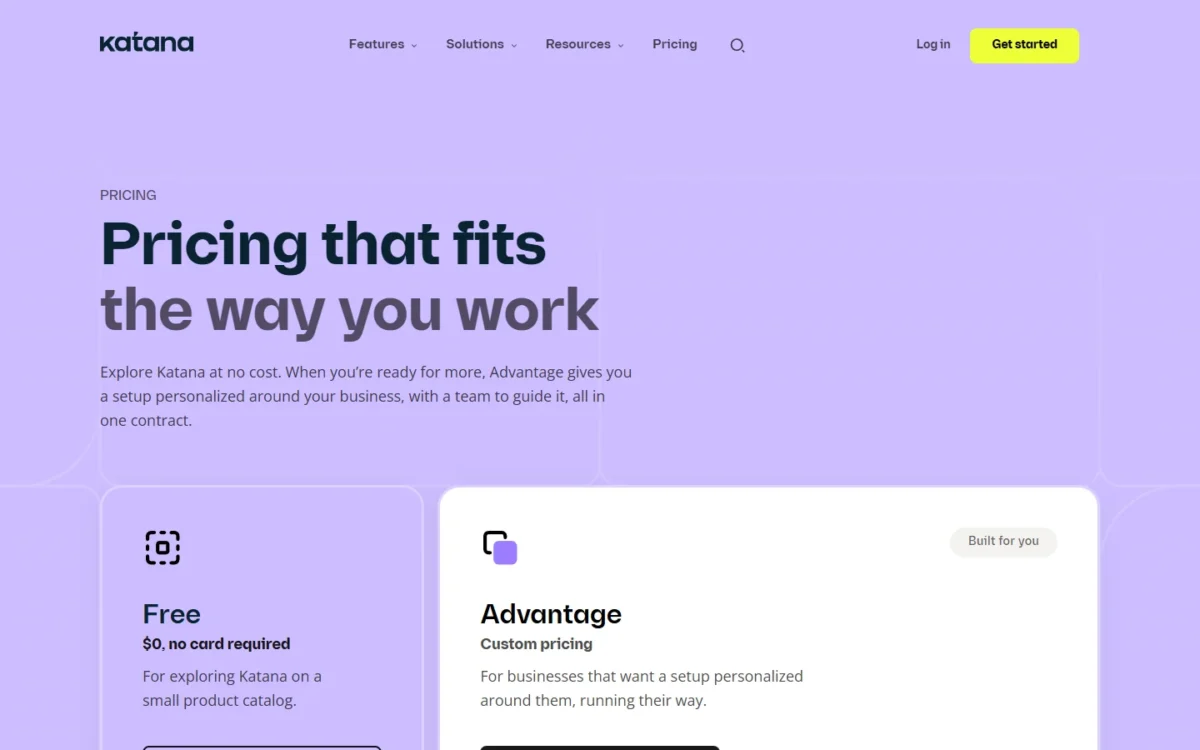
| Plan | Price | Billing | Key limit |
|---|---|---|---|
| Free | $0, no card required | No billing | Up to 30 SKUs (unlimited for the first 15 days); Shopify is the only e-commerce integration |
| Advantage | Custom pricing | One annual contract | Price set by scoping; unlimited SKUs, users and integrations |
Sources: Katana pricing page, checked October 2026.
Pricing note
The Advantage pricing FAQ still answers customers on Standard, Professional, Professional Plus or Core plans, but the pricing page lists only Free and Advantage as of October 2026. A price quoted elsewhere for those older plans is not one a new buyer can choose, so budget from an Advantage quote.
What the Free plan includes
Free runs a small catalog only. It includes all Katana features, API access, and unlimited users, integrations and inventory locations, with an AI assistant and Knowledge Base for support.
The limit arrives after the first 15 days, when Katana asks you to bring the catalog down to 30 SKUs or talk to its team about upgrading.
How fast you reach 30 SKUs
Faster than the number suggests, because Katana defines SKUs as unique identifiers for product or material variants. Raw materials and packaging count against the cap alongside what you sell.
Take an illustrative soap maker that sells 5 soaps in 3 sizes, which makes 5 x 3 = 15 product variants. Its recipes draw on 15 material and packaging variants, such as oils, scents and wrappers. The catalog totals 15 + 15 = 30 variants.
That small range already fills Free’s cap. The next scent or a second label size forces the move to Advantage, so count your materials before you plan to stay free.
What Advantage adds
Advantage buys a service as much as software. Beyond unlimited SKUs, the price includes implementation with an implementation manager, a customer success manager, 24/7 live support and regular inventory consultations. Katana’s team also builds and maintains custom integrations, dashboards and automations.
Katana says the quote lists everything it will build, “so nothing is added later”. That promise only protects you if the quote names each integration, report and automation.
Upgrade trigger and budgeting
You need Advantage at the 31st SKU, the first non-Shopify e-commerce store, or the first time you want live support or a custom build. Since users are unlimited, compare the annual quote with what a per-user or per-plan rival charges for your headcount.
| Software | Plan for 10 users | Published price | Yearly cost |
|---|---|---|---|
| Katana | Advantage | Custom pricing, annual contract | Set by quote |
| MRPeasy | Starter (BOM management and lot traceability included) | $49 per user per month, billed monthly | $49 x 10 users x 12 months = $5,880 |
| Cin7 Core | Pro (10 users; material requirements planning, BOMs and batch tracking included) | $599 per month, excluding taxes | $599 x 12 months = $7,188 |
Sources: MRPeasy pricing, Cin7 pricing, checked October 2026.
Both totals cover the plan price only. Cin7 lists its Core prices per month without naming a billing term. On Pro, it sells Advanced Production Manufacturing and API access as add-ons, so either one raises that Cin7 total.
Those two totals give a 10-person team a yardstick. If the Advantage quote lands near them, Katana’s bundled implementation and support tip the choice; well above them, you are mostly paying for the services.
Katana Security and Support
Katana states it completed a SOC 2 Type II audit by an independent third-party auditor and complies with GDPR. The Katana security page adds AWS hosting, TLS in transit, encryption at rest, automated AWS backups and a documented disaster recovery plan.
Those are the vendor’s own statements, and Katana does not publish uptime figures there. Support splits by plan: Free gets the AI assistant and Knowledge Base, while Advantage adds 24/7 live support and priority support with an SLA.
Who Should Use Katana?
Katana fits a Shopify maker with BOM production that wants the setup done for it, and misses for resellers, free WooCommerce shops and list-price buyers.
Best for
- A Shopify maker past 30 SKUs with multi-level recipes that wants Katana’s team to build the setup on Advantage
- A food, cosmetics or supplement maker that must trace batches, serials and expiry dates from raw material to finished goods
- A team with many floor and warehouse staff, since both plans include unlimited users
- A business with EDI, CRM or 3PL connections to build, which Katana’s engineers handle on Advantage
- A catalog of 30 SKUs or fewer, products and materials together, that can live on Free
Not ideal for
- A reseller with no production, which pays for manufacturing depth it will not use
- A WooCommerce or Amazon seller that wants a free plan, since only Shopify integrates with Free
- A buyer that needs a list price or monthly billing, since Advantage is a custom annual contract
- A business that wants its accounting in the same tool, since invoices and bills go to QuickBooks Online or Xero
Common mistakes when evaluating Katana
- Counting only finished products. Material variants count toward the 30-SKU cap too.
- Importing the full catalog late. The unlimited-SKU window covers the first 15 days only.
- Assuming WooCommerce or Amazon works on Free. Shopify is the only e-commerce integration there.
- Expecting Katana to replace the books. It creates invoices and bills in QuickBooks Online or Xero.
- Budgeting from an older Core-plan price. New buyers choose between Free and an Advantage quote.
Katana vs Competitors
Katana’s Advantage plan is a custom quote that includes unlimited users, while the three others publish list prices tied to users. Zoho Inventory Standard covers 3 users, Cin7 Core Standard covers 5 users, and MRPeasy Starter charges $49 per user per month. If Cin7 is on your shortlist, read my Cin7 review before the demo.
| Software | Best for | Starting price | Key difference | Main trade-off |
|---|---|---|---|---|
| Katana | Shopify makers with BOM production who want setup done for them | Free $0 (30 SKUs); Advantage custom pricing | Unlimited users on both plans; implementation inside the quote | No published paid price; annual contract |
| Zoho Inventory | Resellers that want a low published price | Standard $29 per organization per month, billed annually | Free plan with 50 orders and 1 user | Standard covers 3 users; batch and serial tracking start on Premium at $79 per organization per month, billed annually |
| Cin7 Core | Multichannel sellers with assembly needs and a fixed budget | Standard $349 per month for 5 users | BOMs and batch tracking on Standard | 2 e-commerce and app integrations on Standard; MRP and API are add-ons there |
| MRPeasy | Production-heavy shops that want monthly billing | Starter $49 per user per month, billed monthly | No contracts; from the 11th user, $79 per 10 users | Cost grows with each of the first 10 users |
Sources: Zoho Inventory pricing, Cin7 pricing, MRPeasy pricing, Katana pricing, checked October 2026.
Zoho Inventory is here for the reseller who needs stock control without production. Cin7 Core suits a seller that wants assembly and batch tracking at a known monthly price. MRPeasy is the pick for a production shop that wants per-user pricing, billed monthly, with no contract.
Katana Alternatives
Look past Katana when you need a published per-user price, a free plan that connects WooCommerce, or stock control without manufacturing. My guide to inventory management software matched to business type covers the wider field, from reseller-focused tools to manufacturing systems.
How I Evaluated Katana
On October 28, 2026, I read Katana’s homepage, pricing pages, feature list, security page, help center and four integration pages. I also read the pricing pages of Zoho Inventory, Cin7 and MRPeasy.
The plan fit, upgrade trigger and budgeting yardstick are my analysis of those pages; the soap-maker catalog is illustrative.
Katana does not publish an Advantage price or range, a contract length beyond “annual”, renewal terms, an integration count or uptime figures. Put those on your list for the sales call.
Katana FAQ
Is Katana an ERP?
Not a full one. Katana runs inventory, orders, purchasing and production, then creates invoices and purchase-order bills in QuickBooks Online or Xero, which keep the books. Treat it as the operations layer beside your accounting software, and budget for both subscriptions when you compare it with an all-in-one ERP.
Can I get a Katana demo?
Yes. Katana offers a live demo with a product specialist, and you can start on Free right away with no credit card. Use the demo to start the Advantage scoping: bring your SKU count, sales channels and accounting tool so the quote matches your setup.
Katana MRP Review: Final Verdict
Katana is worth a quote for a Shopify-centred maker past 30 SKUs that wants BOMs, batch tracking and an implementation team in one annual contract. Start on Free, import your real catalog in the first 15 days, and see whether the structure fits before the sales call.
- Skip it if:
- you need a list price, monthly billing, or a free WooCommerce or Amazon connection; MRPeasy and Zoho Inventory publish their prices.
Before signing Advantage, get in writing which integrations Katana will build, the contract term and renewal, and what the SLA covers. If Zoho Inventory is on your shortlist, check my Zoho Inventory review before you decide.