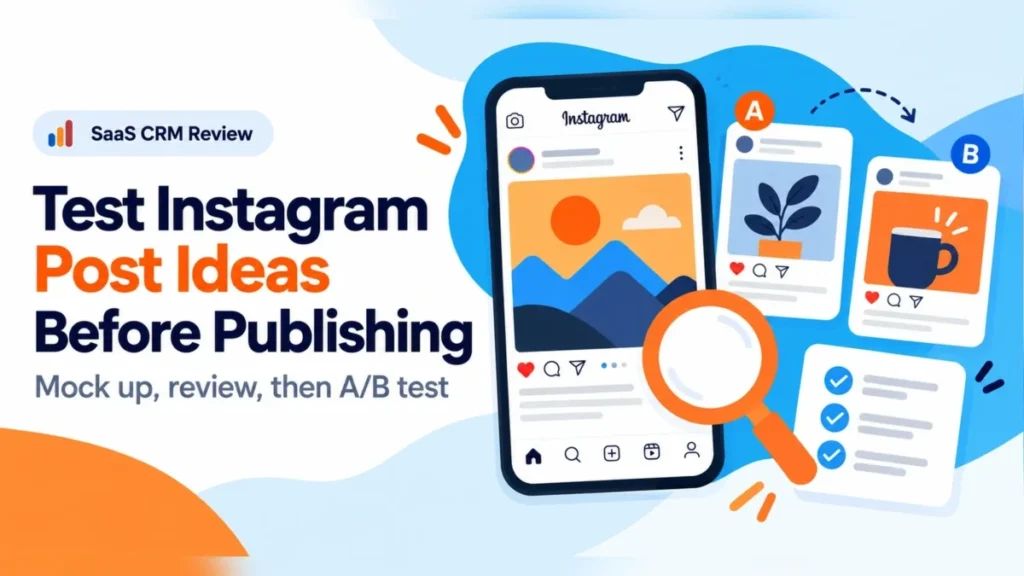
Testing Instagram post ideas before publishing is a pre-launch review in which a brand’s team places an idea into a mocked-up Instagram feed post and checks what people notice first. The Instagram mockup gives reviewers something specific to point at.
That review keeps weak versions out of a real A/B test, where only audience behavior decides which post works. For a brand’s social media team, the rule I would follow is simple: mock up every Instagram idea first, and send only the versions that survive review into a test.
In This Article (6 sections)
Put the Idea Into an Instagram Post Earlier
A post idea can sound solid for a long time before anyone sees that it falls apart in an Instagram feed. On paper, the headline works and the product shot seems fine. Once the two share one Instagram post, attention goes to the wrong place and the offer stops standing out.
When the Instagram image needs its caption to explain it, that is usually a bad sign.
That is why a rough Instagram mockup should exist early, before the team gets attached to the idea. A free tool can place the image, caption, profile details and other visible parts into an Instagram-style post without publishing anything.
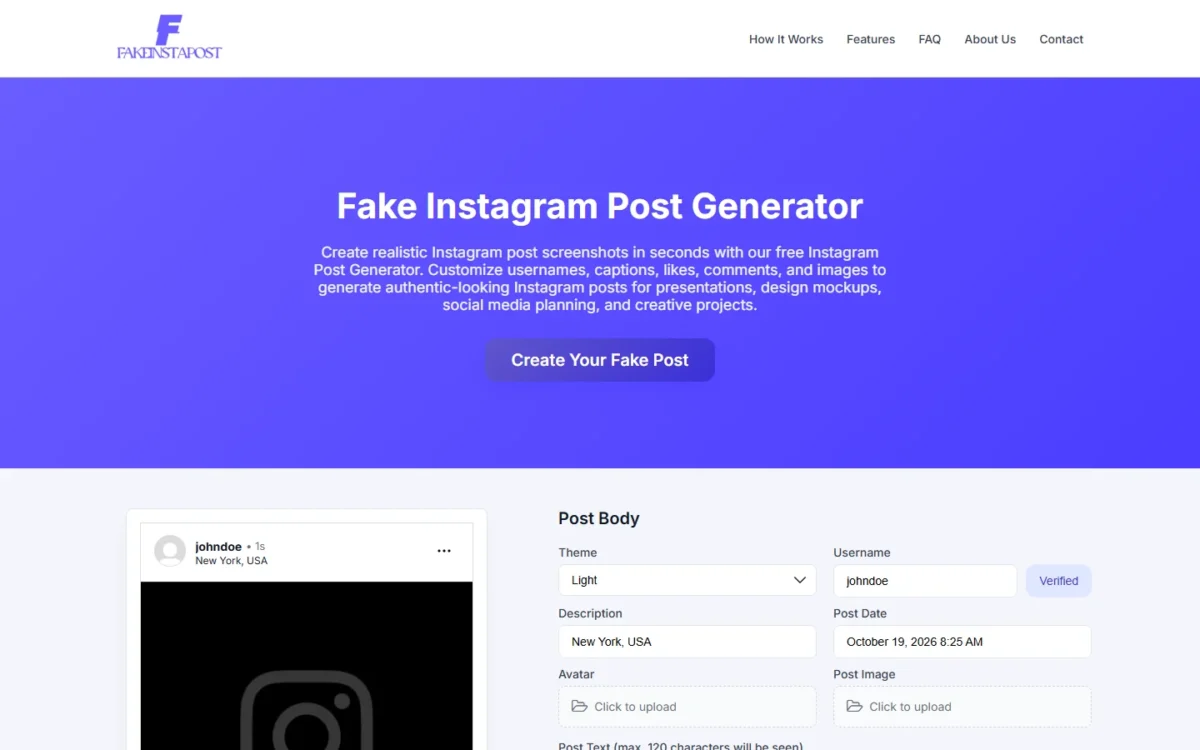
That one is a free Instagram post mockup generator: it needs no account, does not connect to Instagram and exports the finished post as an image your reviewers can open.
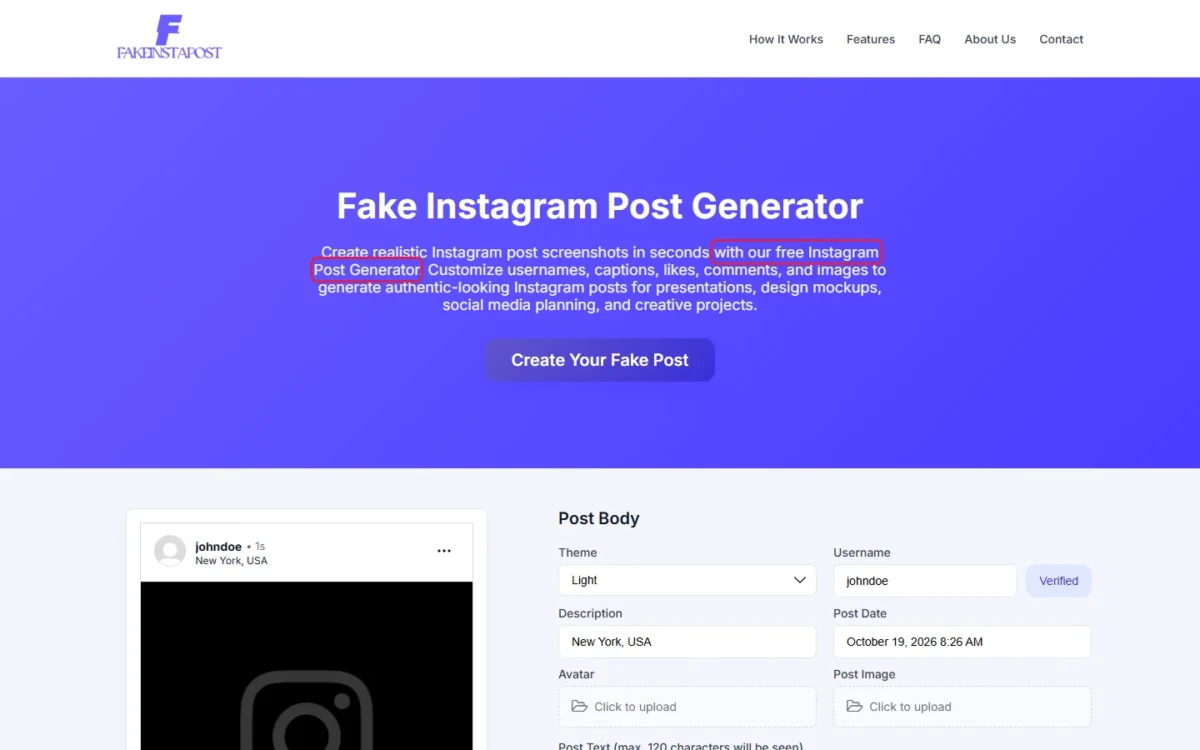
Polish can wait: the mockup only has to show whether the concept holds up as an Instagram post, not just as a sentence in a brief.
An Instagram mockup also changes the feedback a team gives. “The concept feels weak” is vague and usually leads to another meeting. “The offer disappears under the headline” is useful, and so are “the product is too small” and “the first caption line adds nothing.”
Look at the Post Before Reading It
The first check takes a few seconds: show the mockup to someone who has not worked on the campaign and ask what caught their eye first. If they name the background rather than the sale, the image is pulling attention from the offer. If nobody can say what the offer is, rewrite the headline and the first caption line.
The same glance exposes an overloaded Instagram post. One layout may carry product benefits, a price, a discount, a date, the brand message, a logo, a call to action and two more messages at once. Cutting one or two of them is usually easier than another round of polishing.
Use Mockups to Make Approval Less Messy
Many approval problems start before anyone gives feedback, because reviewers react to different parts of the same idea. One looks at the visuals, another at the words, a third at how clear the offer is. Once the idea sits in an Instagram post layout, those opinions converge, since everyone sees the same image.
“I don’t like the typeface” is a different kind of comment from “The CTA is missing.” The second is about the post’s content, which matters most when several people review one Instagram post.
With more than one approver, put the mockup in one shared thread so every comment points at the same file. If your team has no place for that yet, small business collaboration software is the category to look at.
Comparing two concepts also works better once both are Instagram mockups. In a slide deck, they can seem to have nothing in common because they are described differently and draw on different references. As Instagram posts, they may look almost alike.
A small headline change can also flip an Instagram post’s meaning. Two concepts that turn out to look alike and a headline that says the opposite of what was meant are both hard to see while the idea lives in notes and slides.
Cost is the practical argument: a rough mockup takes minutes to correct, while a final post has been retouched, checked and reviewed many times. Catching the problem in the mockup leaves more room to fix the idea properly.
What to Check Before You Approve a Mockup
Before anyone signs off, each reviewer should run the checks below on the Instagram mockup, in this order:
Mockup review checklist
- First glance: what someone outside the campaign notices in the first few seconds
- The offer: a reviewer can say what it is without being told
- The product: large enough to recognize at Instagram feed size
- The first caption line: it adds something, or it goes
- Competing messages: count them (benefits, price, discount, date, logo, call to action) and cut to the few that matter
- The call to action: present and easy to read
- The crop: nothing that matters is cut off
- Image and message: both say the same thing
Treat the mockup as an internal review file. If your mockup tool sets like and comment counts, keep them neutral so a big number does not sway reviewers. Never show a mockup to customers as a real Instagram post.
Where Instagram’s Own Pre-Publish Options Fit
Instagram’s and Meta’s own tools cover part of the job. Instagram drafts and Meta Business Suite scheduling suit the person posting. A Meta Creative Hub mockup preview is Meta’s own shared approval link, with two limits: it always shows the latest version, and it expires after 3 months.
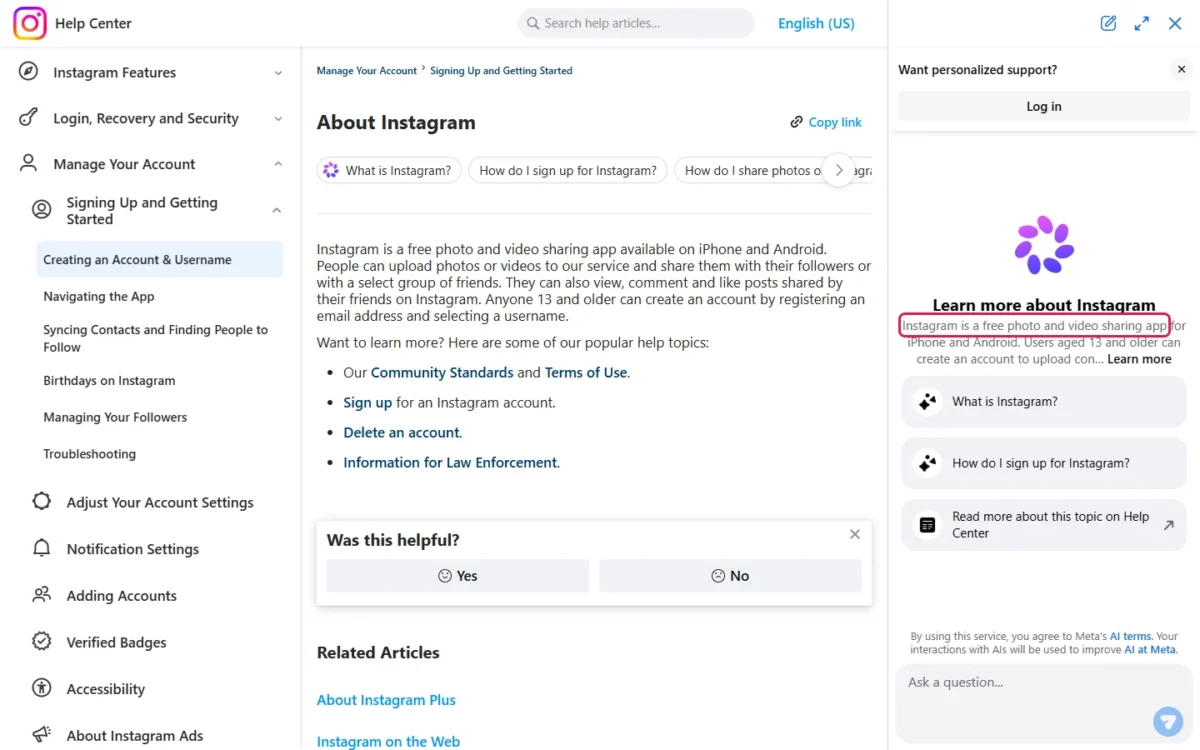
Instagram is a free photo and video sharing app available on iPhone and Android.
Saving a post as a draft isn’t available on computers; Instagram supports it in its Android, iPad and iPhone apps.
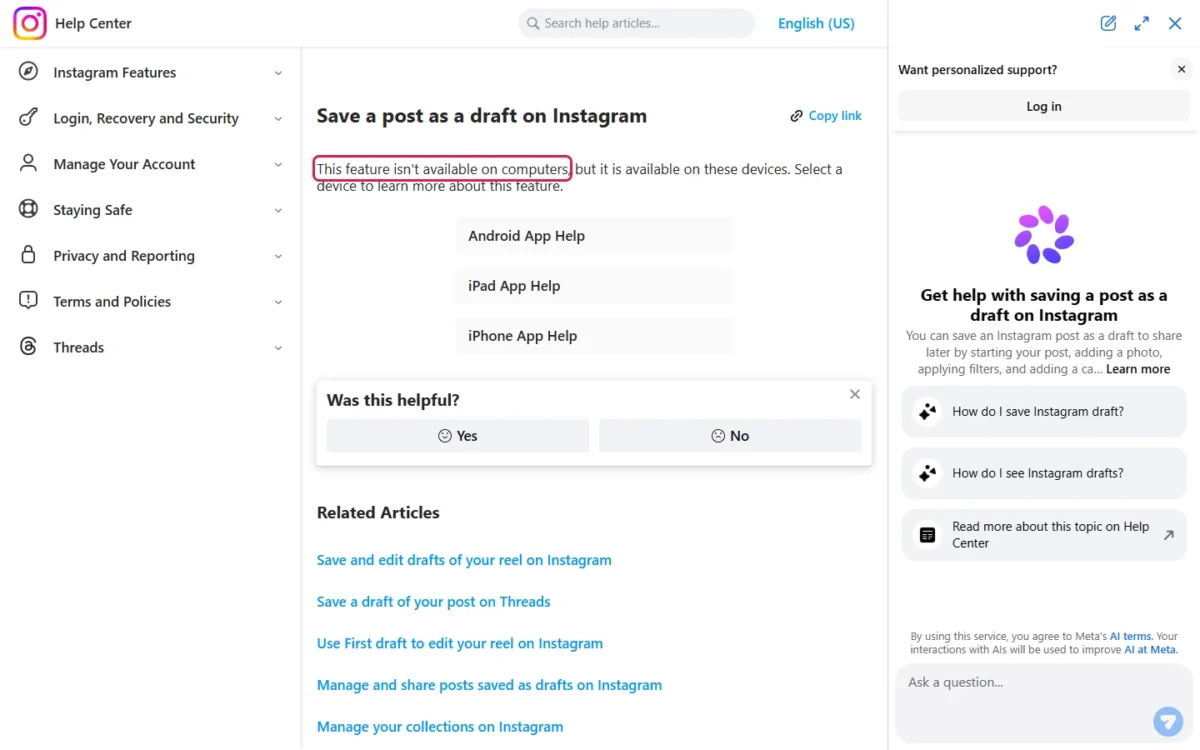
Instagram drafts are also saved on the device itself. You can’t open a saved draft from another device, even after logging in to the same account, and uninstalling the app loses your drafts. For a team, a draft saved on one phone is out of reach for everyone else who has to approve it.
A saved Instagram draft is later shared the same way as a new post, or discarded from Drafts, then Manage. That makes drafts a holding spot for the person posting, after approval, rather than a review tool.
Meta Business Suite’s mobile app holds a post until a set time instead. Its scheduling flow has a Schedule for later option with a time and date, and scheduled content appears in Planner. Its Save as draft option is listed for Facebook posts.
Meta Creative Hub comes closest to a shared approval preview. Meta says its mockup previews “can streamline the approval process.” A reviewer opens the preview link in the Facebook or Instagram app, or selects Mobile Feed in the preview window without a phone.
Because the preview link always shows the latest version of the mockup, edits made after you send it reach the reviewer too. To keep a client from seeing later edits, duplicate the mockup and send a new link when it is ready.
| Option | What it does | Who sees it before it goes live | Limit for team review |
|---|---|---|---|
| Instagram drafts | Keeps a post in Drafts until it is shared or discarded | Only the device that saved it | Not available on computers; lost if the app is uninstalled |
| Meta Business Suite scheduling (mobile app) | Publishes content at a set time and date | Content shows in Planner; the help page names no viewers | Sets timing only; Save as draft is listed for Facebook posts |
| Meta Creative Hub mockup preview | Shares a mockup through a preview link | Whoever receives the preview link | Shows the latest version; the link expires after 3 months |
| Exported mockup image | An Instagram-style post saved as a picture | Whoever receives the image | Shows the design only; it schedules and shares nothing |
Sources: Instagram Help Center on saving drafts, Instagram Help Center on managing drafts, Meta Business Suite scheduling help and Meta Creative Hub preview help, checked October 2026.
For a team review, both the exported mockup image and the Creative Hub preview link can be sent to every reviewer. None of the four says how the audience will react, which is the job of an A/B test.
A Mockup Review Is Not an A/B Test
No: an internal review of an Instagram mockup cannot tell you which post will perform better. The review can expose confusion, a sloppy hierarchy, weak wording or a mismatch between image and message. It cannot show how real people behave once the post is live.
A Meta A/B test compares two versions of an ad strategy by changing a variable such as ad images, ad text, audience or placement. Each version goes to a separate segment of the audience, nobody sees both, and Meta then determines which version performs best.
Meta also advises against informal testing, such as turning ad sets or campaigns on and off by hand, because it can overlap audiences and give unreliable results. I would treat swapping organic Instagram posts around and comparing likes with the same suspicion.
| Aspect | Mockup review | Meta A/B test |
|---|---|---|
| Question it answers | Does the idea read clearly as an Instagram post? | Which version performs best with the audience? |
| Who judges | The team, plus one reviewer outside the campaign | Separate audience segments; nobody sees both versions |
| What it needs | A rough mockup and the review checklist | A hypothesis, then a variable to change (images, text, audience or placement) |
| What it produces | Specific fixes to the offer, crop, copy and message count | Results on a cost per result or cost per conversion lift basis |
| Where and when | Before anything is scheduled or published | On ad strategies, in Meta Ads Manager or the Experiments tool |
Sources: Meta Business Help Center, About A/B testing, checked October 2026.
The mockup review decides which versions are fit for a Meta A/B test, which runs on ad strategies in Meta Ads Manager or the Experiments tool; the test decides which one wins.
Internal Preference Is Still Useful, but It Has Limits
If everyone in the room picks version A, that is useful only up to a point. It may mean version B is confusing, or that it needs too much explanation before the idea clicks.
What the vote cannot tell you is which post will get more clicks, saves, leads or sales once it is live. The reviewers already know the campaign inside out, and that changes what they notice compared with a customer scrolling an Instagram feed.
A Meta A/B test, run on ad strategies in Meta Ads Manager or the Experiments tool, answers a different question, using audience behavior and a defined metric such as cost per result. An instagram campaign preview belongs earlier in the process, because previewing checks how a campaign is presented before publication.
Performance testing comes later, once the concepts are ready enough to deserve traffic.
Keep the Rejected Versions
Rejected Instagram mockups are worth keeping because they show habits that repeat across campaigns. One campaign ends with half the copy cut. Another pushes the product too far into the background, and a third starts with several messages fighting for the same space.
Looking back at old versions makes those habits easier to spot before the next brief.
Some rejected ideas also look better in hindsight than they did in the meeting. A concept may have been dropped because one reviewer thought customers would not respond. If no A/B test stood behind that call, it is still only an internal opinion.
Keeping a few rejected versions shows which ideas were actually weak and which never got a real chance. A later campaign, or a proper A/B test, may be the place to find out.
Store them as they were: a Creative Hub preview link always shows the latest version of a mockup, so duplicate the mockup before reworking it. Exported mockup images in one shared folder do the same job.
Use Previewing to Remove Bad Tests
The main value of previewing is not picking the winner but stopping weak ideas before they reach an Instagram feed or an A/B test. A team can fix an offer that does not appeal, cut extra text, catch a bad crop and settle conflicting feedback before anything goes live.
That makes later A/B tests cleaner, because they compare credible options rather than one strong concept against one that should never have left review. The better question before publishing is not “Which post will win?” It is “Have both versions earned the right to be tested?”
Once an Instagram post is live, its clicks, leads and sales are the real verdict. Tracking them by campaign is where social media CRM tools come in.